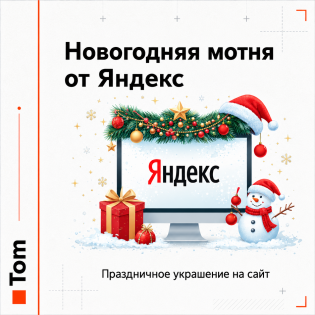
New Year's holidays are an excellent time to boost sales in an online store. Customers are in the mood for shopping, searching for gifts and festive items. Creating the right atmosphere on your site can increase engagement and conversions. In this article, we’ll look at how to decorate an OpenCart online store for the New Year.
Add a festive banner to the homepage
Create a bright and attractive banner.
-
Use New Year-themed elements: trees, snowflakes, gifts.
-
Highlight special offers, promotions, or discounts.

Place the banner in the OpenCart “Slideshow” module:
-
Go to the admin panel:
Design > Banners.
-
Create or edit a banner by adding New Year images.
-
Link the banner to the slider via the
Slideshow module.
-
More about working with banners can be found in the article "Banners".
Example of a banner:
-
"Discounts up to 50%! Get your New Year gifts now!"
Decorate the store logo
Add New Year elements to the logo:
-
Santa Claus or Father Frost’s hat
-
Candies or snowflakes.
-
New Year decorations or a tree
-
Replace the standard logo with a festive one: upload the file via
System > Settings > Images.
Add animations and effects
Animations create a festive feeling and increase engagement.
Run a themed promotion
Holiday promotions are a crucial part of New Year marketing:
-
"Spend 5000 rubles or more and get a gift!"
-
"20% discount on New Year products."
-
"Free delivery during the holidays."
How to set up a promotion in OpenCart:


 09.10.2026