02.10.2026
Частенько за плюшками для опенкарта заглядяывал сюда)

Author: devimirochnik
On July 1, 2017, changes to Law 152-FZ “On Personal Data” came into force. The number of violations for which you can now receive a total administrative fine of almost 300,000 rubles has increased.
At the same time, an important part of the component is that now Roskomnadzor does not need to contact the Prosecutor's Office, it can act independently. In other words, if earlier it was a complete red tape, now the matter has become noticeably simplified, and potential deductions are significantlyincreased.
Thus, due to the lack of user consent with the rules (and, of course, the absence of these rules), the online store can easily receive a fine.
We also strongly advise you to read other documents, as the texts offered here may contain inaccuracies.
Some tips for setting up modules in Opencart.
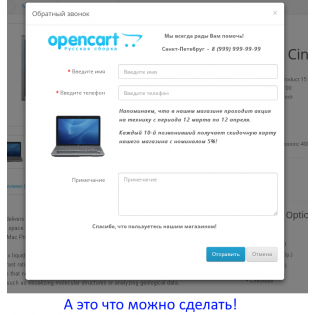
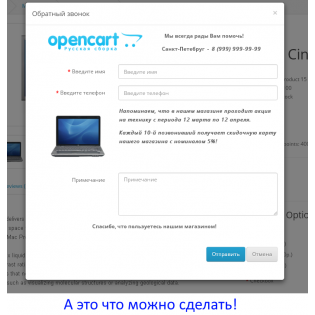
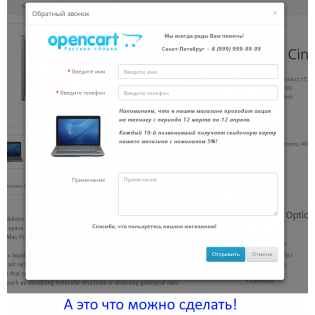
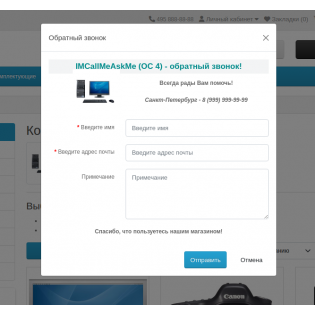
Module “IMCallMeAskMe” - order a call back (or ask a question)
As a result, you need to get the following form:
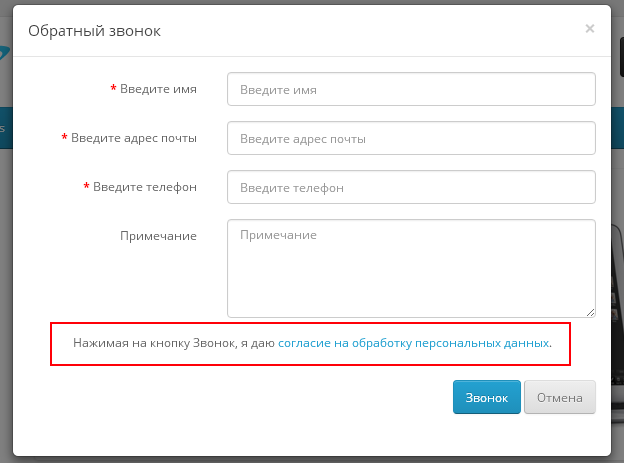
First of all, create a document on your website in accordance with the requirements of the law (There is a link to an example of a finished document in the instructions above), and place it in a visible place, for example, in the footer.
Note: Simple information will be enough.
Open the module settings IMCallMeAskMe and insert the text after the last field in each window (for each language)
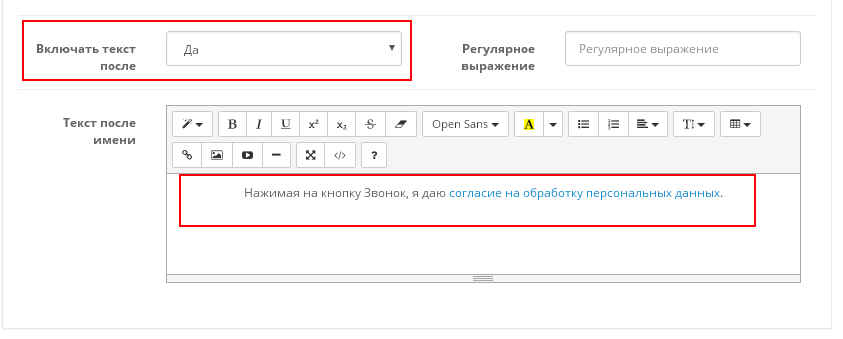
It is important to note that the template looks like this:
“By clicking on the NAME_BUTTON button, I consent to the processing of personal data”
where
“BUTTON_NAME” is the name of the submit button, in my case “Call”
“consent to the processing of personal data” is a link to the relevant document
Module Simple - registrationand order
In the module, go to Page - Registrations, enable "Display checkbox" and select the desired article.
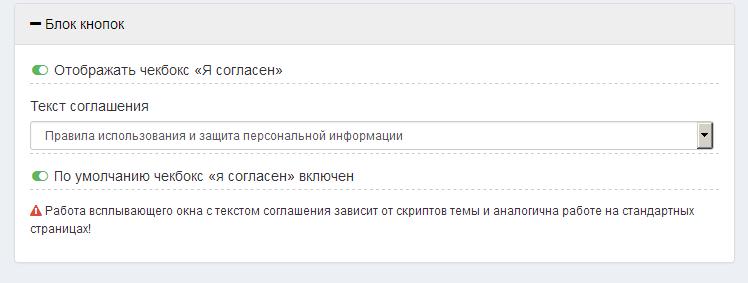
One example of agreement texts:
1) By providing his personal data when registering on the site, the Buyer gives the Seller his consent to the processing and use of his personal data in accordance with Federal Law No. 152-FZ “On Personal Data” dated July 27, 2006 in various ways for the purposes ofspecified in these Rules.
2) The Seller uses the Buyer’s personal data for the following purposes:
- registration of the User on the Site;
- receipt by the Buyer of personalized advertising;
- placing an Order by the Buyer in the online store “liveopencart.ru”;
- to fulfill our obligations to the Buyer.
3) The Seller undertakes not to disclose information received from the Buyer. At the same time, it is not considered a violation of obligations to disclose information in the case where the obligation for such disclosure is established by the requirements of the current legislation of the Russian Federation.
 liveopencart / 01 August 2017 11:28:02 #