Your shopping cart is empty!

Admin - collapsible side menu
Price: free
Author: Tom
Write to the author
Need paid help? Contact the site administration
Opencart version:
Need paid help? Contact the site administration
Opencart version:
LiveStore 3.*OCStore 3.*OpenCart 3.*
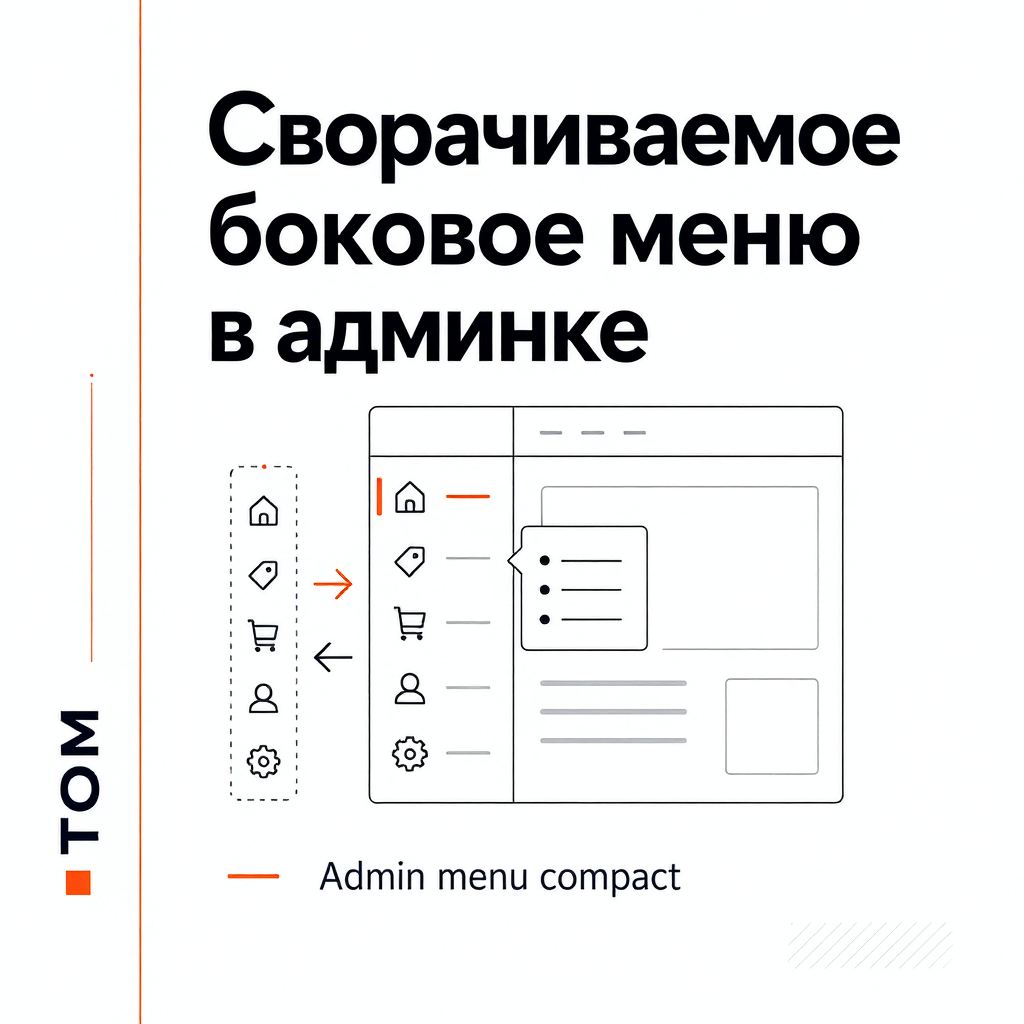
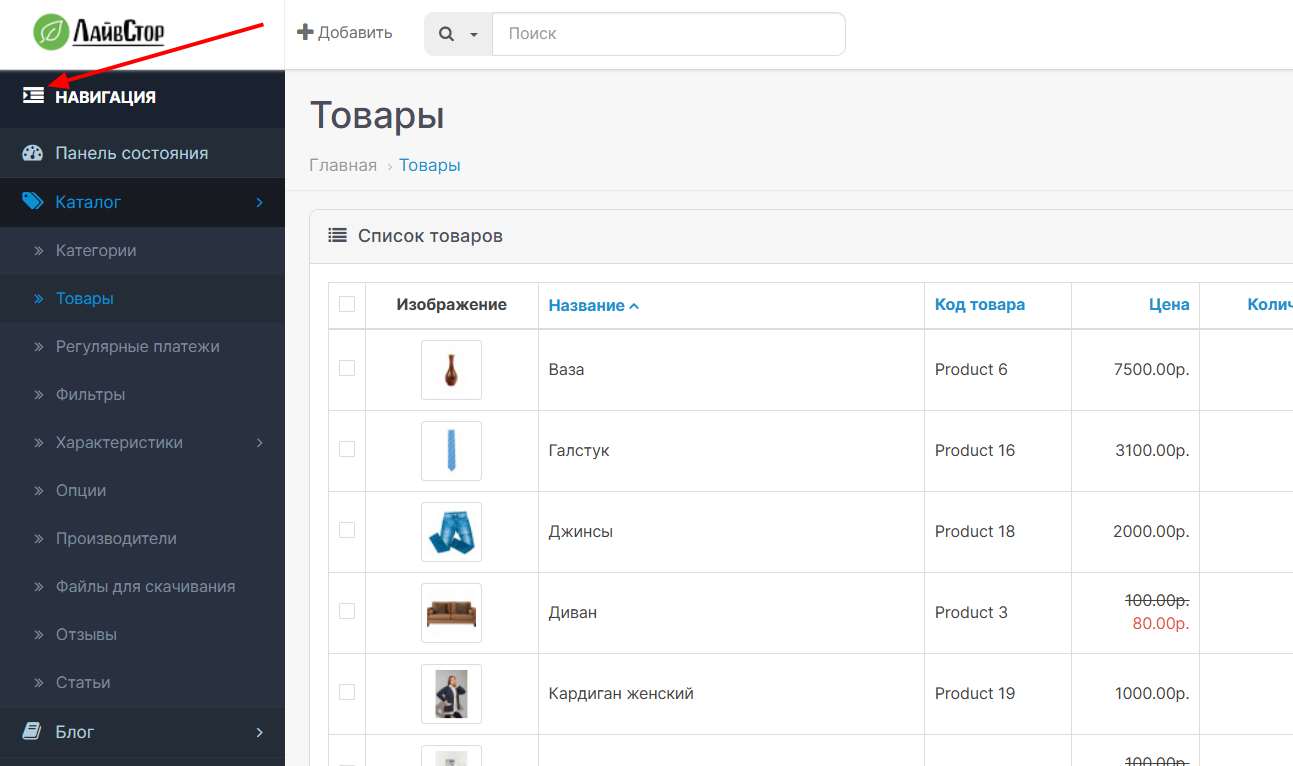
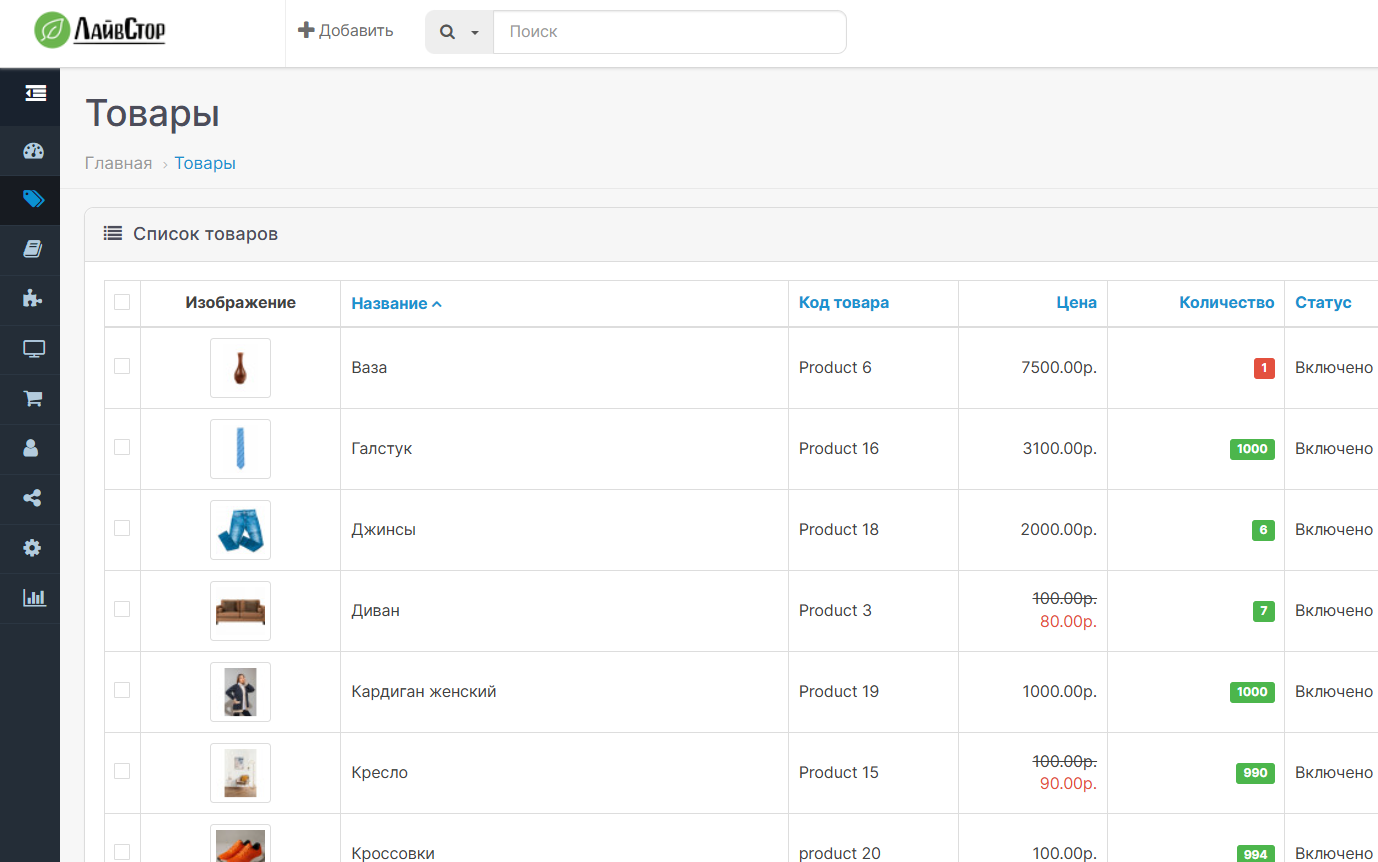
The modifier adds in the administrative part of OpenCart the ability to collapse the left column of the menu into compact mode.
How it works:
- clicking on the "Navigation" block in the left column switches the menu between full and compact mode
- only top-level icons remain collapsed
- submenus in a collapsed state open on hover
- the selected state is saved in the browser's localStorage
- the logic is applied only on the desktop, the mobile behavior of the admin panel does not change
Installation:
1. Go to the OpenCart admin: Extensions -> Install extensions.
2. Download the archive left_column_compact.ocmod.zip.
3. Go to Add-ons -> Add-ons Manager.
4. Click the update modifier cache button.5. If necessary, refresh the admin page to clear the browser cache.
Notes:
- the modifier is designed for the standard structure admin/view/template/common/column_left.twig
- if there are already third-party changes to the same area in the admin panel, the behavior may depend on the order and compatibility of the modifiers
For coffee !
How it works:
- clicking on the "Navigation" block in the left column switches the menu between full and compact mode
- only top-level icons remain collapsed
- submenus in a collapsed state open on hover
- the selected state is saved in the browser's localStorage
- the logic is applied only on the desktop, the mobile behavior of the admin panel does not change
Installation:
1. Go to the OpenCart admin: Extensions -> Install extensions.
2. Download the archive left_column_compact.ocmod.zip.
3. Go to Add-ons -> Add-ons Manager.
4. Click the update modifier cache button.5. If necessary, refresh the admin page to clear the browser cache.
Notes:
- the modifier is designed for the standard structure admin/view/template/common/column_left.twig
- if there are already third-party changes to the same area in the admin panel, the behavior may depend on the order and compatibility of the modifiers
For coffee !
Distribution method:
Free
Opencart version:
LiveStore 3.*OCStore 3.*OpenCart 3.*
PHP verision:
PHP 7.3PHP 7.4
Activation:
Not required
Getting files:
On site, in the personal account
Protection system:
No
VQmod:
No
Ocmod:
Yes
Events:
No
Uploaded:
05.07.2026
Updated:
06.07.2026
Viewed:
765
Write a review
Your Name:Your Review: Note: HTML is not translated!
Rating: Bad Good
Enter the code in the box below:
To download this free product, you do not need to order it, just log in.


