Your shopping cart is empty!

CKEditor for Mango blog
Price:
₽
Additional from the author:
Author: Google
Write to the author
Need paid help? Contact the site administration
Opencart version:
Need paid help? Contact the site administration
Opencart version:
OpenCart 4.0LiveStore 3.*OCStore 3.*OpenCart 3.*
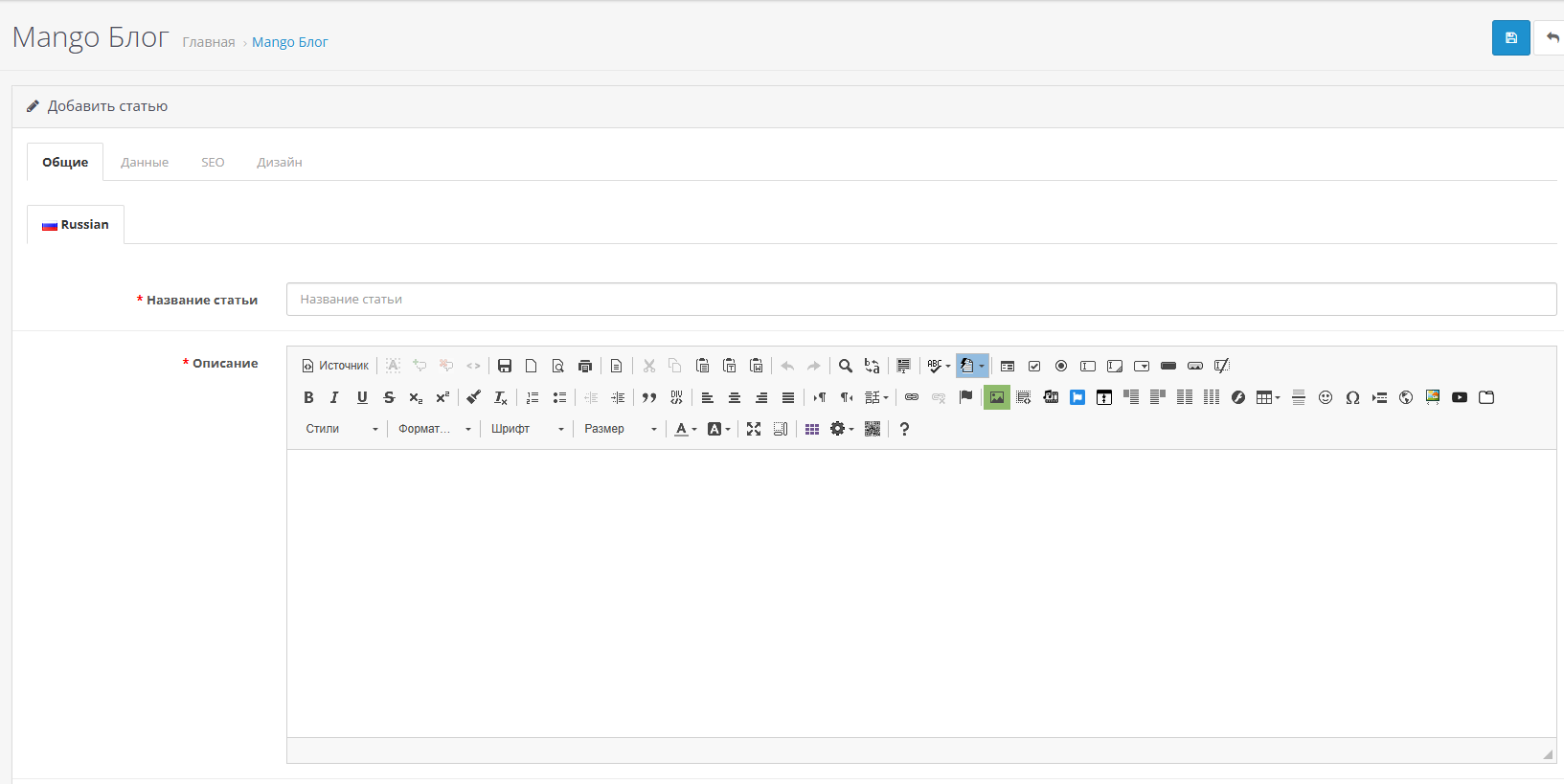
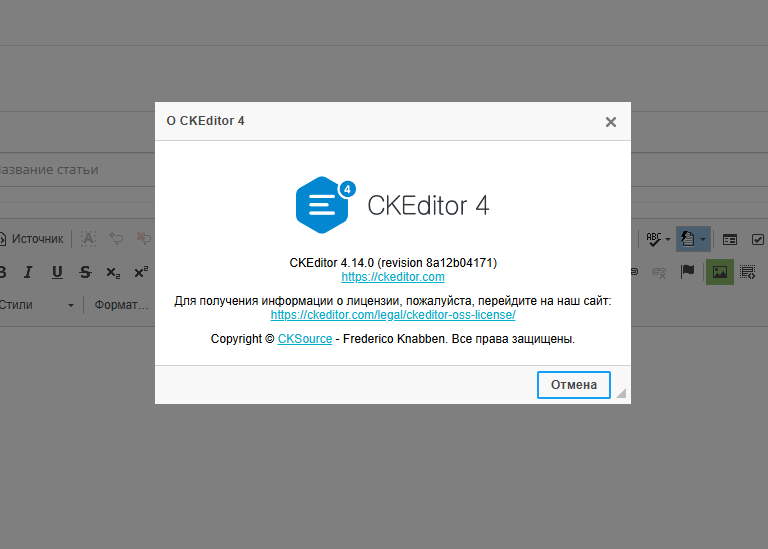
The Ckeditor plus 4 module installs in OpenCart 3 an expanded full version of the Ckeditor4 editor with additional plugins and full support for the template Mango.
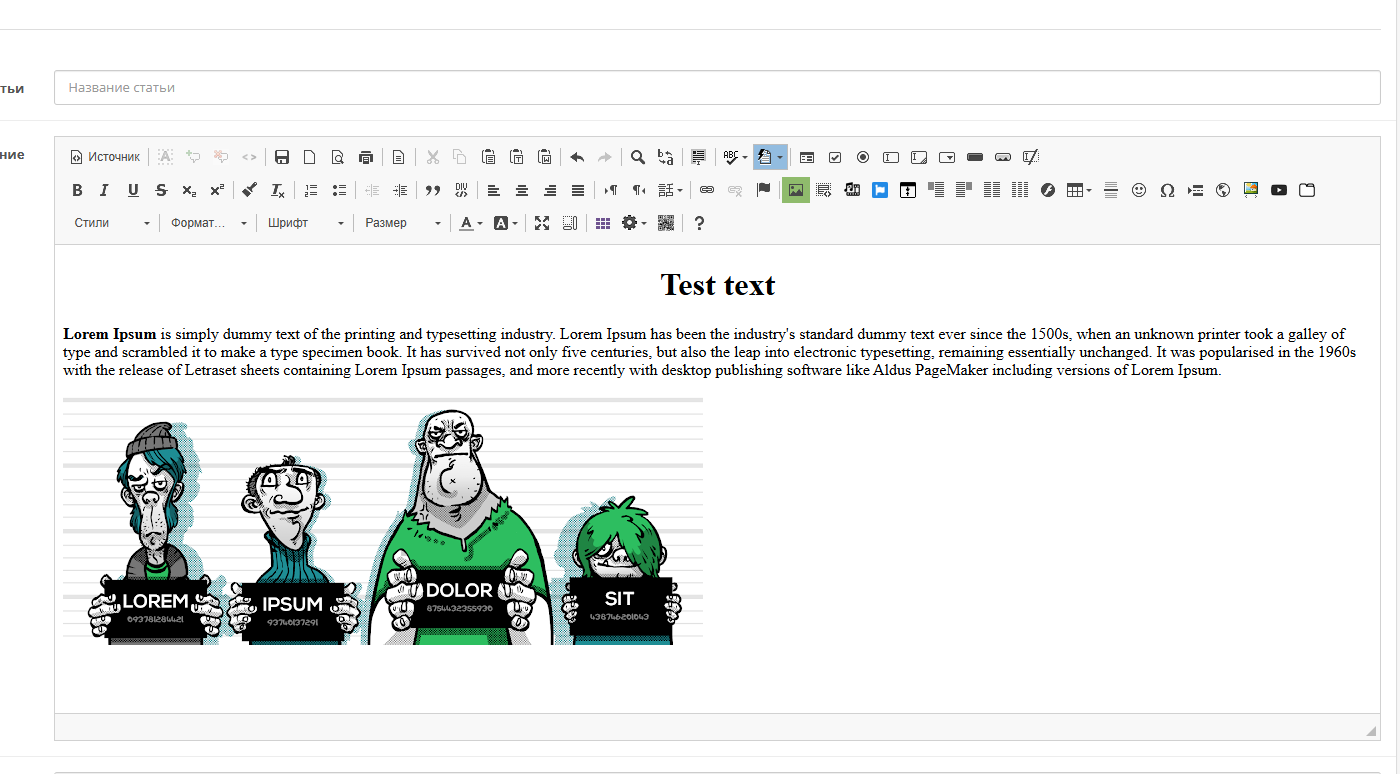
Now, instead of the standard limited summernote editor, you can use the full version of CKEditor to create and edit product and category descriptions, write article texts, etc.
Ckeditor supports the standard file manager Filemanager built into OpenCart 3, with which you can insert images into texts in a few clicks.
Features and capabilities of the CKEditor editor for the Mango blog
Installing the Ckeditor plus 4 module for the Mango blog
[lisn][ol]
[li]Download the module via the add-on installer. (Important! You must have previously installed the module Localcopy OCMOD)[/li]
[li]Add administrator rights to manage the module.[/li]
[li]Enable the module on the module management page.[/li]
[li]Go to the module settings, set the statusEnabled, select your preferred language and theme and click Save.[/li]
[li]Update the theme and modification cache. Clear your browser cache.[/li]
[/lisn]
Attention, the module is provided free of charge, if you have any questions about the module, then consultation __BBCODE_ 84__[color=#000000]and help with setting only on paidbased on.
Now, instead of the standard limited summernote editor, you can use the full version of CKEditor to create and edit product and category descriptions, write article texts, etc.
Ckeditor supports the standard file manager Filemanager built into OpenCart 3, with which you can insert images into texts in a few clicks.
Features and capabilities of the CKEditor editor for the Mango blog
- The editor has an easy-to-use interface and is compatible with all major browsers (Firefox, IE,Opera, Chrome and Safari).
- Ability to change themes and language. In the module settings you can select your preferred theme and preferred language.
- Copy and paste text.
- Insert text from Word while maintaining formatting.
- Preview button.
- Search and replace text.
- Auto-Save – Automatically saves content temporarily (for example, when a login session expires). And after saving the content, it can be restored after restarting the editor.
- Auto-correct function. For example: Auto-replace character sequence (for example, (c) > ©)
- Auto ordinal formatnumbers (for example, 1st > 1st (superscript))
- Converting a hyphen to a dash ( -> –) and so on...
- Inserting forms, buttons, quotes.
- Cancel formatting.
- Inserting tables and lists.
- Code editor (Source) with syntax highlighting.
- Insert video from YouTube and any other sites.
- Inserting Font Awesome icons.
- Bootstrap 3 layout tools, grid, etc.
- Partition of text into tabs (tabs).
- Spoiler - drop-down text by clicking on the title of the spoiler.
- Inserting images using the manager built into OpenCart 3images Filemanager.
- Image slider with support for the Filemanager image manager built into OpenCart 3.
- Spell checking using browser tools.
- and much more.
Installing the Ckeditor plus 4 module for the Mango blog
[lisn][ol]
[li]Download the module via the add-on installer. (Important! You must have previously installed the module Localcopy OCMOD)[/li]
[li]Add administrator rights to manage the module.[/li]
[li]Enable the module on the module management page.[/li]
[li]Go to the module settings, set the statusEnabled, select your preferred language and theme and click Save.[/li]
[li]Update the theme and modification cache. Clear your browser cache.[/li]
[/lisn]
Attention, the module is provided free of charge, if you have any questions about the module, then consultation __BBCODE_ 84__[color=#000000]and help with setting only on paidbased on.
Distribution method:
Free
Opencart version:
OpenCart 4.0LiveStore 3.*OCStore 3.*OpenCart 3.*
PHP verision:
PHP 7.1PHP 7.2PHP 7.3PHP 7.4PHP 8.0PHP 8.1PHP 8.2
Activation:
Not required
Getting files:
On site, in the personal account
Protection system:
No
VQmod:
No
Ocmod:
Yes
Events:
No
Uploaded:
28.01.2026
Updated:
24.02.2026
Viewed:
1690
Write a review
Your Name:Your Review: Note: HTML is not translated!
Rating: Bad Good
Enter the code in the box below:
To download this free product, you do not need to order it, just log in.


