Your shopping cart is empty!

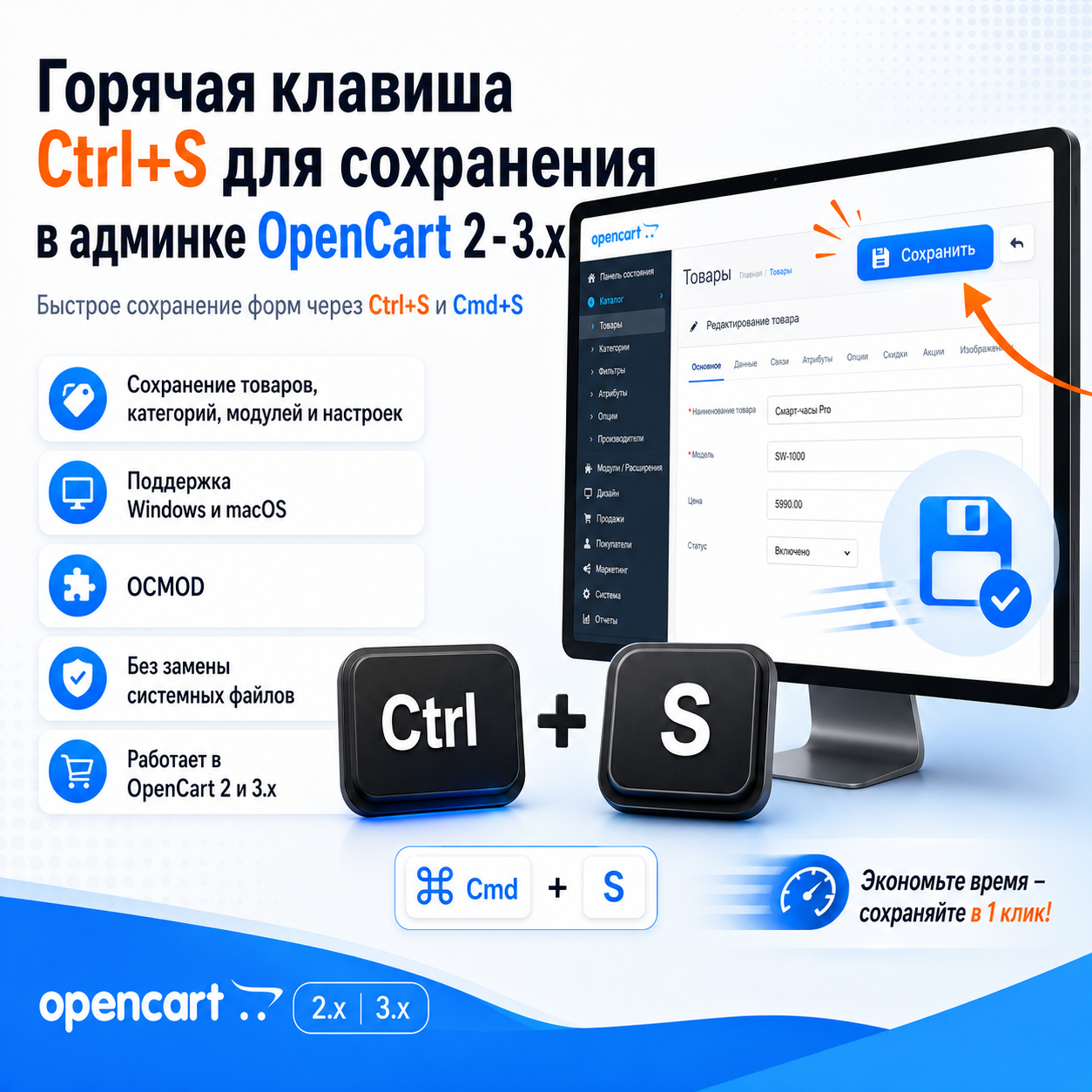
Hotkey Ctrl+S for saving in the admin panel of OpenCart 2-3.x.
Price: 150 ₽ 300 ₽
Author: Владимир
Write to the author
Need paid help? Contact the site administration
Opencart version:
Need paid help? Contact the site administration
Opencart version:
LiveStore 3.*OCStore 3.*OpenCart 3.*OCStore 2.3OpenCart 2.3OpenCart 2.2
Hotkey Ctrl+S for saving in the admin panel of OpenCart 2 - 3.x.
The module adds a convenient hotkey to the OpenCart administrative panel for quickly saving forms. After installation, the administrator will be able to save products, categories, modules, settings and other admin pages using the usual combination Ctrl+S.
The combination Cmd+S. is supported on macOS
This is a small but useful improvement for daily work with the store. Instead of reaching for the save button at the top of the page every time, you can simply press a hotkey and quickly save your changes.
The module is especially convenient when frequently editing products, descriptions, SEO data,categories, modules, store settings and other forms in the OpenCart administrative panel.
The main task of the module is to speed up the administrator’s work and make store management more comfortable. It does not change the logic of OpenCart, does not replace system files and does not interfere with the database. The module simply adds a convenient save action via the keyboard.
When you press Ctrl+S, the module finds the standard save button on the page and saves the form. This allows you to use a familiar keyboard shortcut, like in code editors, text editors, CMS and other work tools.
Advantages of the module:
— quick saving of forms via Ctrl+S;
— Cmd+S support for macOS;
— convenience when editing products,categories and modules;
— acceleration of the administrator’s daily work;
— works immediately after installing and updating modifiers;
— suitable for standard OpenCart admin panel pages with a save button.
The module will be useful for store owners, administrators, content managers, SEO specialists and developers who regularly work in the OpenCart admin area and often save changes.
Installation:
1. Go to the OpenCart administrative panel to the Extensions → Install extension section.
2. Upload the modifier file.
3. Go to Extensions → Modifiers.
4. Click Update Modifiers.
5. If necessary, clear the template cache.
6. Open the product, category, module or settings page and checksaving via Ctrl+S.
If the changes are not displayed, refresh your browser cache using Ctrl + F5, and also clear the cache of OpenCart modifiers and templates.
Technical features:
— adds a JavaScript handler to the admin panel;
— works with Open Cart 2.x and Open Cart 3.x;
— uses a standard save button on the page;
— does not require a separate settings page;
— does not create additional tables in the database;
- does not replace system files;
— installed as an OCMOD modifier;
Additional improvements or expansion of functionality are carried out - PAID.
The module adds a convenient hotkey to the OpenCart administrative panel for quickly saving forms. After installation, the administrator will be able to save products, categories, modules, settings and other admin pages using the usual combination Ctrl+S.
The combination Cmd+S. is supported on macOS
This is a small but useful improvement for daily work with the store. Instead of reaching for the save button at the top of the page every time, you can simply press a hotkey and quickly save your changes.
The module is especially convenient when frequently editing products, descriptions, SEO data,categories, modules, store settings and other forms in the OpenCart administrative panel.
The main task of the module is to speed up the administrator’s work and make store management more comfortable. It does not change the logic of OpenCart, does not replace system files and does not interfere with the database. The module simply adds a convenient save action via the keyboard.
When you press Ctrl+S, the module finds the standard save button on the page and saves the form. This allows you to use a familiar keyboard shortcut, like in code editors, text editors, CMS and other work tools.
Advantages of the module:
— quick saving of forms via Ctrl+S;
— Cmd+S support for macOS;
— convenience when editing products,categories and modules;
— acceleration of the administrator’s daily work;
— works immediately after installing and updating modifiers;
— suitable for standard OpenCart admin panel pages with a save button.
The module will be useful for store owners, administrators, content managers, SEO specialists and developers who regularly work in the OpenCart admin area and often save changes.
Installation:
1. Go to the OpenCart administrative panel to the Extensions → Install extension section.
2. Upload the modifier file.
3. Go to Extensions → Modifiers.
4. Click Update Modifiers.
5. If necessary, clear the template cache.
6. Open the product, category, module or settings page and checksaving via Ctrl+S.
If the changes are not displayed, refresh your browser cache using Ctrl + F5, and also clear the cache of OpenCart modifiers and templates.
Technical features:
— adds a JavaScript handler to the admin panel;
— works with Open Cart 2.x and Open Cart 3.x;
— uses a standard save button on the page;
— does not require a separate settings page;
— does not create additional tables in the database;
- does not replace system files;
— installed as an OCMOD modifier;
Additional improvements or expansion of functionality are carried out - PAID.
Distribution method:
Free
Opencart version:
LiveStore 3.*OCStore 3.*OpenCart 3.*OCStore 2.3OpenCart 2.3OpenCart 2.2
PHP verision:
PHP 5.6PHP 7.1PHP 7.2PHP 7.3PHP 7.4
Activation:
Automatic
Getting files:
On site, in the personal account
Protection system:
No
VQmod:
No
Ocmod:
Yes
Events:
No
Uploaded:
07.05.2026
Updated:
29.07.2026
Viewed:
1869
Write a review
Your Name:Your Review: Note: HTML is not translated!
Rating: Bad Good
Enter the code in the box below:




Файлы будут доступны после покупки


