Your shopping cart is empty!

Telegram notifications for opencart 4.x administrator
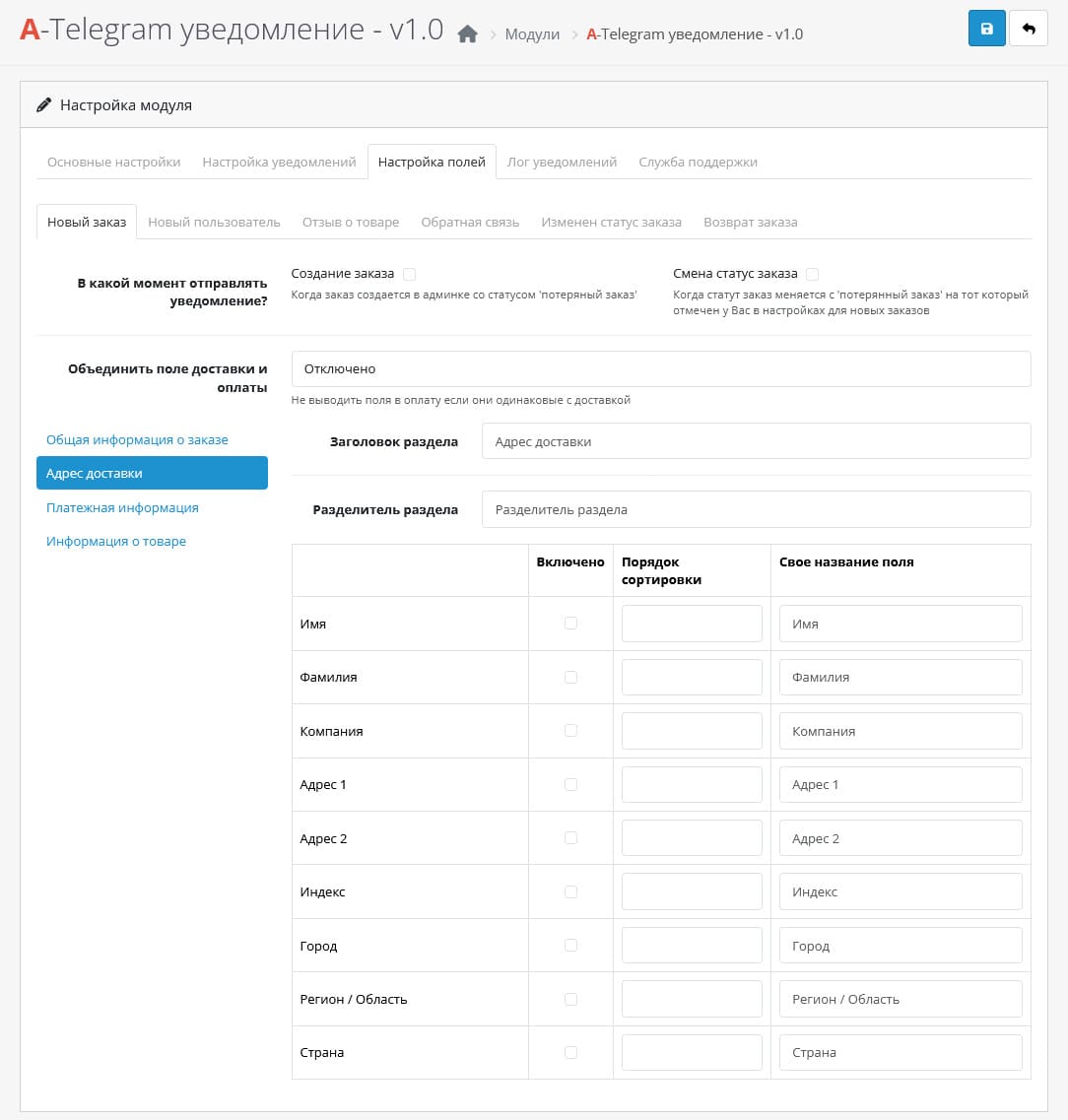
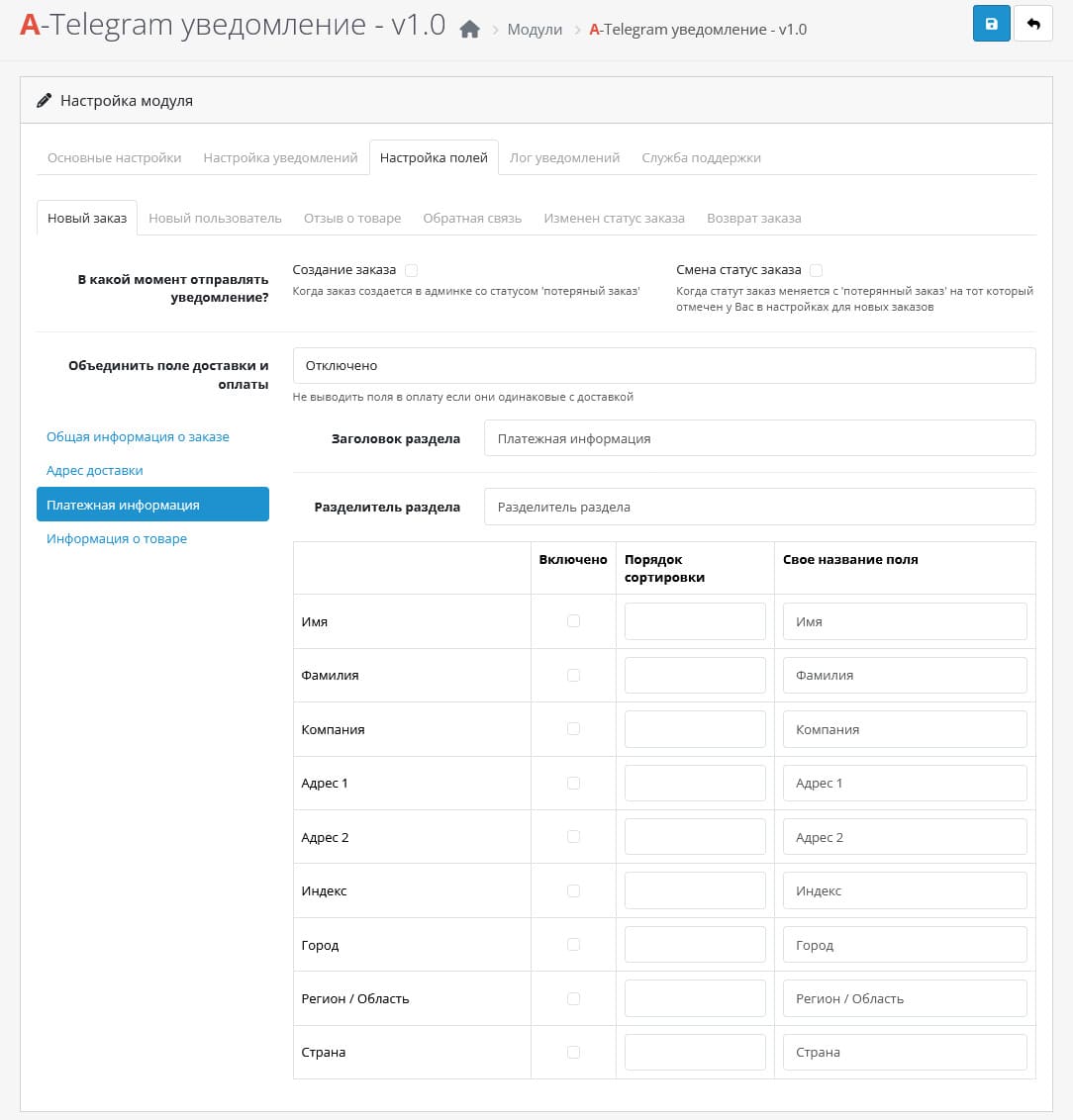
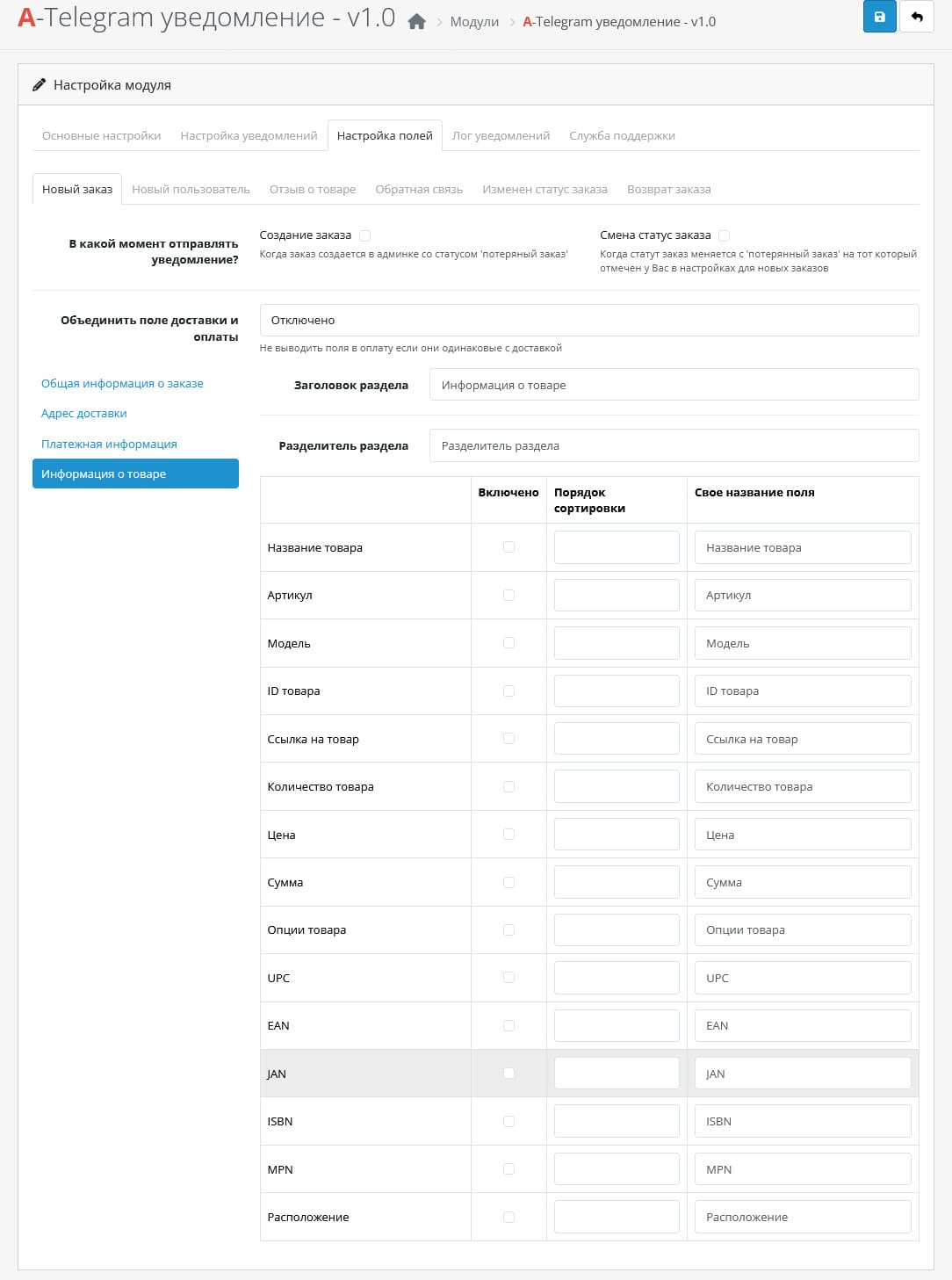
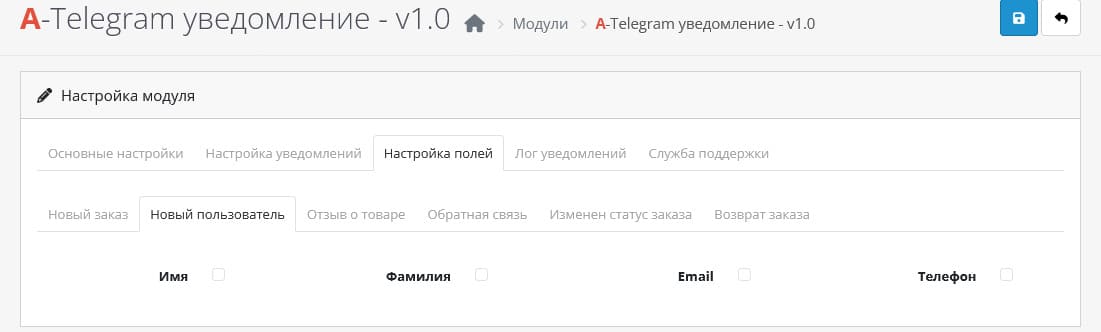
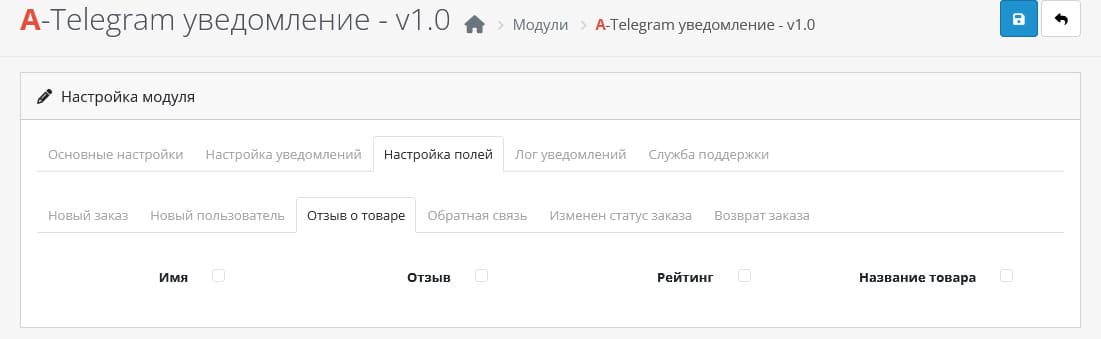
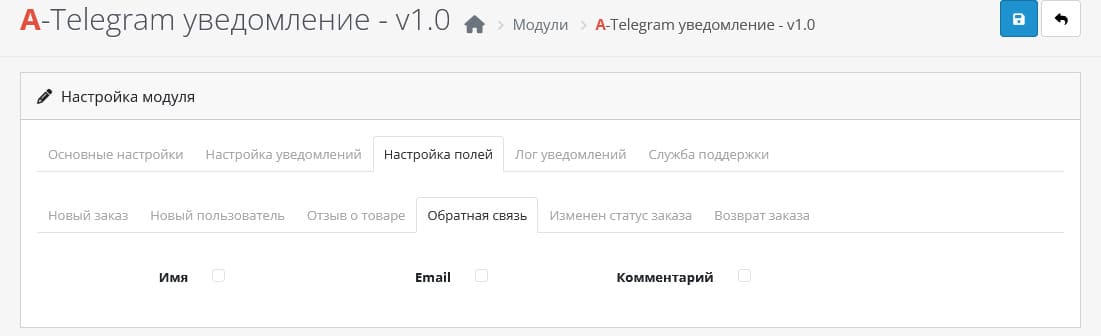
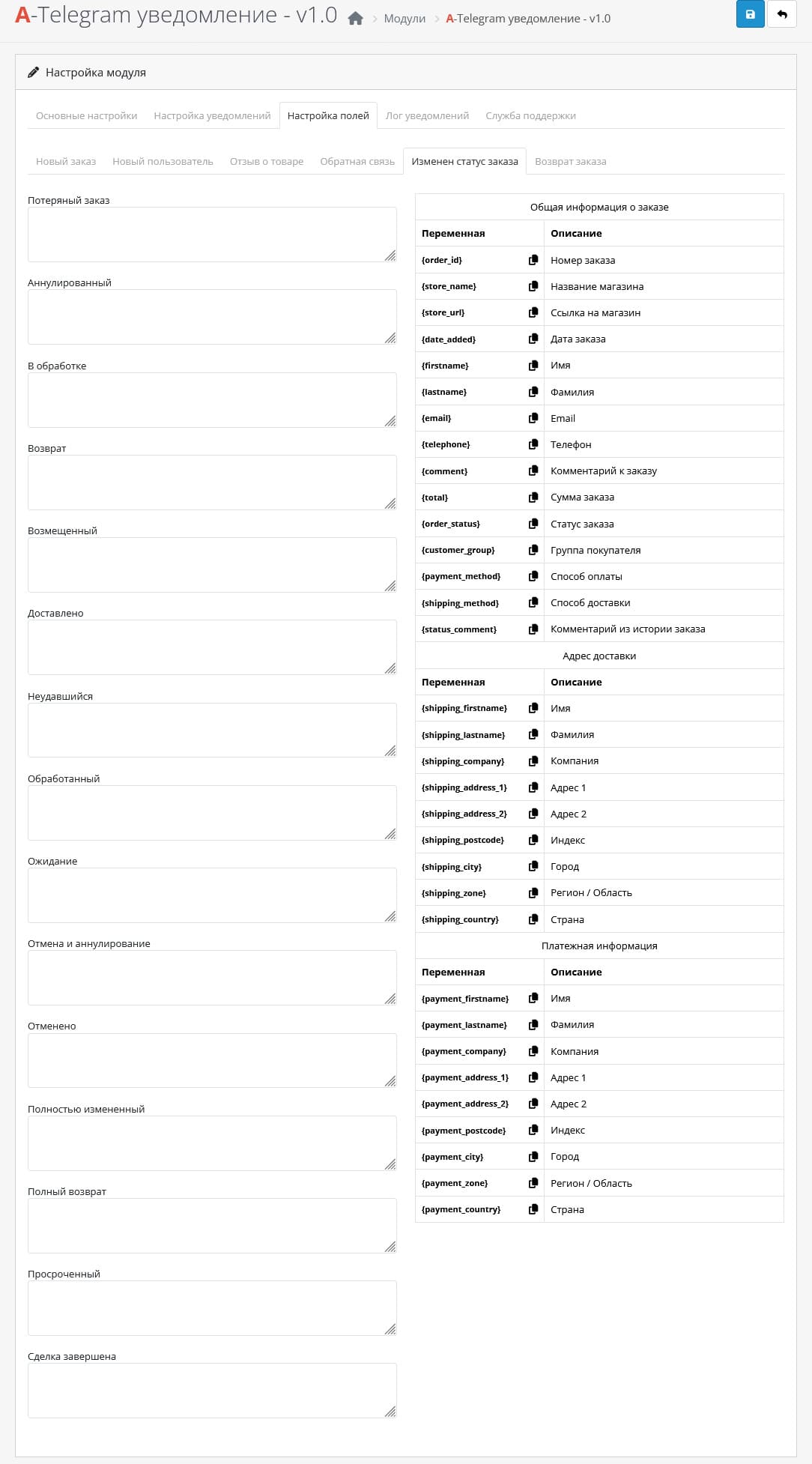
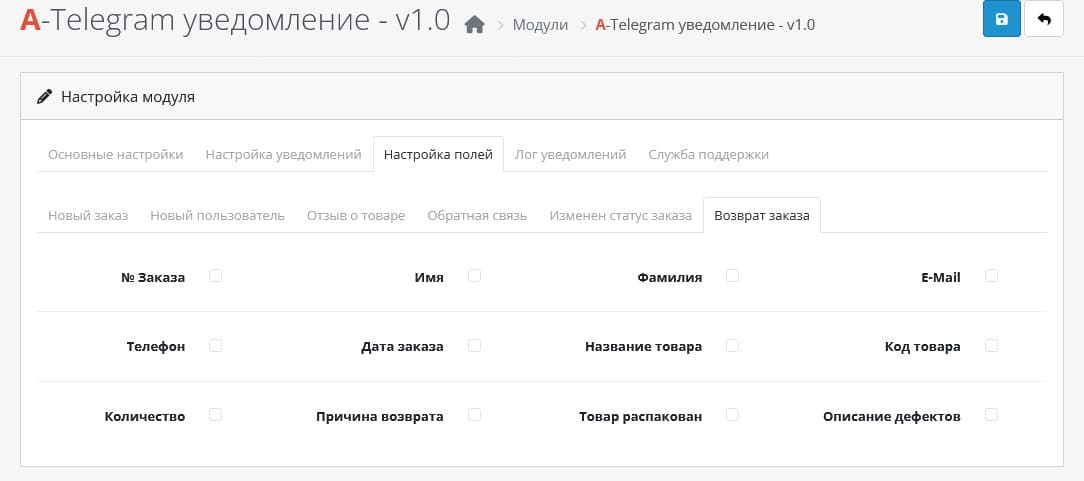
Price: 1 490 ₽ 2 000 ₽

Additional from the author:
Author: Serbulenko
Write to the author
Sales: 2 (Average rating 0 на основании 0 отзывов)
Need paid help? Contact the site administration
Opencart version:
Sales: 2 (Average rating 0 на основании 0 отзывов)
Need paid help? Contact the site administration
Opencart version:
OpenCart 4.0OpenCart 4.1
Telegram notification module for OpenCart administrators and managers
This module allows you to receive instant notifications in Telegram about key events in your OpenCart online store.
You will quickly learn about:
Telegram notifications are a fast and convenient way to receive up-to-date information withoutdelays
Version for opencart 1.5.x-3.0.x
Setting instructions:
Step 1:
Technical support is provided to all users who legally purchased the module on official websites or from the author himself.
License:
Each copy of the module affects 1 domain and its subdomain.
Therefore, if you want to install the module on another domain, you must purchase another copy of the module.
For all questions and suggestions write to serfbots@gmail.com
This module allows you to receive instant notifications in Telegram about key events in your OpenCart online store.
You will quickly learn about:
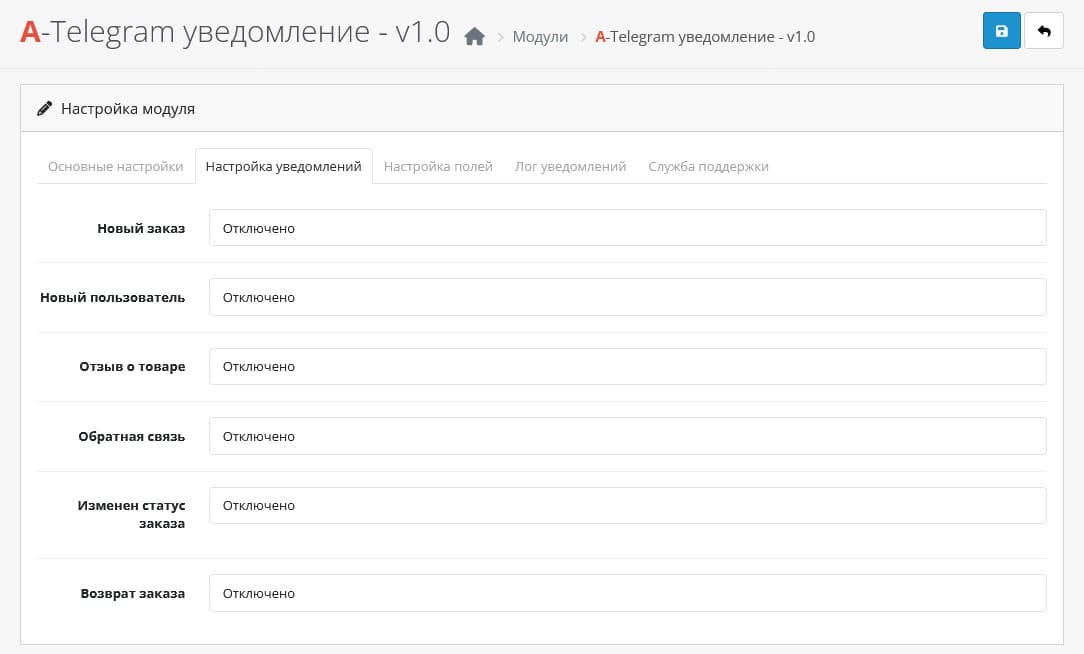
- New orders
- Changes in order status
- Return requests
- Leave product reviews
- New registrations buyers
- Question from the feedback form
Telegram notifications are a fast and convenient way to receive up-to-date information withoutdelays
Version for opencart 1.5.x-3.0.x
Setting instructions:
Step 1:
- Go to Telegram, search for the bot BotFather and start communicating with it.
- Write the command /newbot to the bot - this is the command for creating a new one bot.
- BotFather in response asked you to write the name of the bot. Write back this name (For example: Bot for order notifications) - this name can be changed later.
- After entering the name, BotFather will ask you to enter a username (public name of the bot) it must end in bot (For example: cmsshopbot orcmsshop_bot);
- If this name is not taken, then in response you will receive a message with the token of your new bot;
- Follow the link to your bot from the message or find it in the search by username (which you specified) and click /start. This is necessary so that the bot can write to you. Without this, you will not be able to receive notifications.
- Email serfbots@gmail.com after purchasing the opencart version.
- Install this archive of the module received by mail through the standard add-on manager;
- Click on the install button at "Notifications in Telegram v1.0"
- Then go to extensions->modules and find the "A-Telegram notification" activate it;
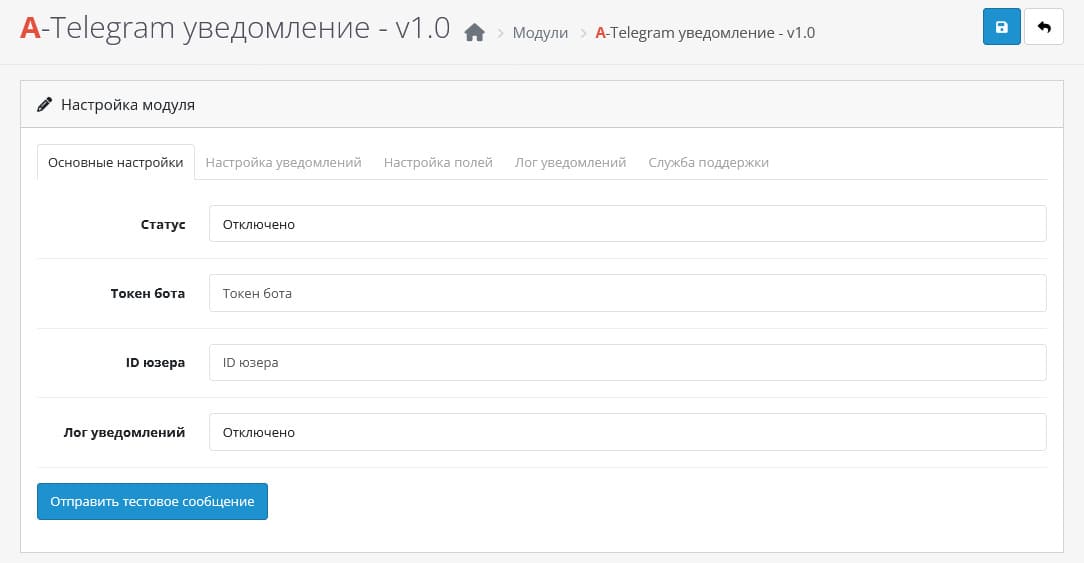
- Go to the module settings;
- Indicate the token (in the "Bot Token" field) that the bot gave you BotFather;
- Specify the user ID to whom notifications should be sent. If you need it to be sent to several recipients, indicate these IDs separated by commas (For example: 12222222222,22222223333,333333333);
- How to find out the user id
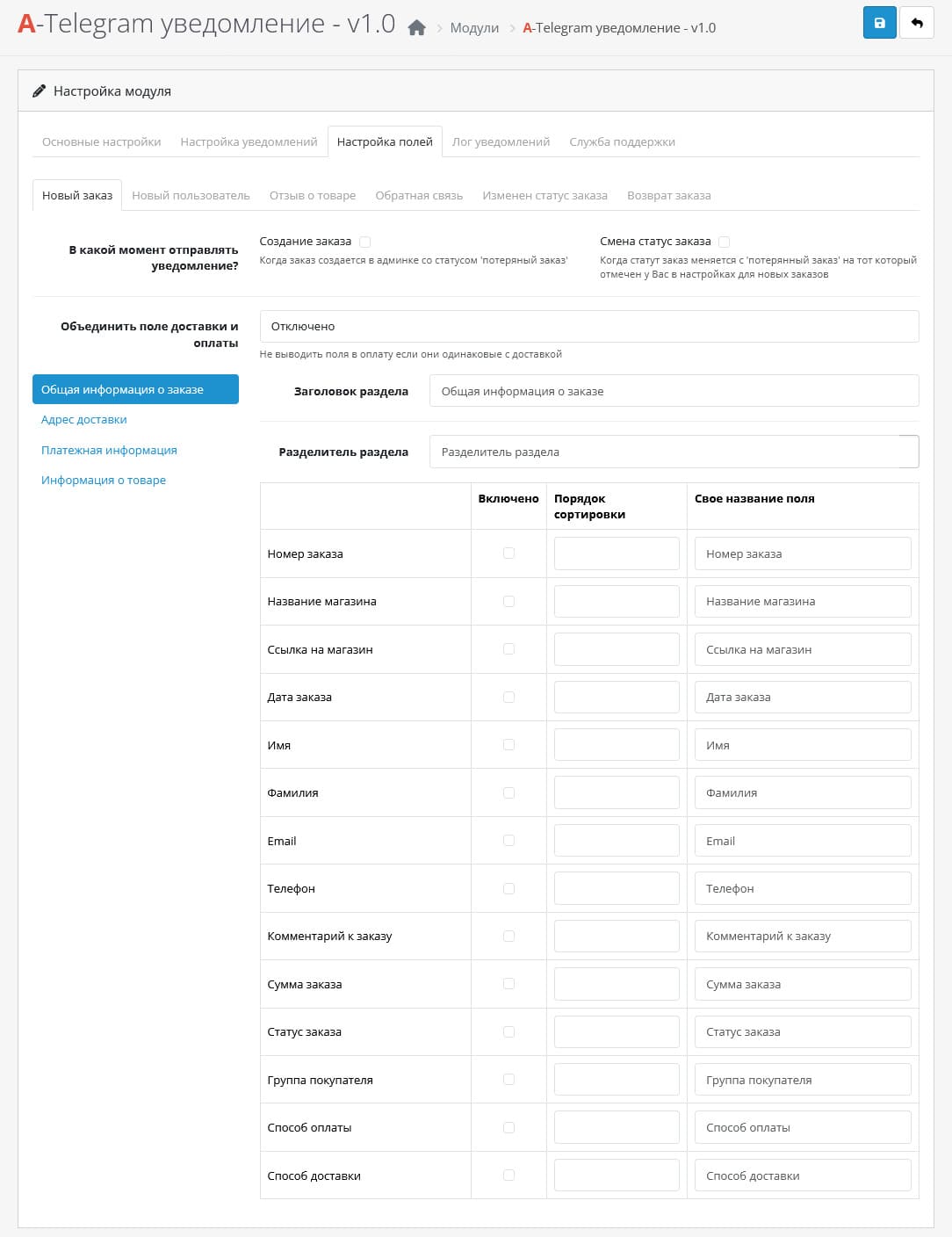
- Next check the boxes that should be received in the notification and click save.
- That's it, the bot is configured and ready to use.
- PHP 8.0 or higher;
- Сurl;
Technical support is provided to all users who legally purchased the module on official websites or from the author himself.
License:
Each copy of the module affects 1 domain and its subdomain.
Therefore, if you want to install the module on another domain, you must purchase another copy of the module.
For all questions and suggestions write to serfbots@gmail.com
Distribution method:
Paid
Opencart version:
OpenCart 4.0OpenCart 4.1
PHP verision:
PHP 8.0PHP 8.1PHP 8.2
Activation:
Automatic
Getting files:
By email, after a request to the author
VQmod:
No
Ocmod:
No
Events:
Yes
Uploaded:
22.03.2025
Updated:
06.04.2026
Viewed:
4218
Sales:
2
Write a review
Your Name:Your Review: Note: HTML is not translated!
Rating: Bad Good
Enter the code in the box below:


Файлы будут доступны после покупки


