Your shopping cart is empty!

Paykeeper PRO
5 sales


Price: 4 990 ₽

Author: ashap
Write to the author
Sales: 7 (Average rating 0 на основании 0 отзывов)
Need paid help? Contact the site administration
Opencart version:
Sales: 7 (Average rating 0 на основании 0 отзывов)
Need paid help? Contact the site administration
Opencart version:
LiveStore 3.*OCStore 3.*OpenCart 3.*OCStore 2.3OpenCart 2.3
The module allows you to connect payments with Bank cards through the Paykeeper system for CMS OPENCART stores and its assemblies (Ocstore, Club edition, Russian assembly).
Support 54-FZ.
The module implements the choice of the main operating mechanism and:
- Standard (Payment is available immediately, transition to payment immediately after placing an order or after if payment is interrupted)
- Deferred payment (switch to payment only after administrator approval)
- Control of product availability (if there is at least one product in the cart that is not in
in stock, then deferred payment works, if everything is in stock then
standard)
Module features:
login and password demo
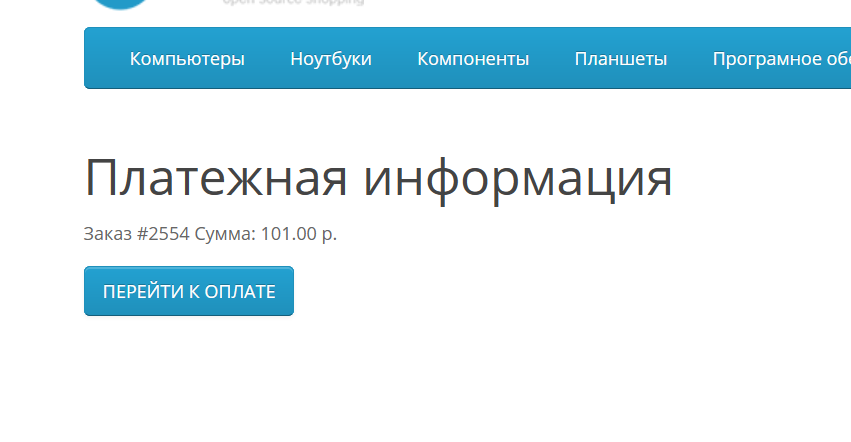
on front when placing an order payment method Paykeeper Pro
Support 54-FZ.
The module implements the choice of the main operating mechanism and:
- Standard (Payment is available immediately, transition to payment immediately after placing an order or after if payment is interrupted)
- Deferred payment (switch to payment only after administrator approval)
- Control of product availability (if there is at least one product in the cart that is not in
in stock, then deferred payment works, if everything is in stock then
standard)
Module features:
- Updated online setup documentation and faq for working with the module
- Standard payment, deferred payment, availability control- all in one
- Compliance with 54-FZ
- Sending data to generate an online receipt
- Phone number validation (it doesn’t matter what type of phone number you receive when placing an order, it will be listed in
correct) - Support for coupons in the receipt
- Support for coupons for free delivery in the receipt
- Support for store credit in the receipt (internal balance of the buyer's account)
- Support for discounts in check
- Support for markups in a check
- Support for the purchase of gift certificates in a check
- Support for the use of gift certificates incheck
- Support for bonuses in a check
- Support for the 1 kopeck rule in a check - so you will always have the exact payment amount and the exact amount of all positions in the check
receipt (formation of the correct discount taking into account the floating penny,
increase or decrease in discount-surcharge if there is a product in quantity
1 piece in the cart or splitting the position into 2 with a reduced price
or increased by one kopeck) - Individual name of the product to be displayed on the receipt
- VAT is forced or for each product individually, the sign and subject of the calculation method is forced or individually for each
product - Ability to specify a generic delivery name to be displayed incheck
- Ability to enable or disable the transfer of the basket for generating online receipts
- Convenient debugging of all transmitted information (if you encounter an error, this will help you very conveniently check all
transmitted information, you no longer need to look for logs, you will see everything on
screen) - Demonstration output of an online receipt during debugging (visual display of all positions, taking into account all discounts and markups, VAT and total
the sum of all positions) - Receiving notifications about payment completion
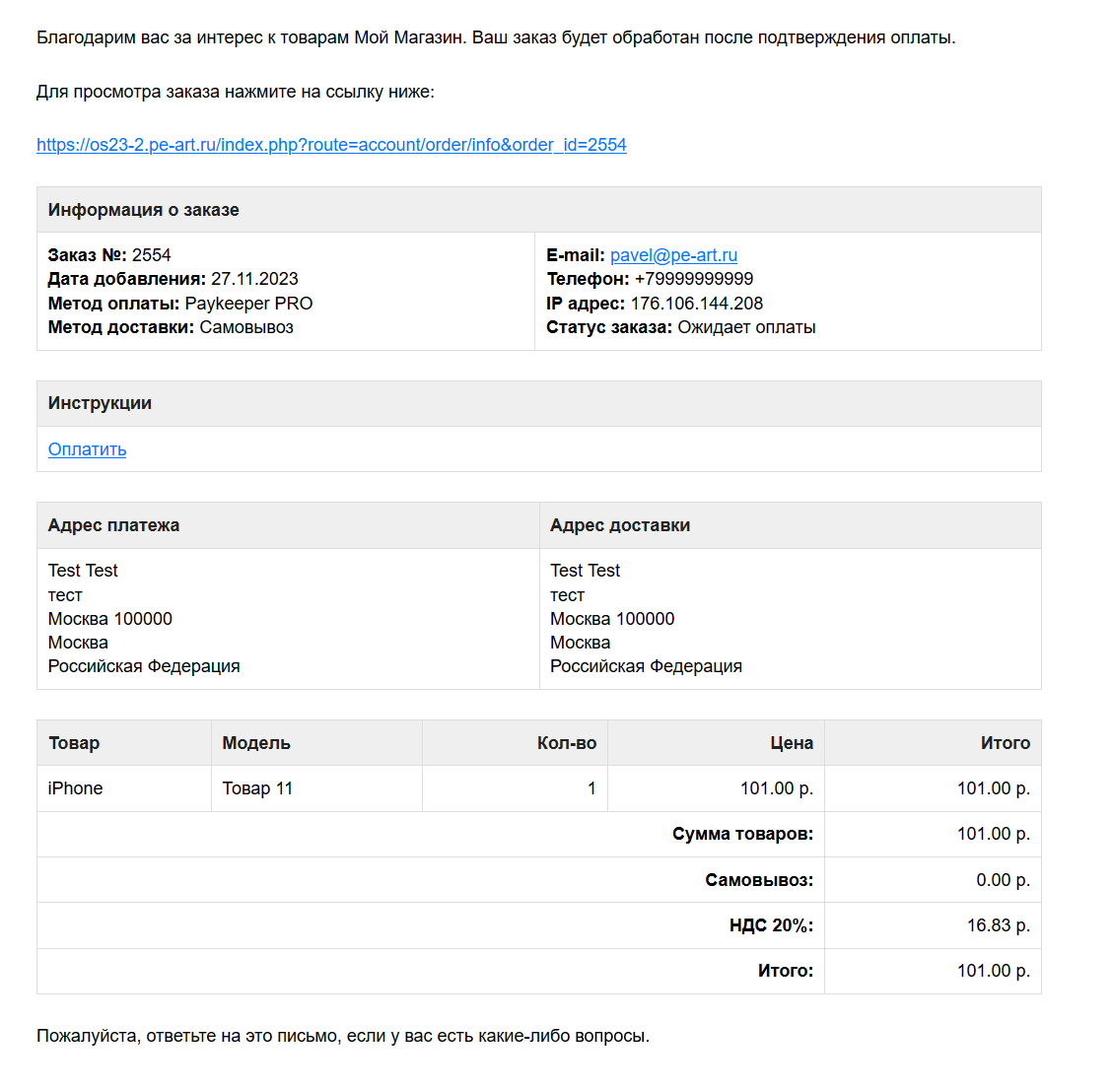
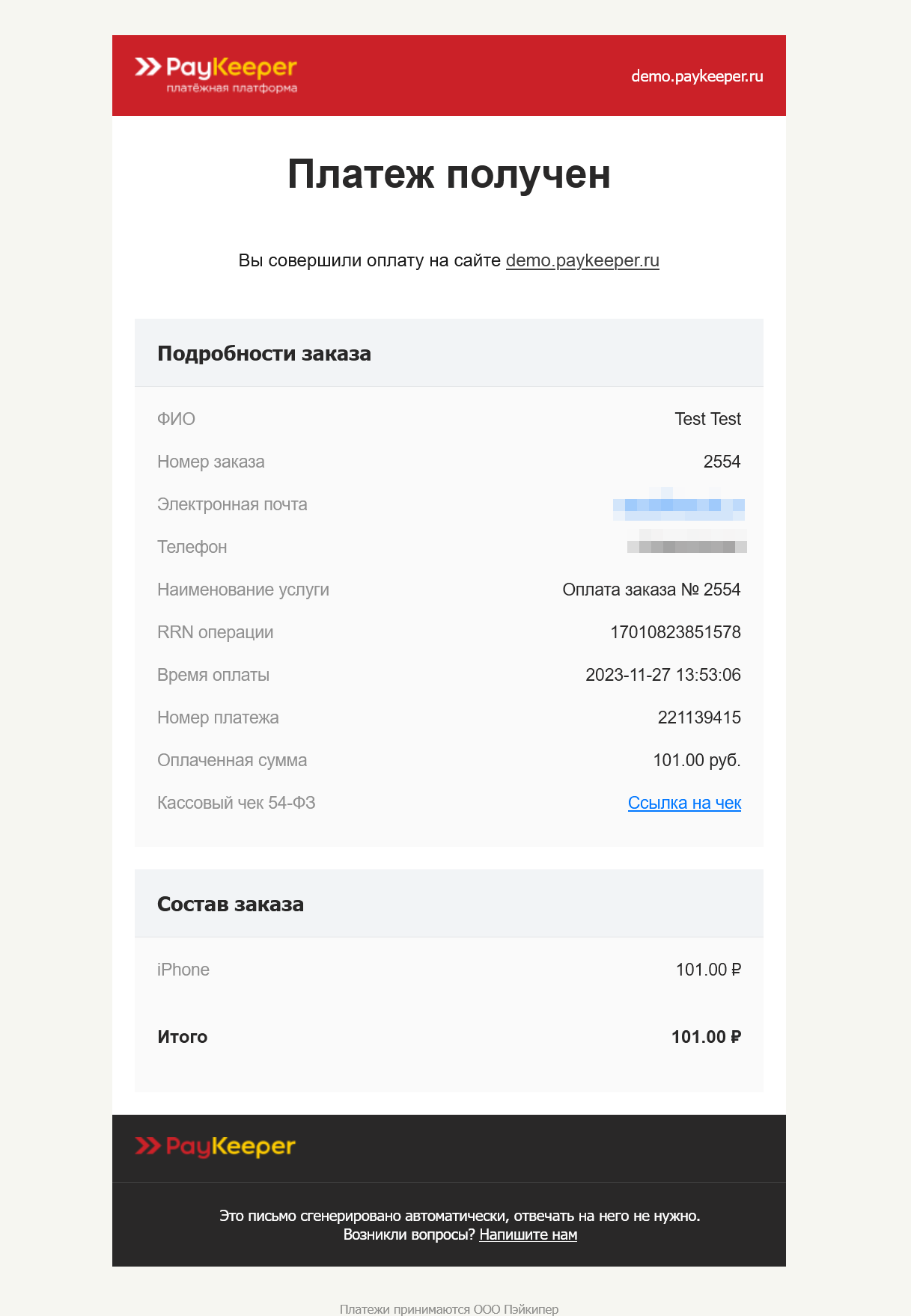
- Automatic change of status upon receipt of payment (the ability to send a letter automatically to the buyer and admin upon receipt)
- Possibilityuse for electronic goods.
- Ability to set a commission for the buyer
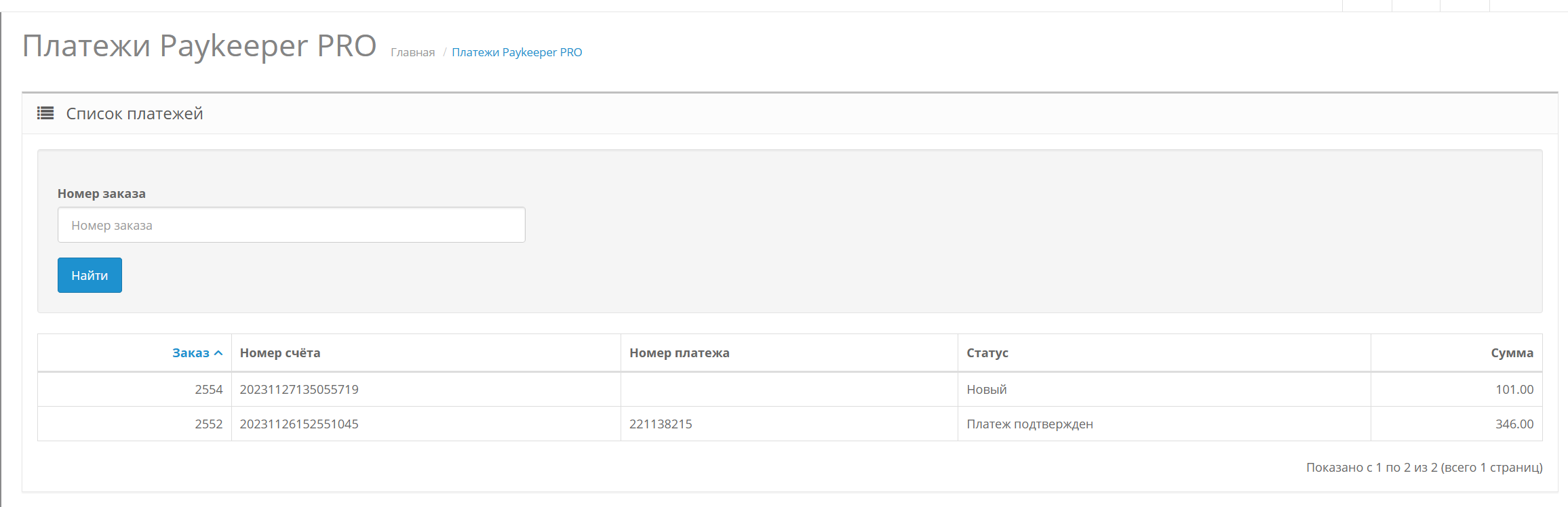
- Viewing successful payments in the store admin panel
- If the user interrupted the payment, the order will still be created (option in settings)
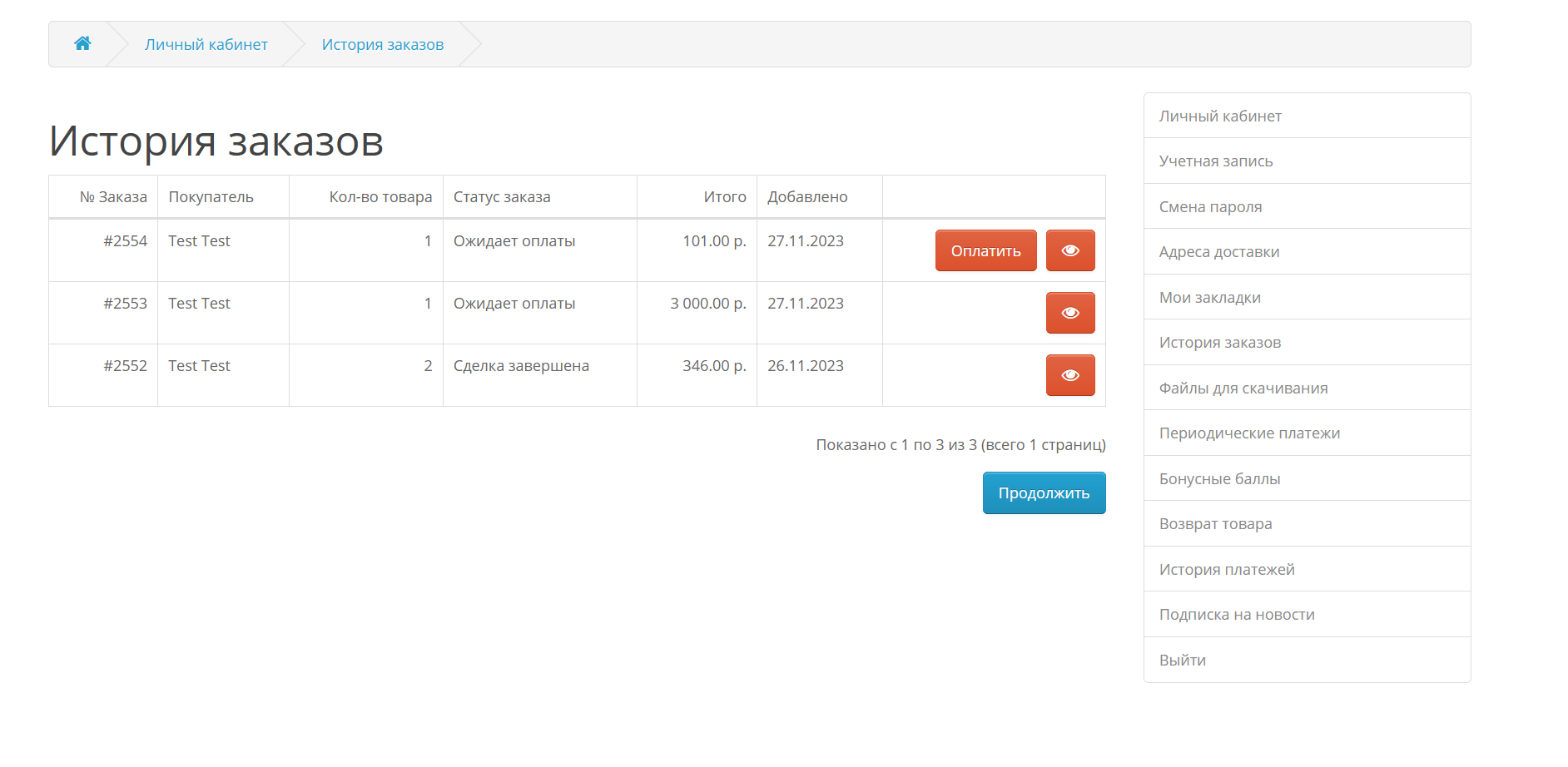
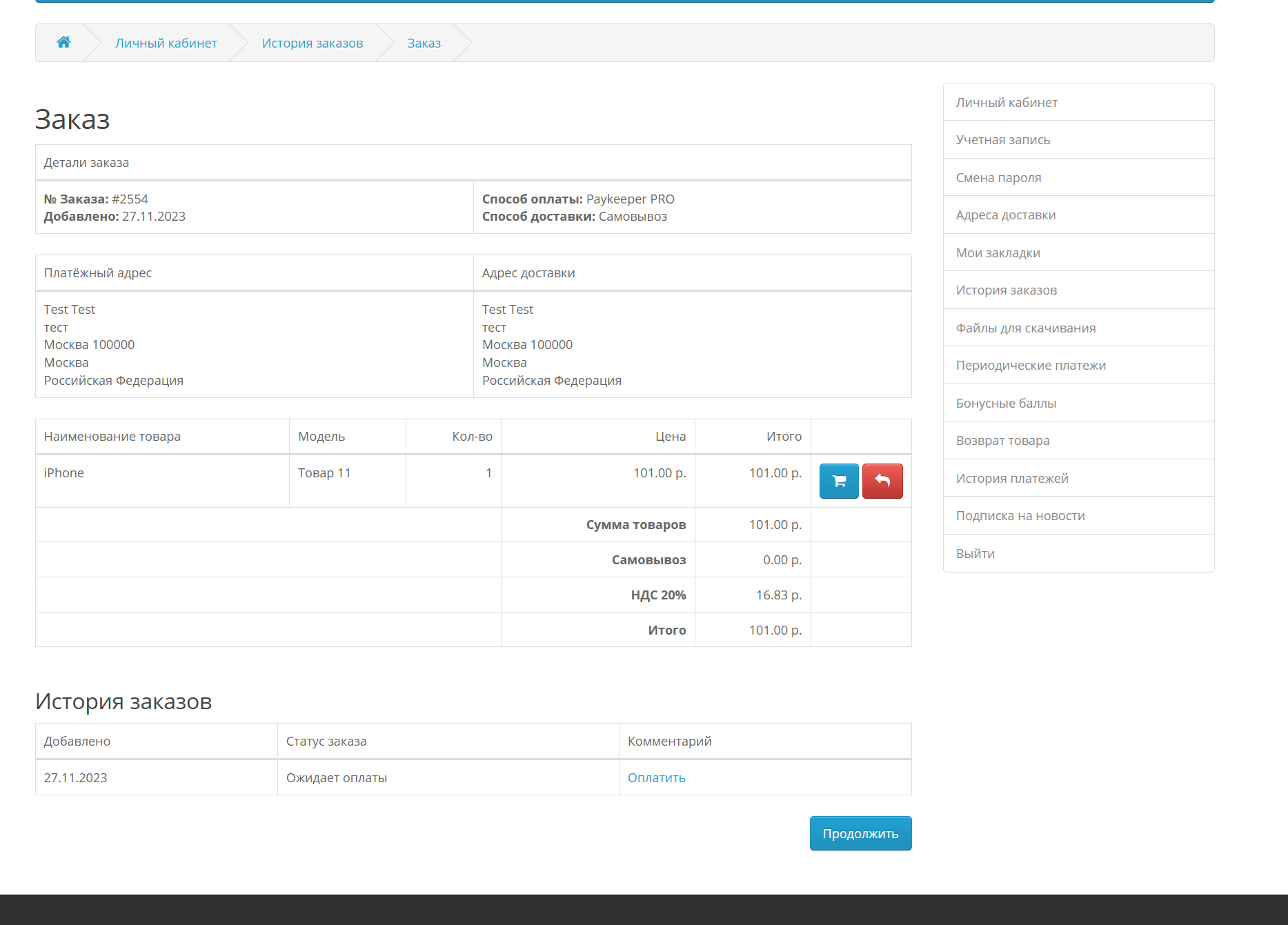
- Possibility of payment from personal account account
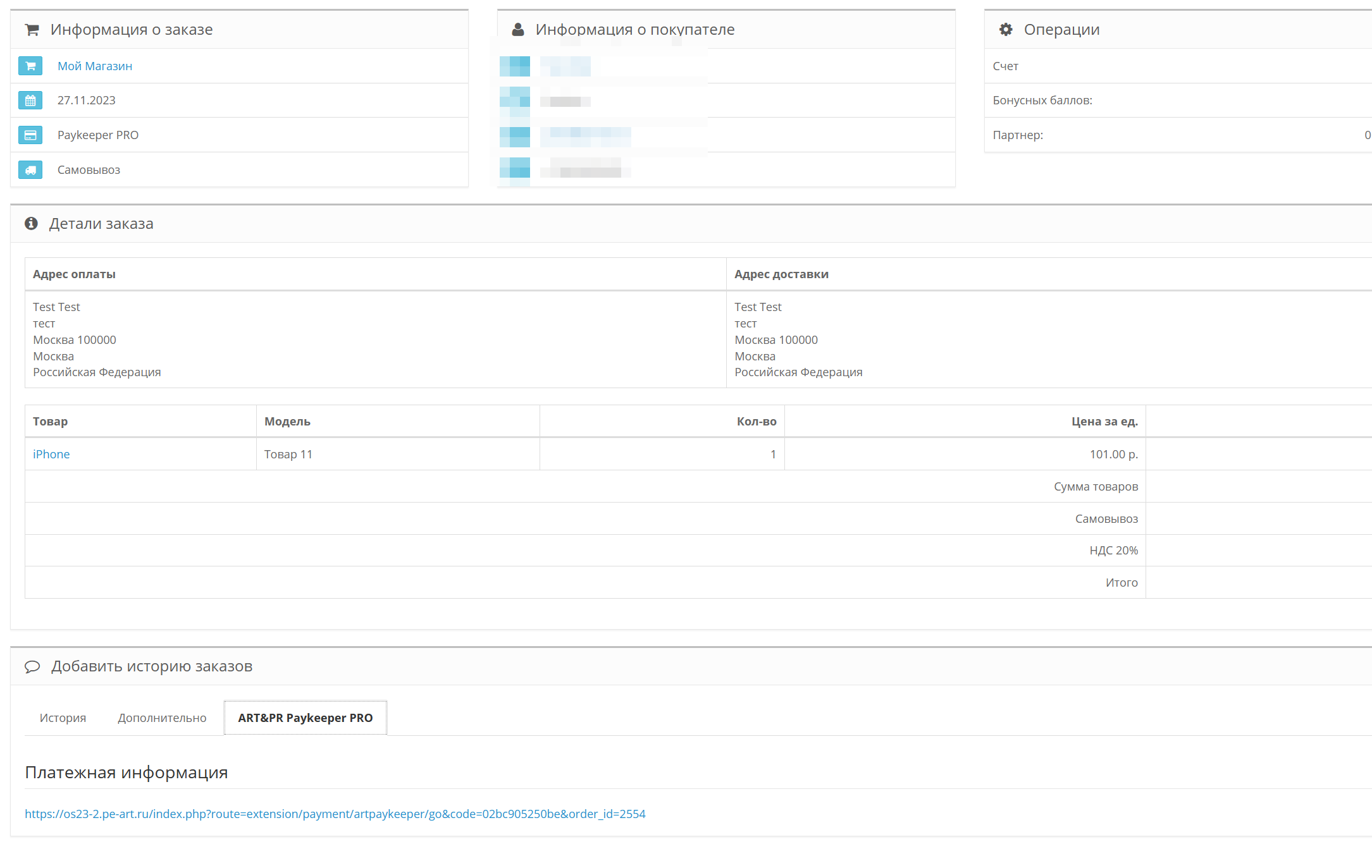
- Possibility of receiving a payment link in a letter
- Possibility of using instructions for payment when placing an order (using variables such as “order number”, “link to
payment", "order amount", "commission" and html tags) - Possibility of using payment instructions in the order letter (using variables such as "order number","payment link"
“order amount”, “commission” and html tags) - Notification of the administrator upon receipt of payment
- Notification of the buyer upon receipt of payment by the store
- Possibility of adding a comment for further actions in the letter about successful payment (using variables such as “number
order", "order amount", "commission" and html tags) - Ability to resend a link to payment from the admin panel
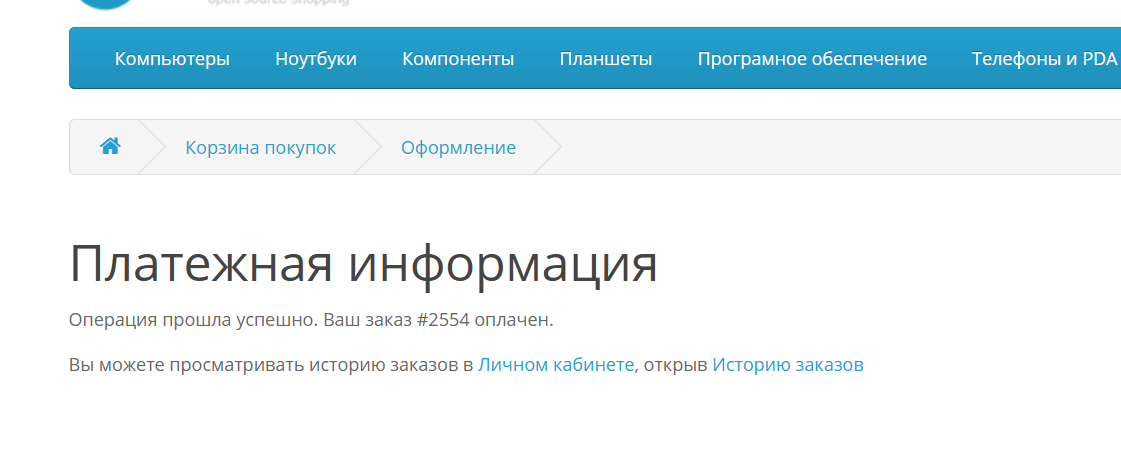
- Ability to change the text on the successful payment page (using variables such as "order number", "order amount",
“commission” and html tags) - Possibility of setting the maximum order amount at which the method will not workdisplayed.
- Ability to set the minimum order amount at which the method will not be displayed.
- Ability to change the name of the payment method.
- Ability to use html tags in the name of the payment method (for example, insert pictures)
- Ability to change the text on a page that is not successful payment (using variables such as “order number”, “payment link”,
“order amount”, “commission” and html tags) - Ability to make an advance payment from the order amount or a fixed cost
- Multi-language support
- Multi-store support
- Ability to create an order before payment, orcreate only after payment (set in the module settings)
- Selection of payment servers (test, real)
- Selection of the return page for successful and unsuccessful payments (from the module or standard from the store - will help for templates without standard
styles) - Supports work with the simple
login and password demo
on front when placing an order payment method Paykeeper Pro
Distribution method:
Paid
Opencart version:
LiveStore 3.*OCStore 3.*OpenCart 3.*OCStore 2.3OpenCart 2.3
PHP verision:
PHP 5.4PHP 5.5PHP 5.6PHP 7.0PHP 7.1PHP 7.2PHP 7.3PHP 7.4PHP 8.0PHP 8.1PHP 8.2
Activation:
Automatic
Getting files:
On author's site, after purchase
Uploaded:
27.11.2023
Updated:
31.03.2026
Viewed:
5313
Sales:
7
Write a review
Your Name:Your Review: Note: HTML is not translated!
Rating: Bad Good
Enter the code in the box below:

Файлы будут доступны после покупки


