Your shopping cart is empty!

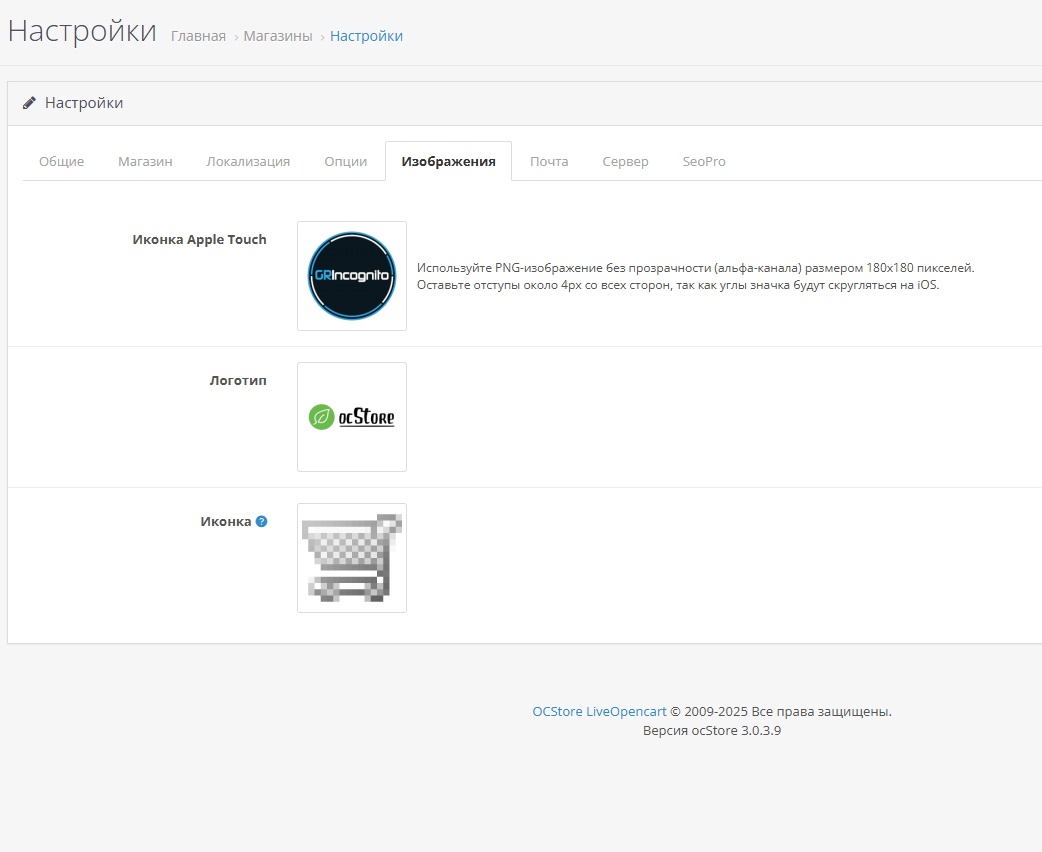
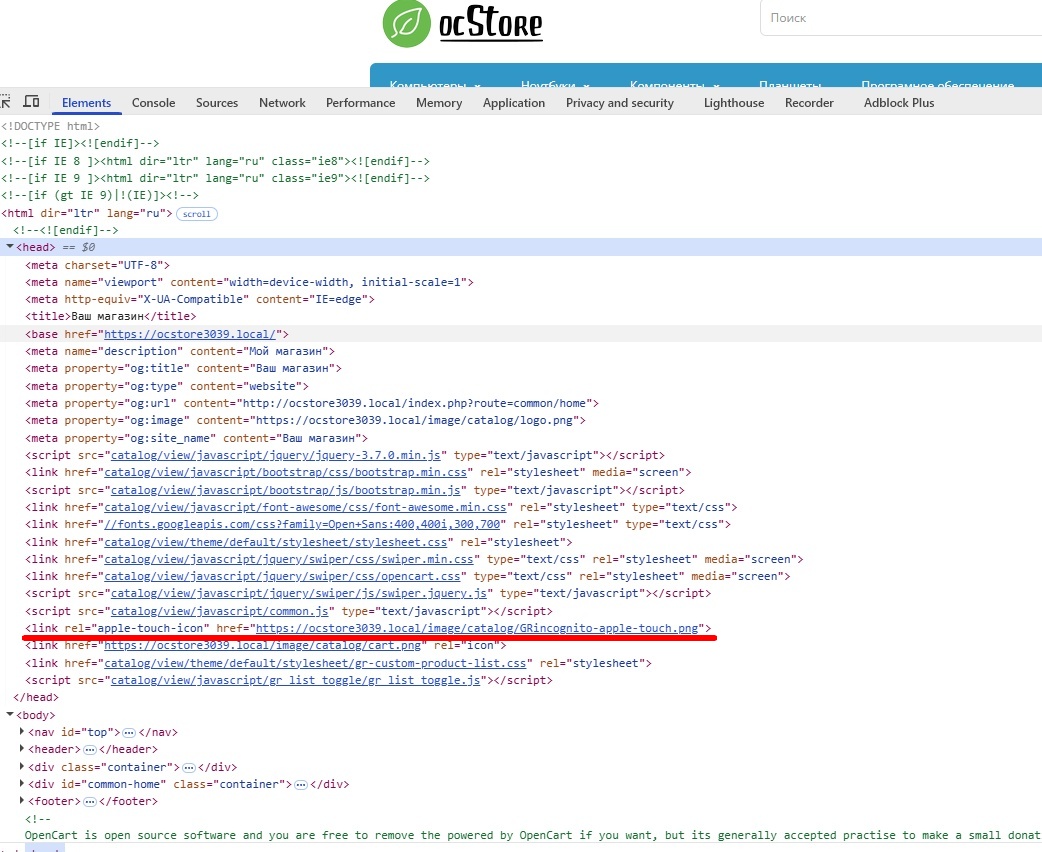
Adding an apple touch icon to the site and to settings + resize . Icon for mobile devices

Price: free
Author: GRIncognito
Write to the author
Need paid help? Contact the site administration
Opencart version:
Need paid help? Contact the site administration
Opencart version:
OpenCart 3.*OCStore 3.*
The modifier adds the tag and allows you to manage it through the store settings. It is needed to specify the image (icon) that will be used to represent your website on Apple and Android devices when a user adds it to the home screen. This is an analogue of a favicon for the Windows operating system, which helps users easily recognize and find your site among other applications on the device.
Requirements for the apple-touch-icon include: an image of at least 180x180 pixels for modern devices, PNG format, no transparent background (alpha channel).
The modifier has a second version with the "resize" function for the loaded image (the loaded image is formatted tosize 180x180 pixels, ignoring the alpha channel and adding a white background).
Attention! "resize" uses the PHP library GD Graphics Library (GD) - a software library for dynamically working with images.
Be sure to update the modification and template cache after installing and adding an image!
The modifier is presented "as is".
The modifier is guaranteed to work on the standard admin template of Opencart 3.*, OcStore 3.*, Opencart 3.* - Russian assembly.
P.S.
If the header.twig of your template has changed significantly, then you need to correct the modifier. In most cases this will not be necessary.
Requirements for the apple-touch-icon include: an image of at least 180x180 pixels for modern devices, PNG format, no transparent background (alpha channel).
The modifier has a second version with the "resize" function for the loaded image (the loaded image is formatted tosize 180x180 pixels, ignoring the alpha channel and adding a white background).
Attention! "resize" uses the PHP library GD Graphics Library (GD) - a software library for dynamically working with images.
Be sure to update the modification and template cache after installing and adding an image!
The modifier is presented "as is".
The modifier is guaranteed to work on the standard admin template of Opencart 3.*, OcStore 3.*, Opencart 3.* - Russian assembly.
P.S.
If the header.twig of your template has changed significantly, then you need to correct the modifier. In most cases this will not be necessary.
Distribution method:
AllFree
Opencart version:
OpenCart 3.*OCStore 3.*
PHP verision:
PHP 7.0PHP 7.1PHP 7.2PHP 7.3PHP 7.4
Activation:
Not required
Getting files:
On site, in the personal account
Protection system:
No
Ocmod:
Yes
Uploaded:
23.09.2025
Updated:
27.09.2025
Viewed:
2553
Write a review
Your Name:Your Review: Note: HTML is not translated!
Rating: Bad Good
Enter the code in the box below:
To download this free product, you do not need to order it, just log in.


