Your shopping cart is empty!

Mautic integration
Price: free
Additional from the author:
Author: halfhope
Write to the author
Opencart version:
The product author has not visited the site for more than 1 month. Replies and support may take longer.
Need paid help? Contact the site administration
Opencart version:
OpenCart 3.*
Mautic self-hosted is a powerful and free email marketing system. This extension connects Mautic and Opencart. When used on a dedicated server or VPS, Mautic can process several thousand emails per day. Unlike some other email services, you won't have quotas or monthly fees. You are only limited by your hosting settings.
The module allows you to synchronize the accounts of Opencart clients subscribed to the newsletter and Mautic contacts in both directions.
Repository
Features
Compatibility
Administrator
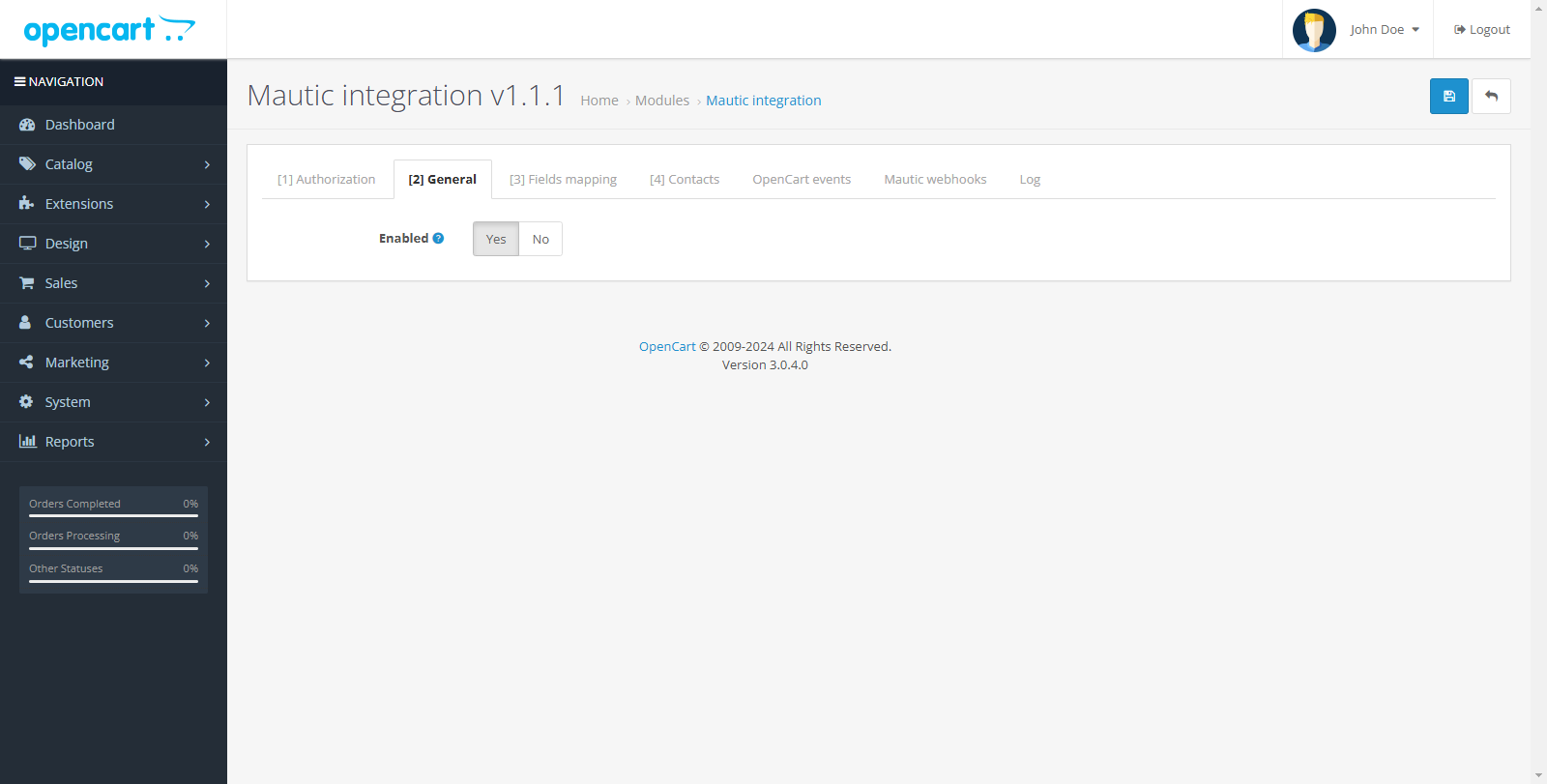
The demo site has a top menu for quick navigation.
Installation
License
Thanks for using my add-ons!
I decided to make all my OpenCart add-ons free and open source so that they can benefit the community.Developing, maintaining, and updating these add-ons takes time and effort.
If my contributions have helped you with your project and you would like to support my work, I would appreciate any amount of donation.
The module allows you to synchronize the accounts of Opencart clients subscribed to the newsletter and Mautic contacts in both directions.
Repository
Features
- Manual secure exportOpenCart clients in Mautic by click*
- Automatically adding Mautic contacts when subscribing to OpenCart.
- Automatic deletion of Mautic contacts when unsubscribing in OpenCart.
- Automatic update of user data in both directions when data changes (From Mautic to OpenCart (hooks) - when a contact changes, From OpenCart to Mautic (Creation/Change/Deletion of credentials and addresses by the user or administrator, change of subscription status))
- Custom matches for Mautic and fields OpenCart**
- Synchronized OpenCart users are assigned contact_id
- Required upon first launch
Compatibility
- OpenCart 3.x
- PHP >= 8.1
Administrator
- https://mautic-integration.shtt.blog/admin/ (auto login)
The demo site has a top menu for quick navigation.
Installation
- Install the extension through the standard add-on installation section.
- Add this code to your system/startup.php after the existing Autoloader:
// Mautic autoloadif (defined('DIR_SYSTEM') && is_file(DIR_SYSTEM . 'library/mautic/vendor/autoload.php')) {
 require_once(DIR_SYSTEM . 'library/mautic/vendor/autoload.php');
}
- Go to the modules section and install the required module.
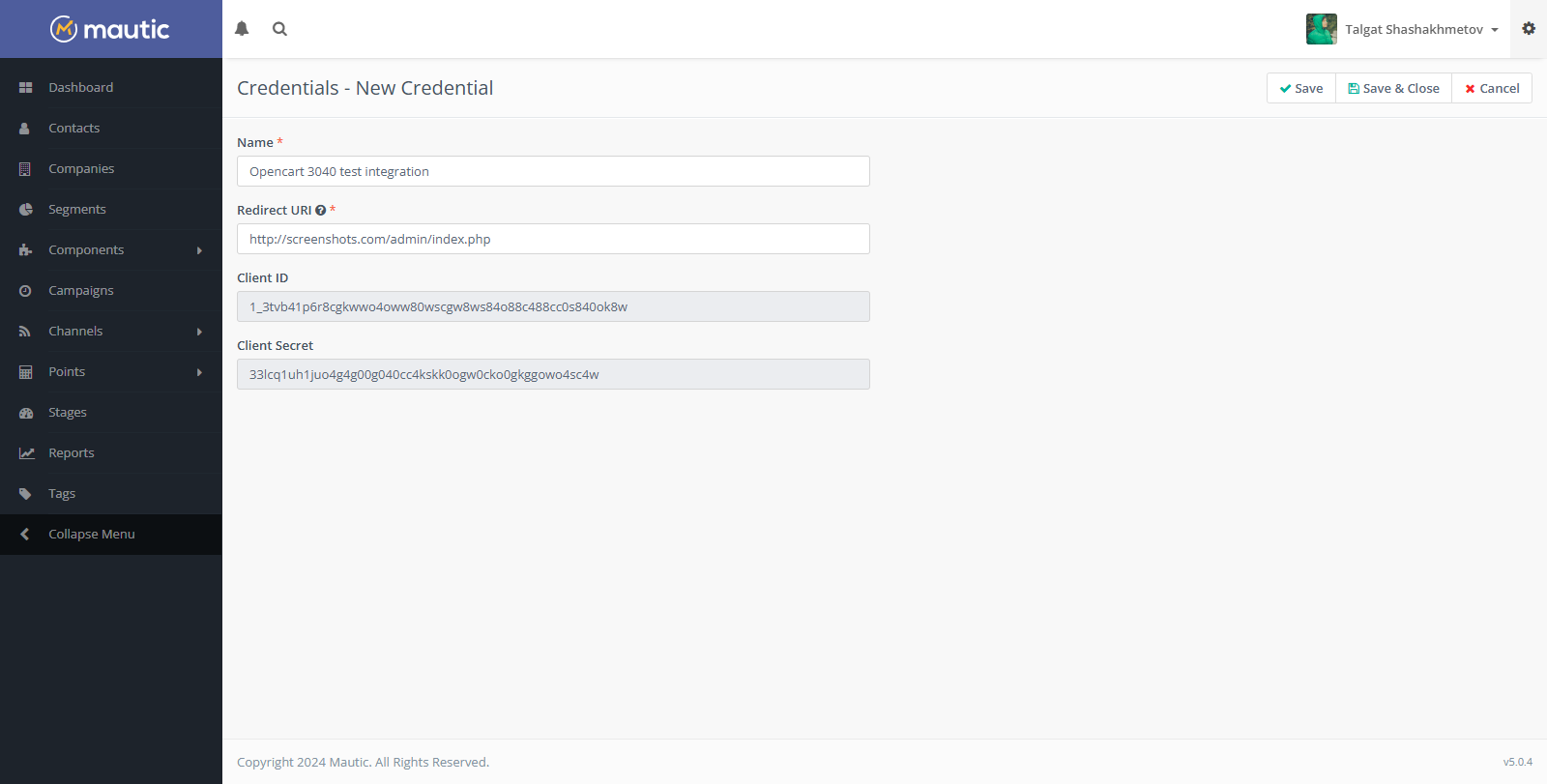
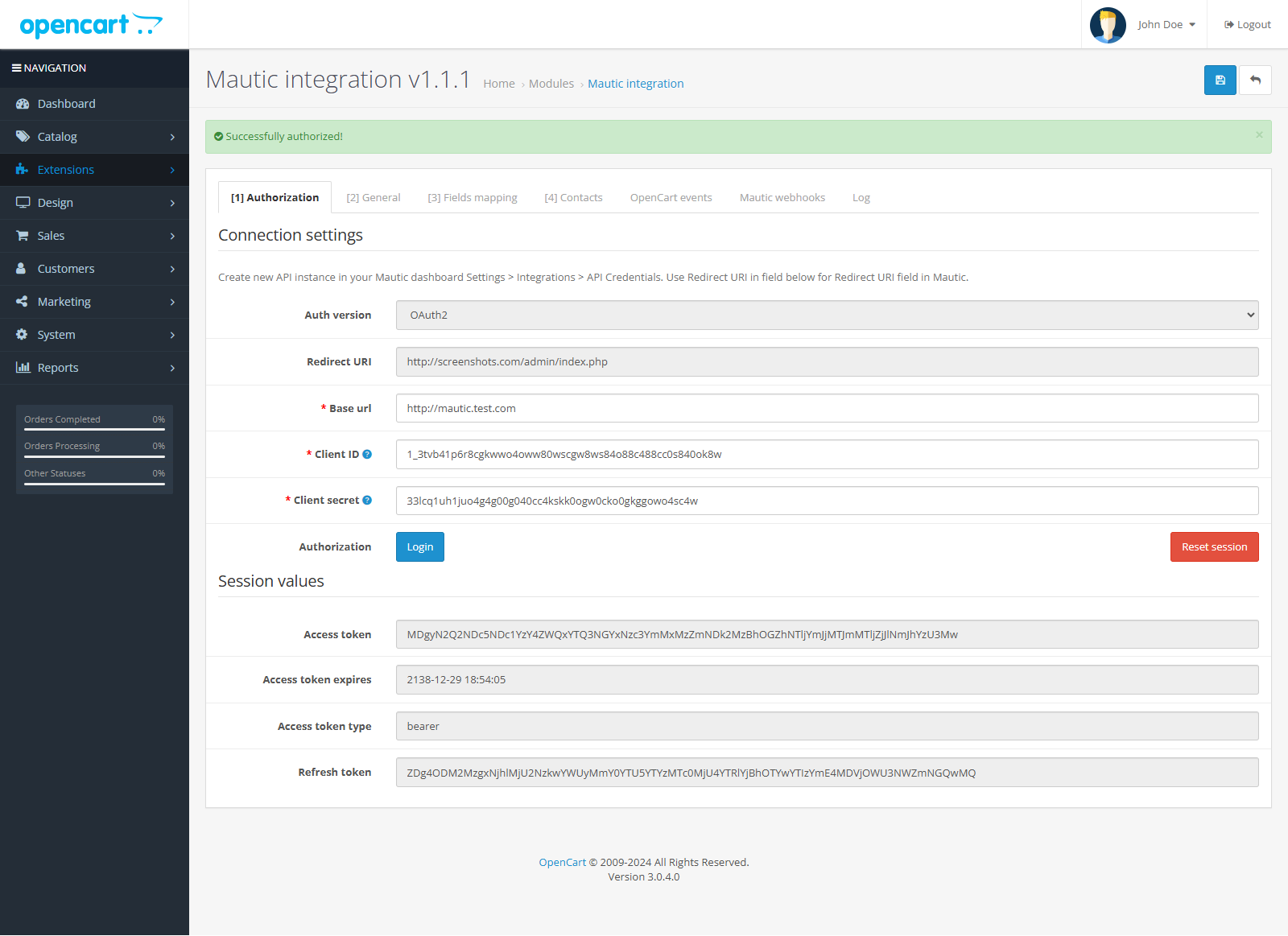
- To authorize the module in Mautic, you need to fill in 3 fields in the module. "Base url", "Client"ID" and "Client secret". Base url is a link to your Mautic dashboard. The remaining fields can be obtained when creating a new API credentials.
- Create new API instance in your Mautic dashboard Settings > Integrations > API Credentials.
- In the Mautic settings, specify the maximum session lifetime. Because Mautic has insidious bug with session reset. You can set the session lifetime in the Settings > Configuration > API Settings section. Recommended values (Access token lifetime (in minutes) - 999999, Refresh token lifetime (in days) - 32565)
- After filling out these fields, save the settings and log in
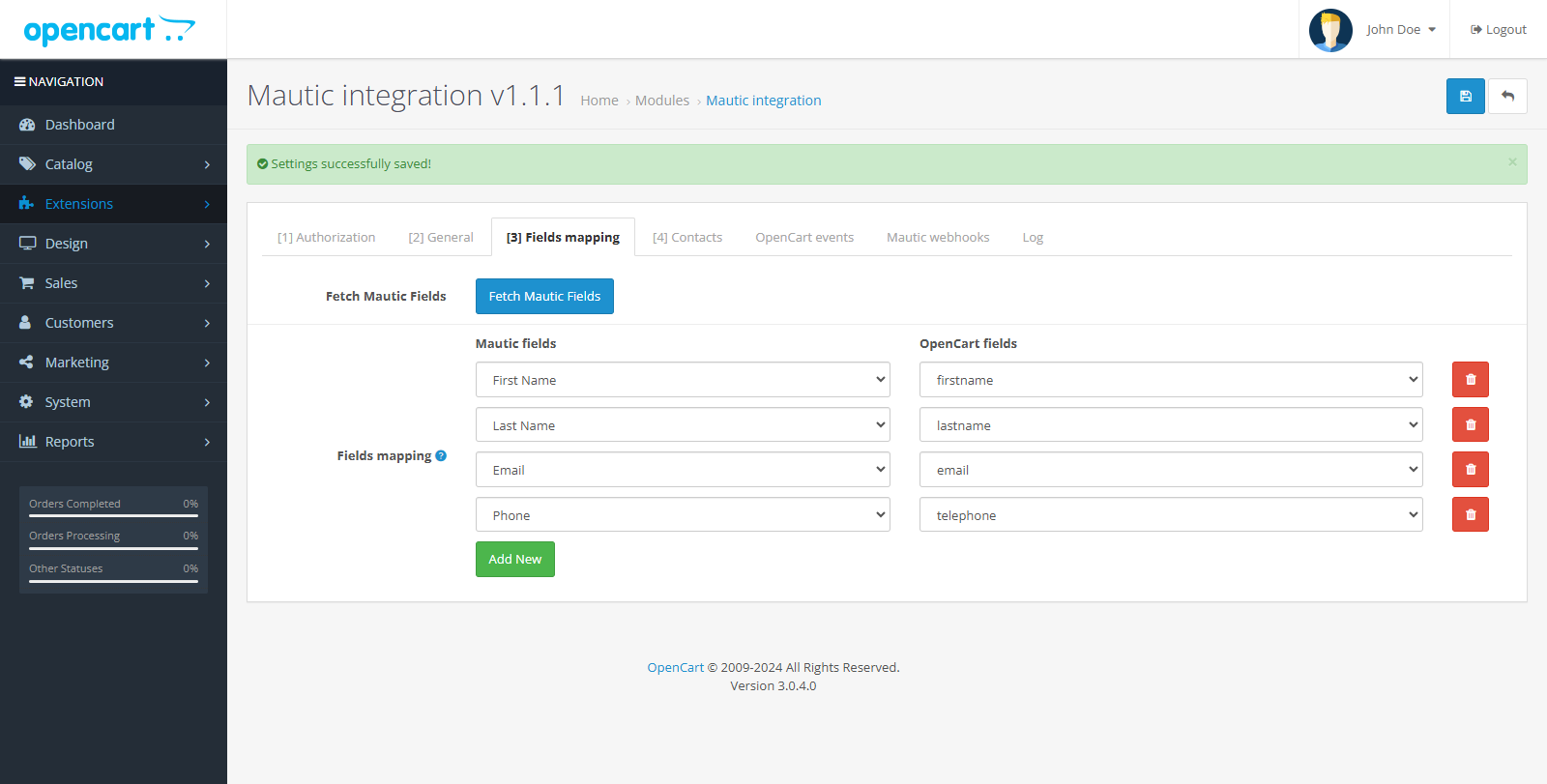
- Go to the Fields mapping section toget the current available fields from Mautic and configure the mapping of the fields that will be synchronized in both directions.
- Configure and save the settings.
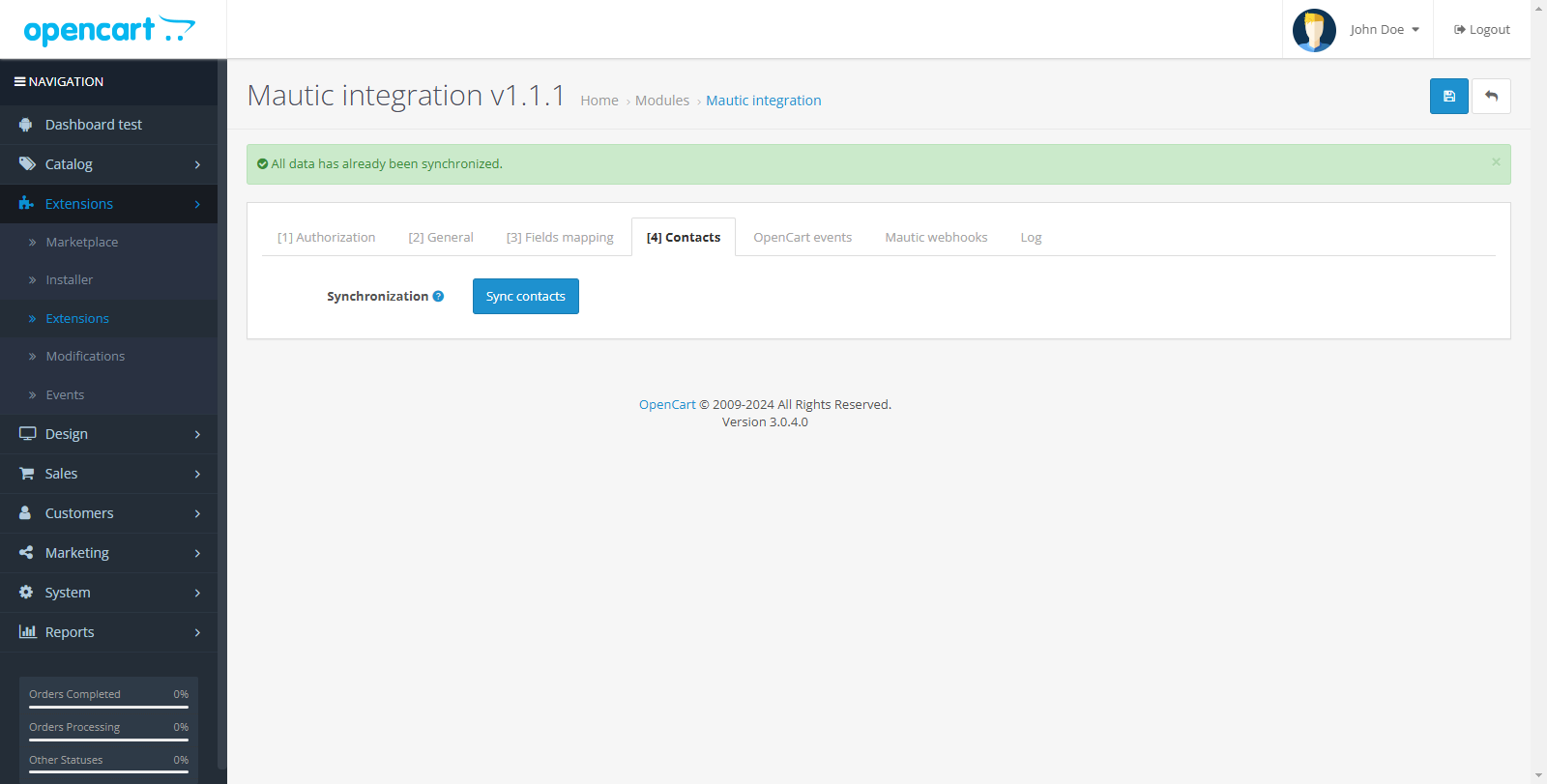
- Synchronize contacts.
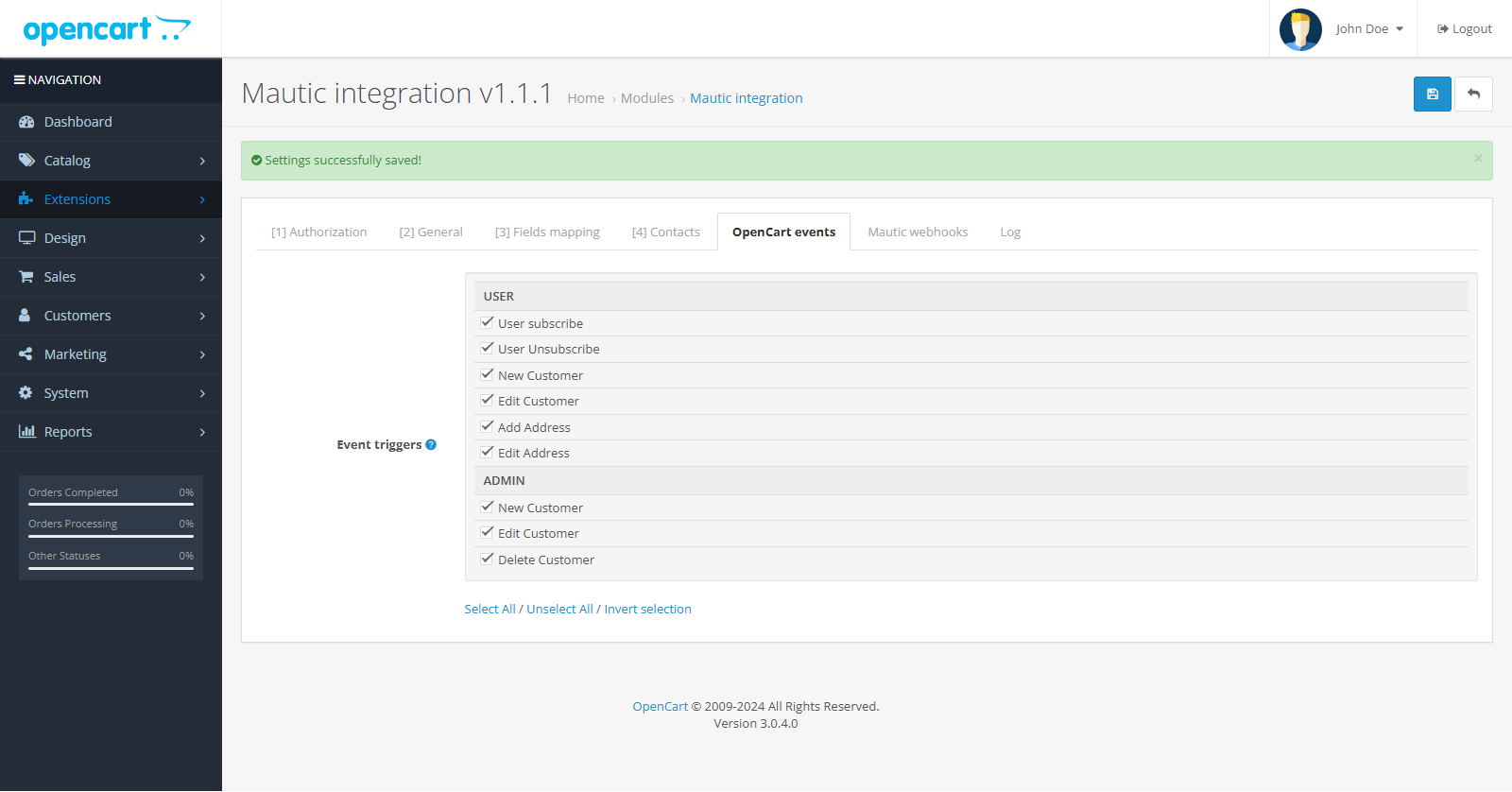
- On the "OpenCart events" tab, you can select OpenCart events that will send changed user data to Mautic.
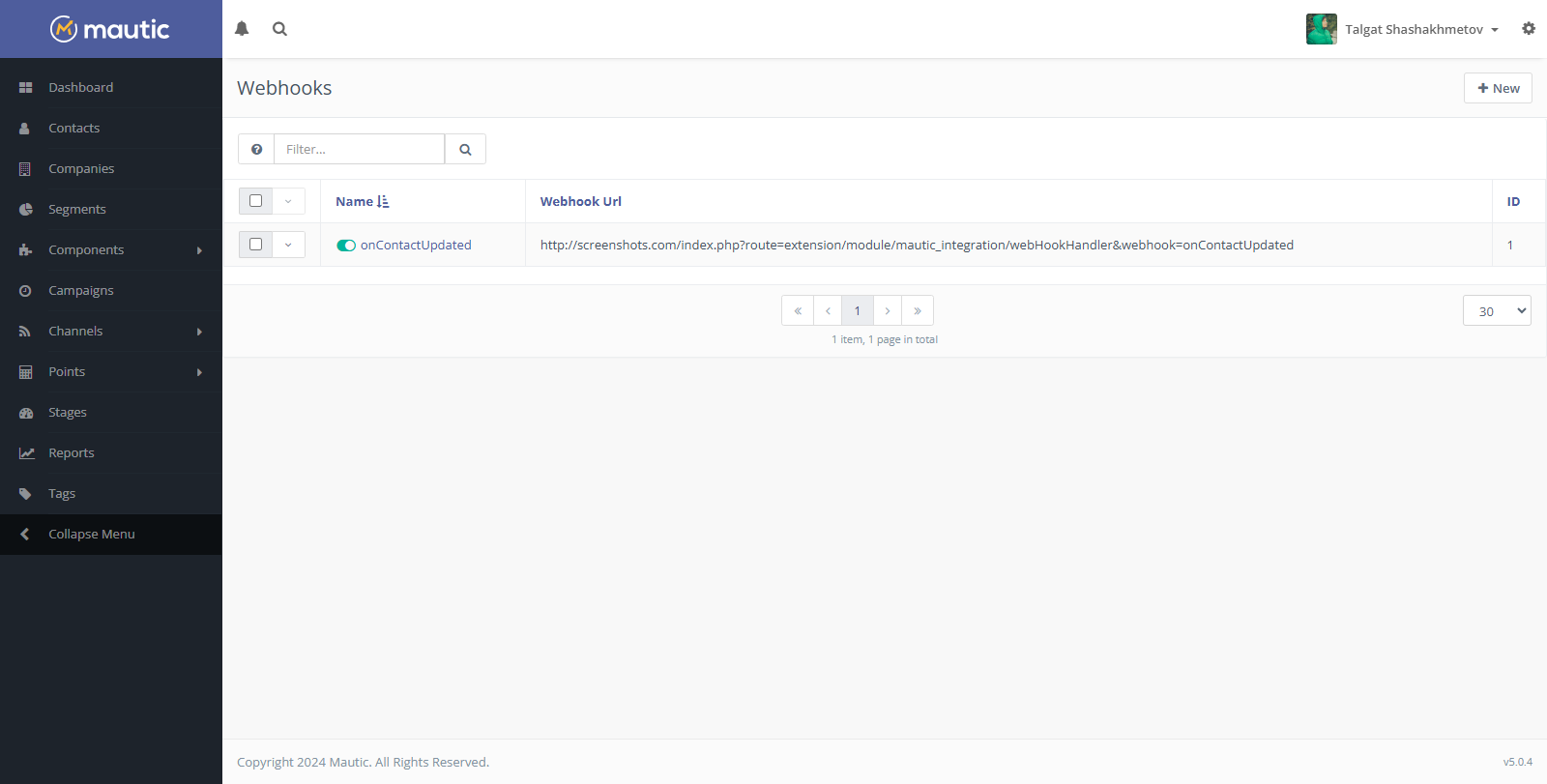
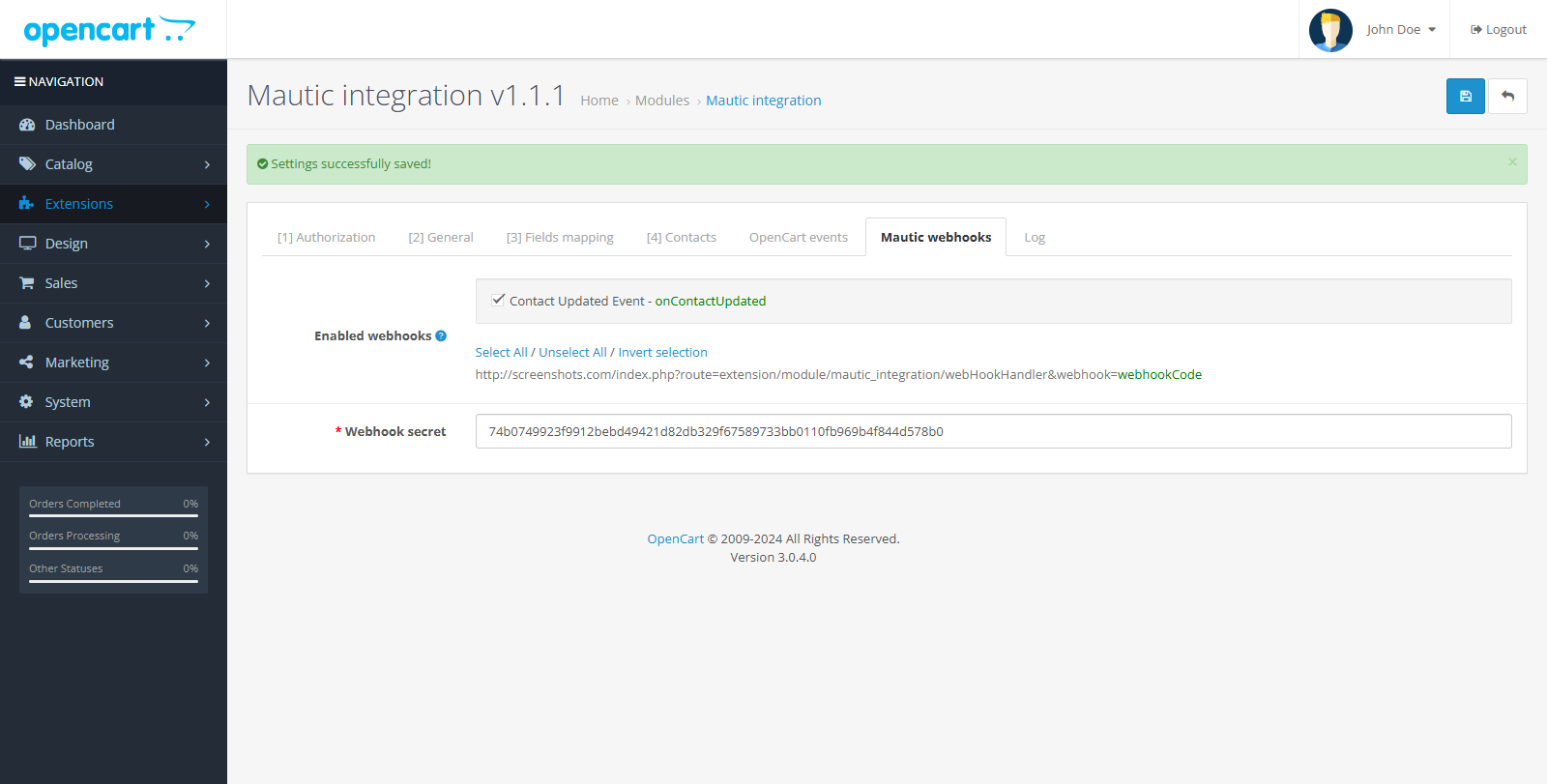
- On the "Mautic webhooks" tab you can configure Mautic events that will send data to OpenCart
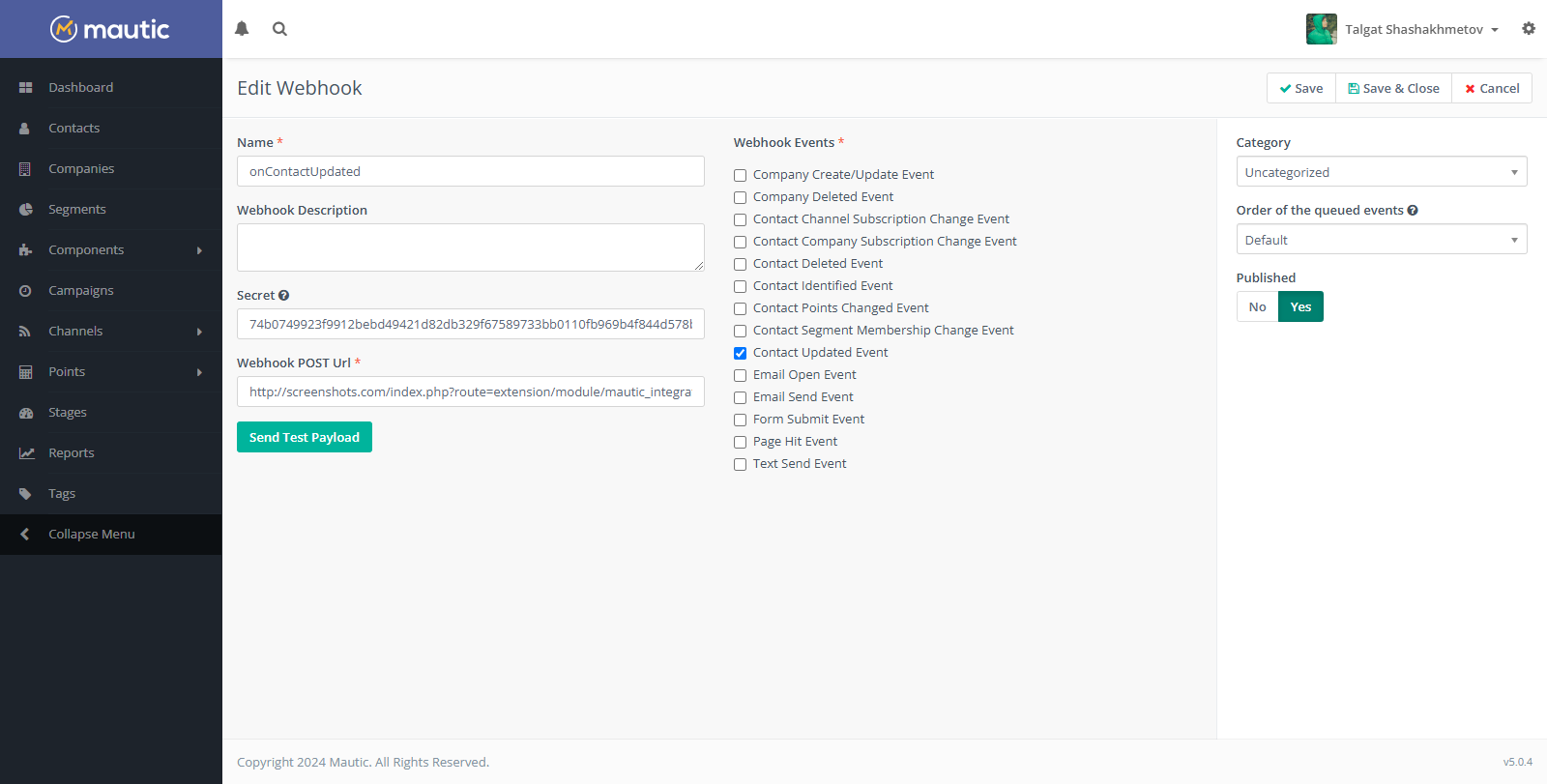
- To create a webhook, go to Mautic dashboard Settings > Integrations > Webhooks.
- Copy Secret from Mautic to OpenCart.
- Copy the link from OpenCart to Mauticto the event handler, having previously replaced the webhookCode with the one that was selected. For example, onContactUpdated.
- In the Mautic control panel in the Webhook Events field, select "Contact Updated Event"
- That's it, the setup is complete.
License
Thanks for using my add-ons!
I decided to make all my OpenCart add-ons free and open source so that they can benefit the community.Developing, maintaining, and updating these add-ons takes time and effort.
If my contributions have helped you with your project and you would like to support my work, I would appreciate any amount of donation.
Distribution method:
AllFree
Opencart version:
OpenCart 3.*
PHP verision:
PHP 8.1PHP 8.2
Protection system:
No
Uploaded:
18.12.2024
Updated:
18.12.2024
Viewed:
3313
Write a review
Your Name:Your Review: Note: HTML is not translated!
Rating: Bad Good
Enter the code in the box below:
To download this free product, you do not need to order it, just log in.


