Your shopping cart is empty!

2DEFAULT - Modern Free Opencart Template


Price: free
Author: dimedrol
Write to the author
Need paid help? Contact the site administration
Opencart version:
Need paid help? Contact the site administration
Opencart version:
LiveStore 3.*OpenCart 3.*
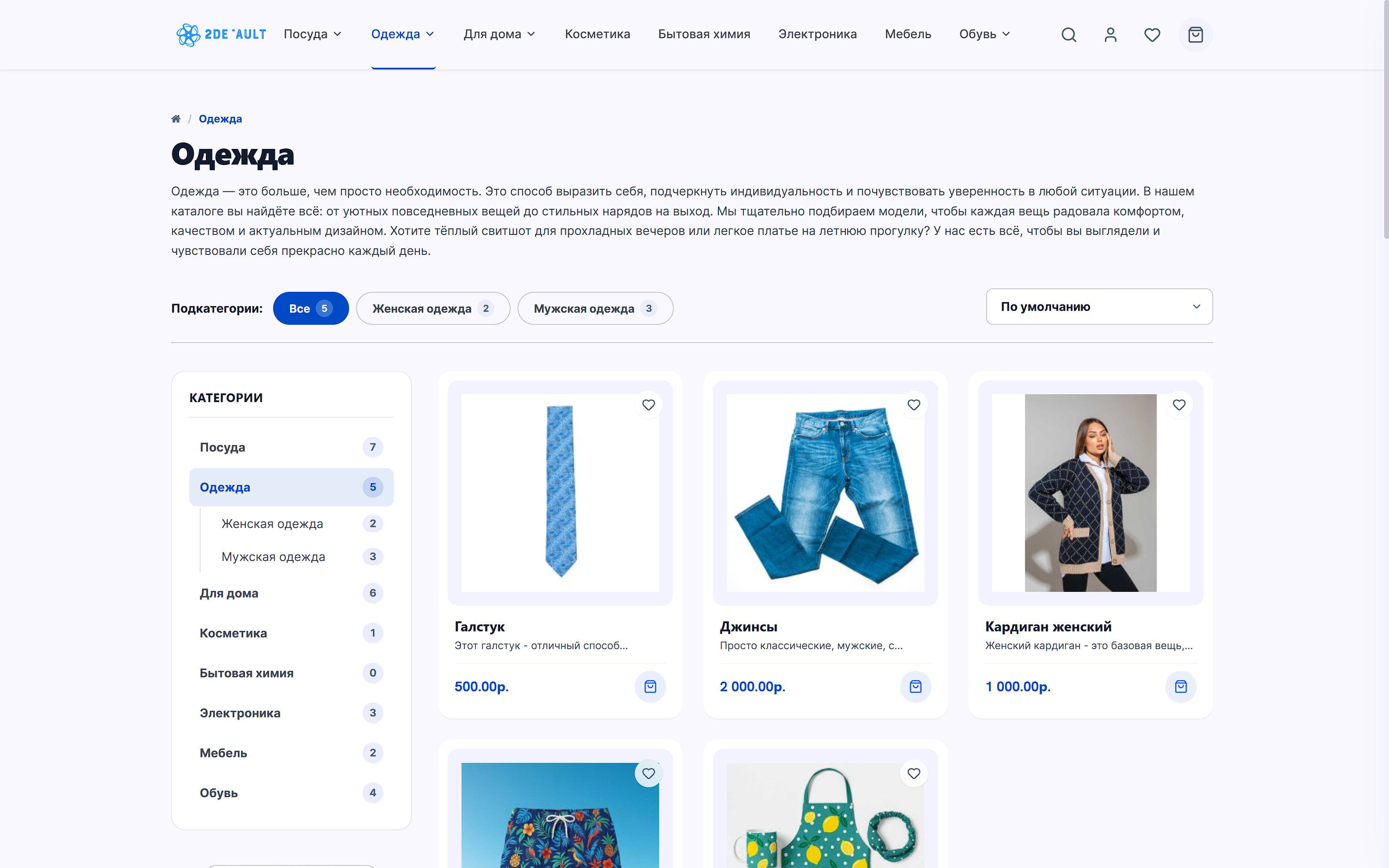
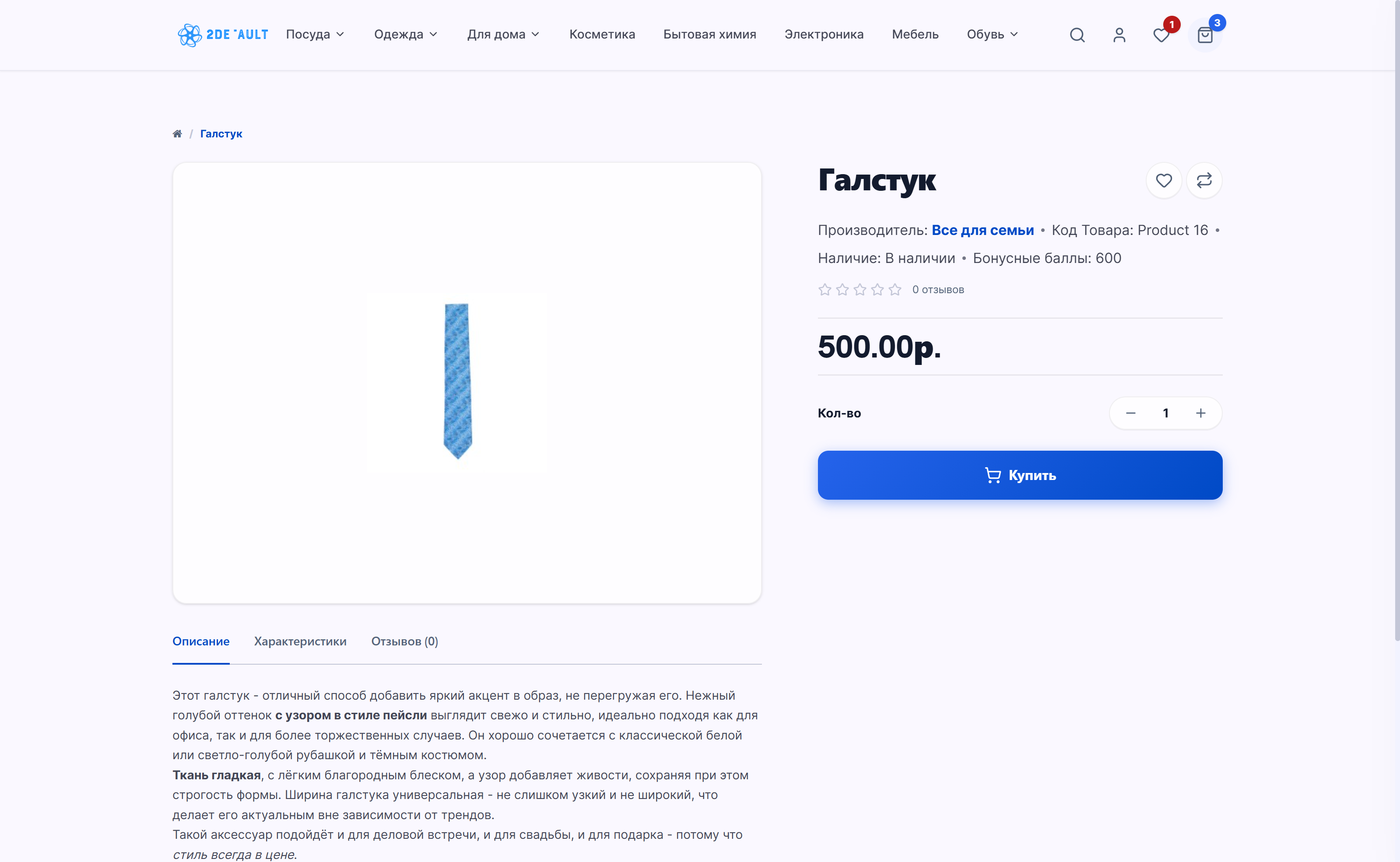
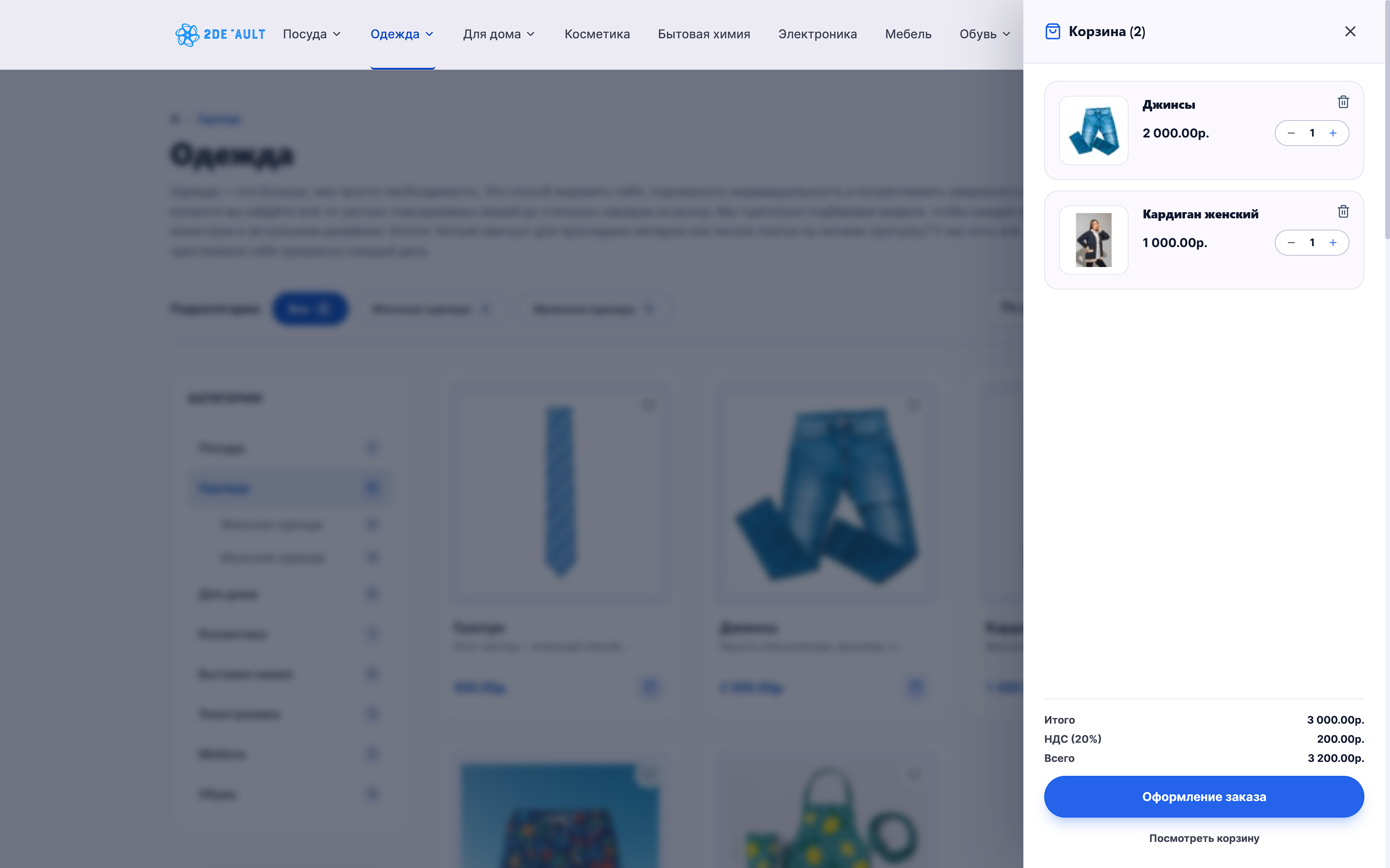
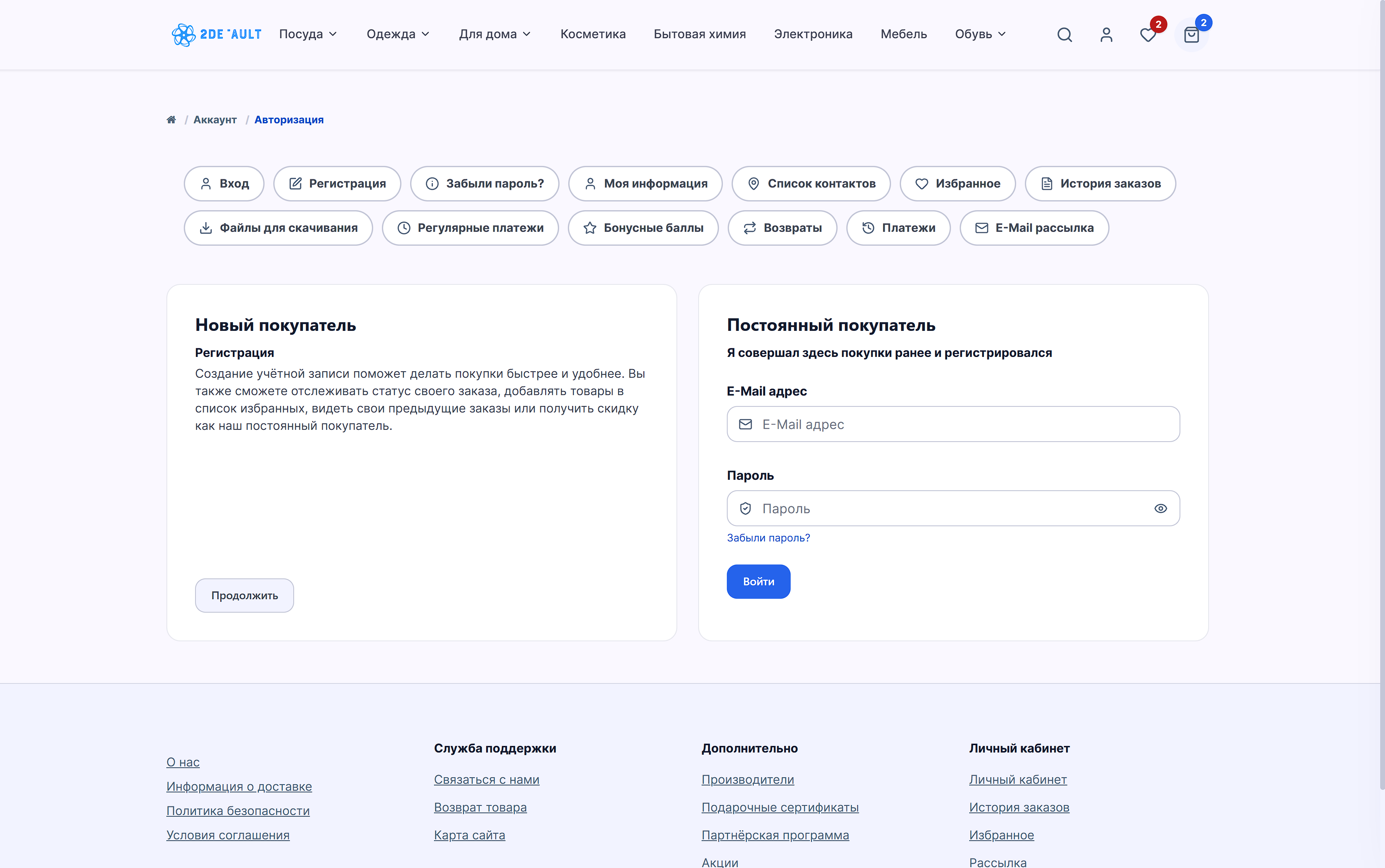
A new free template for Opencart3. A modern, stylish, responsive template that fully covers all standard store pages, from the checkout page to the personal account pages.
Note: This template was created to support the community and give entrepreneurs the opportunity to create their own online store with a suitable design without any investment. The project is non-commercial and completely open-source. Any modifications required are subject to a fee. If you find any bugs, please report them on GitHub in the Issues section.
The template allows you to customize your own color palette and create modern promotional banners.
Demo
Download template!
Installation instructions:
1) Go to GitHub and download the latest version of the template:https://github.com/d1ms/2default_opencart
2) Download the ZIP archive: Click the green Code button in the upper right corner of this GitHub repository page and select Download ZIP.
3) Rename the downloaded archive to "2default.ocmod.zip"
4) Log in to your OpenCart dashboard.
5) Go to Extensions > Extension Installer.
6) Click the Upload button and select the downloaded 2default.ocmod.zip archive.
7) Go to Extensions > Modifications and click the blue Update button in the upper right corner.
8) Go to Extensions > Templates, open 2Default Store Theme:
Set the status to Enabled.
Customize your palettes in the Colors tab.
9) Go to System > Settings, open the store settings, and select the 2Default Store Theme template.
That's it, everything should work!
Promo banners (like in the screenshot) are created via Design > Promo Blocks.
Then go to Extensions > Extensions > Promo Blocks and create a Promo Block that can then be displayed on any page via Design > Layouts
Note: This template was created to support the community and give entrepreneurs the opportunity to create their own online store with a suitable design without any investment. The project is non-commercial and completely open-source. Any modifications required are subject to a fee. If you find any bugs, please report them on GitHub in the Issues section.
The template allows you to customize your own color palette and create modern promotional banners.
Demo
Download template!
Installation instructions:
1) Go to GitHub and download the latest version of the template:https://github.com/d1ms/2default_opencart
2) Download the ZIP archive: Click the green Code button in the upper right corner of this GitHub repository page and select Download ZIP.
3) Rename the downloaded archive to "2default.ocmod.zip"
4) Log in to your OpenCart dashboard.
5) Go to Extensions > Extension Installer.
6) Click the Upload button and select the downloaded 2default.ocmod.zip archive.
7) Go to Extensions > Modifications and click the blue Update button in the upper right corner.
8) Go to Extensions > Templates, open 2Default Store Theme:
Set the status to Enabled.
Customize your palettes in the Colors tab.
9) Go to System > Settings, open the store settings, and select the 2Default Store Theme template.
That's it, everything should work!
Promo banners (like in the screenshot) are created via Design > Promo Blocks.
Then go to Extensions > Extensions > Promo Blocks and create a Promo Block that can then be displayed on any page via Design > Layouts
Distribution method:
Free
Opencart version:
LiveStore 3.*OpenCart 3.*
PHP verision:
PHP 7.2PHP 7.3PHP 7.4PHP 8.0PHP 8.1PHP 8.2PHP 8.3
Activation:
Not required
Getting files:
On site, in the personal account
Protection system:
No
VQmod:
No
Ocmod:
Yes
Events:
Yes
Uploaded:
24.08.2026
Updated:
25.08.2026
Viewed:
671
Write a review
Your Name:Your Review: Note: HTML is not translated!
Rating: Bad Good
Enter the code in the box below:



To download this free product, you do not need to order it, just log in.


Помогите пожалуйста разобраться с ним.