Your shopping cart is empty!

Telegram notifications about a new order

Price: 750 ₽

Author: sanya
Write to the author
Need paid help? Contact the site administration
Opencart version:
Need paid help? Contact the site administration
Opencart version:
LiveStore 3.*OCStore 3.*OpenCart 3.*OCStore 2.3OpenCart 2.3
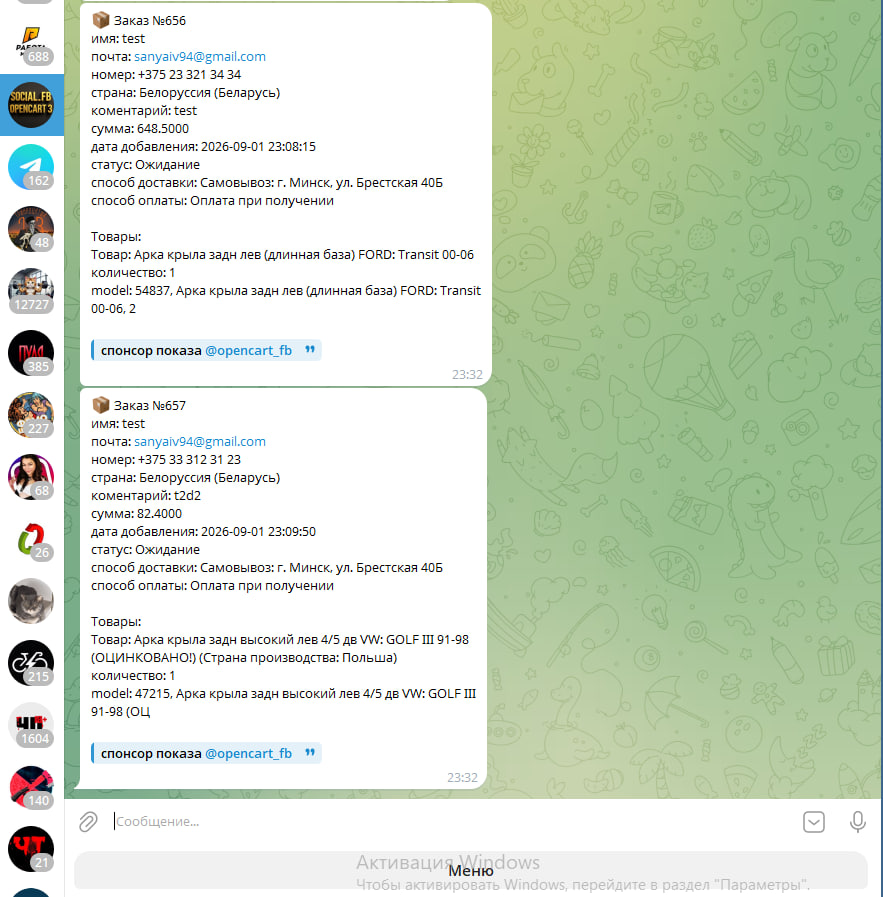
The module sends the order to tg, the order itself and the goods it contains.
Setting is as simple as possible.
1 install module
2 find in modules - Social FB
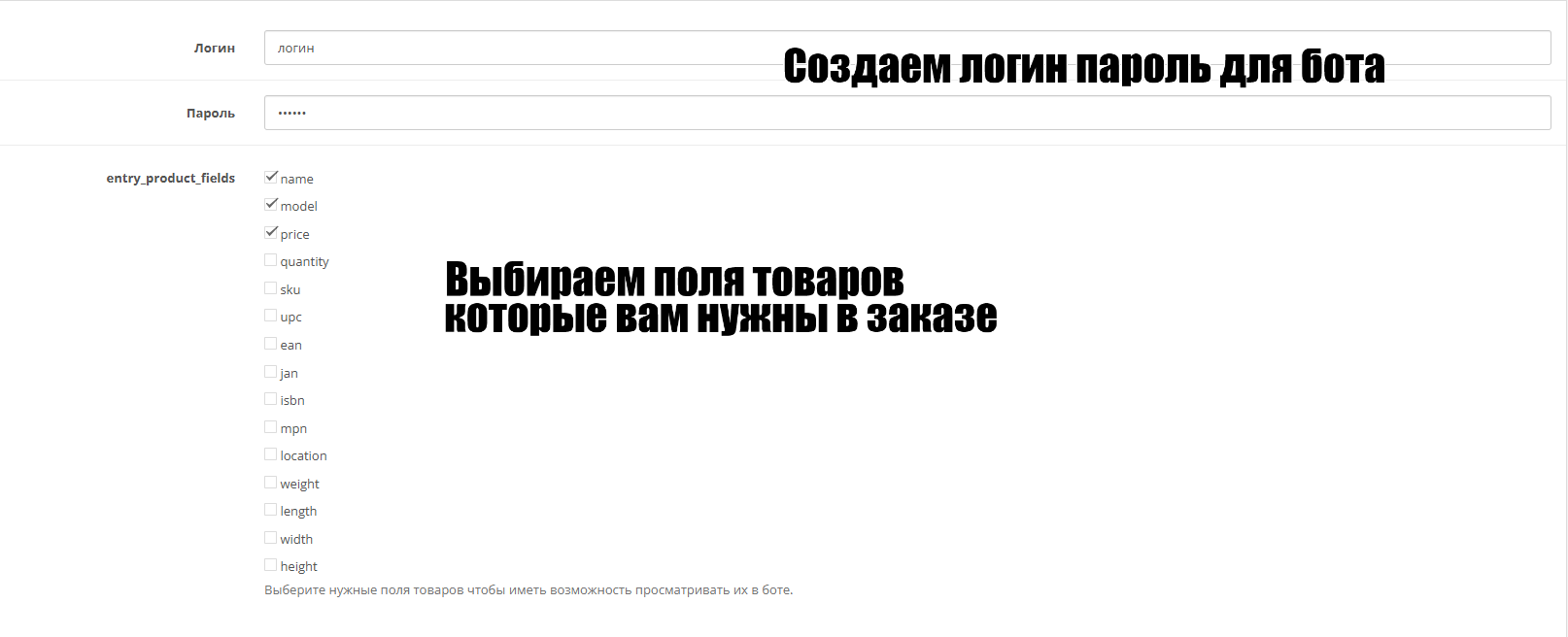
3 create a login password and select which product fields you need.
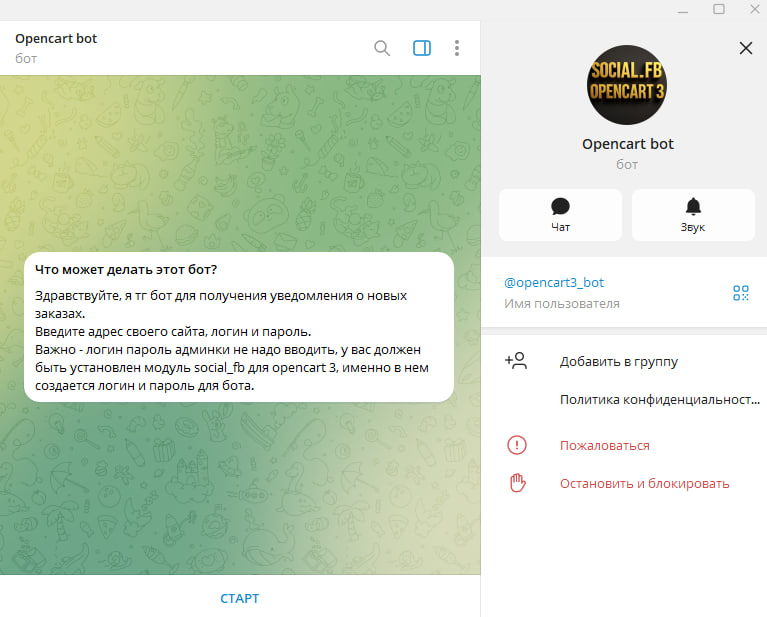
4 open the bot @opencart3_bot in tg and follow its instructions, enter the site address \ login password created in the admin panel (not from the admin panel itself, but the one you created in the module).
Now you receive your orders in tenge.
Setting is as simple as possible.
1 install module
2 find in modules - Social FB
3 create a login password and select which product fields you need.
4 open the bot @opencart3_bot in tg and follow its instructions, enter the site address \ login password created in the admin panel (not from the admin panel itself, but the one you created in the module).
Now you receive your orders in tenge.
Distribution method:
Paid
Opencart version:
LiveStore 3.*OCStore 3.*OpenCart 3.*OCStore 2.3OpenCart 2.3
PHP verision:
PHP 5.4PHP 5.5PHP 5.6PHP 7.0PHP 7.1PHP 7.2PHP 7.3PHP 7.4PHP 8.0PHP 8.1PHP 8.2
Activation:
Not required
Getting files:
On site, in the personal account
Protection system:
Custom
VQmod:
No
Ocmod:
Yes
Events:
No
Uploaded:
30.11.2025
Updated:
02.09.2026
Viewed:
2562
Write a review
Your Name:Your Review: Note: HTML is not translated!
Rating: Bad Good
Enter the code in the box below:
Файлы будут доступны после покупки


А то пока 10 штук выгрузится долго ждать если заказ всего 1.
Спасибо
А последние 10 это нужно один раз нажать, сразу после авторизации, чтобы получить все заказы что пришли, чтобы не упустить их, так что один раз можно и подождать пару сек, это лучше чем заказ упускать.
https://t.me/OFICIAL_FSB
все новые заказы должны выводится.
Ну или в лс можете написать тут
Вот ссылка чтобы в лс писать https://liveopencart.ru/index.php?route=contact/contact&contact_id=18484&pr_id=3283