Your shopping cart is empty!

Image gallery

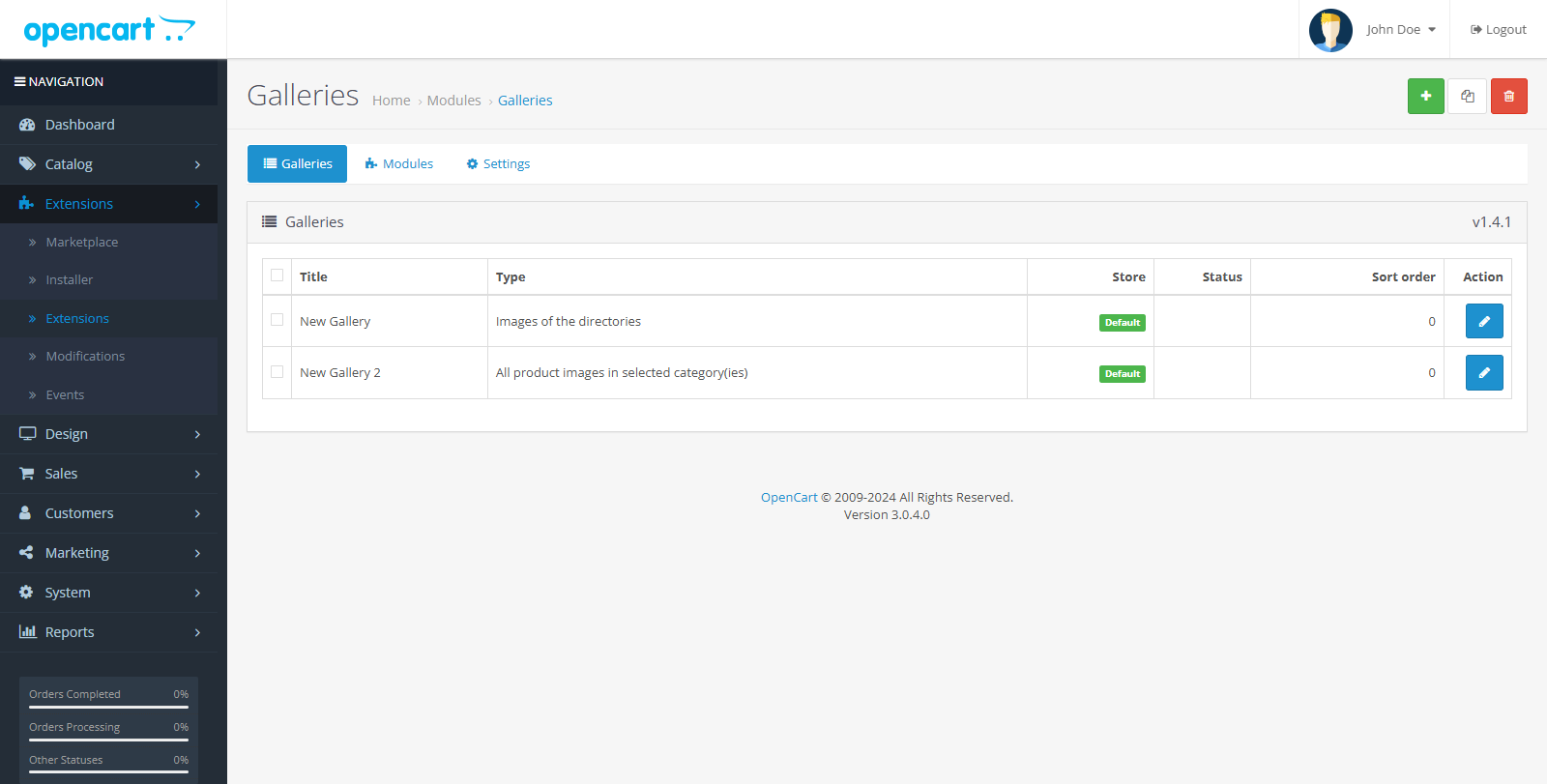
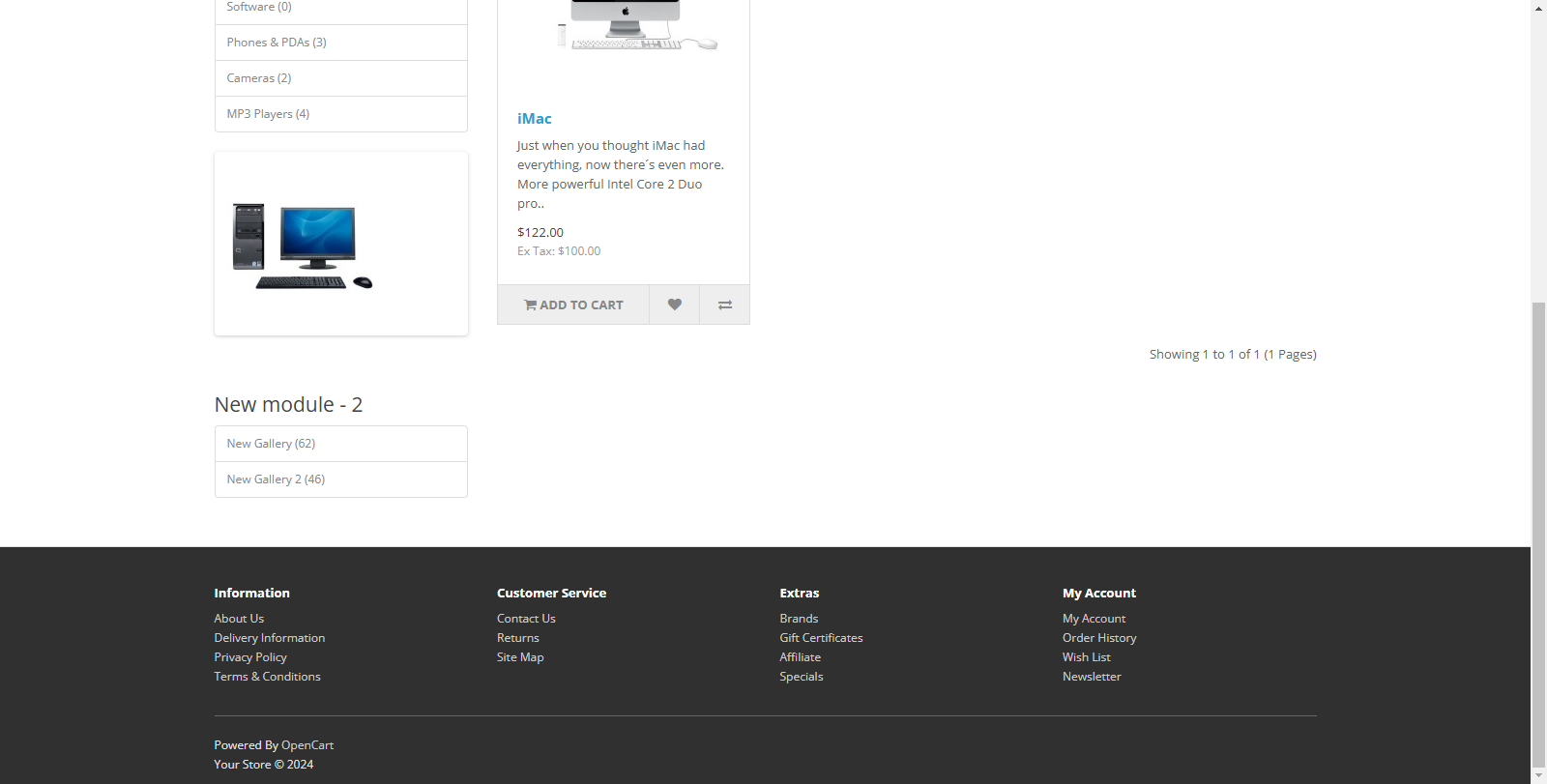

Price: free
Additional from the author:
Author: halfhope
Write to the author
Opencart version:
The product author has not visited the site for more than 1 month. Replies and support may take longer.
Need paid help? Contact the site administration
Opencart version:
OpenCart 2.3OpenCart 3.*
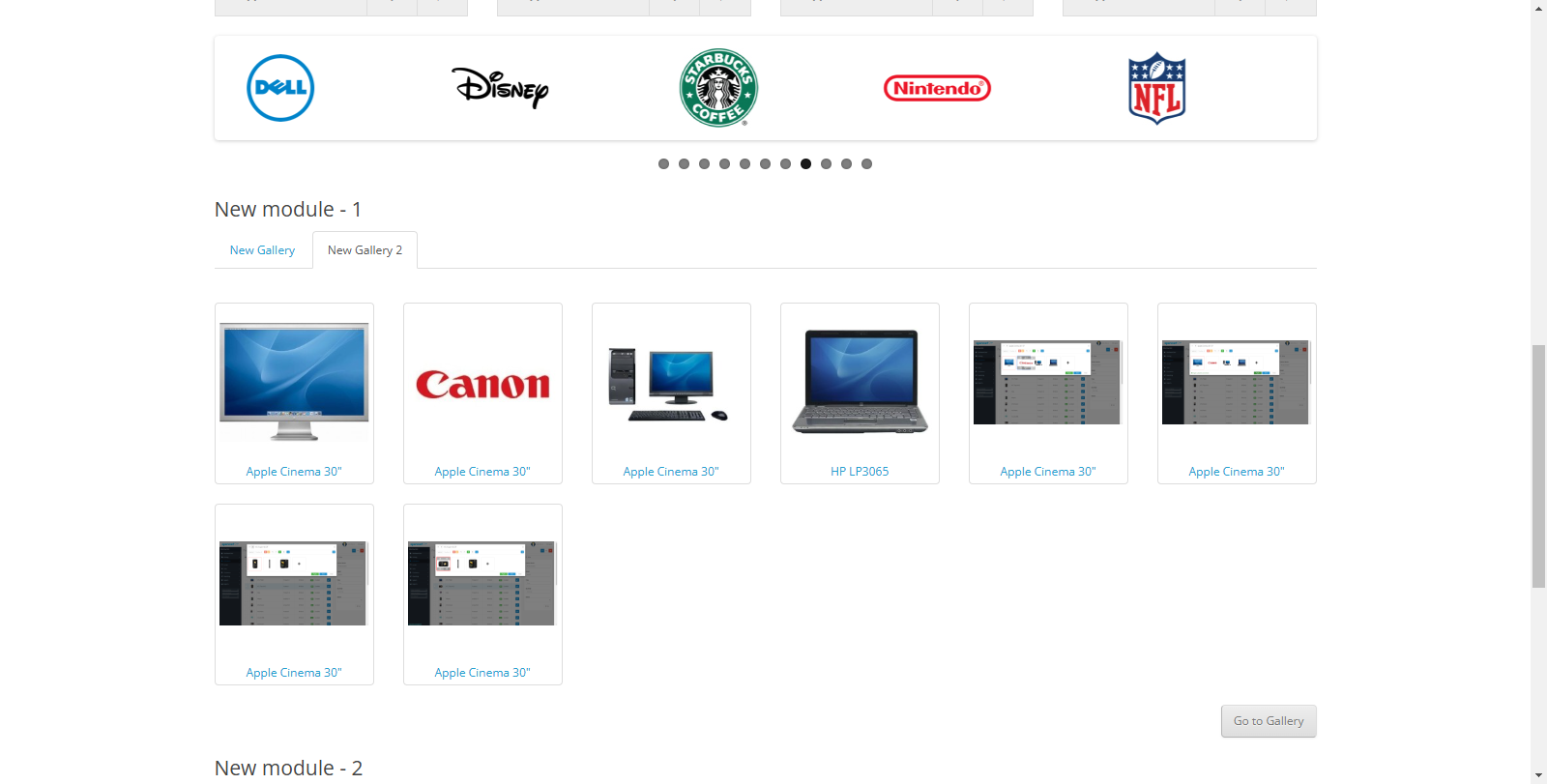
The extension offers a convenient solution for creating and managing image galleries in OpenCart.
Repository
Features
Guide
The module is simple, no manual required, everything is therein the description and tips.
If you have any questions, write to the support topic or private messages.
License
Thanks for using my addons!
I decided to make all my OpenCart add-ons free and open source so that they can benefit the community. Developing, maintaining, and updating these add-ons takes time and effort.
If my contributions have helped you with your project and you would like to support my work, I would appreciate any amount of donation.
Repository
Features
- Full multilingual support
- Full support for multi-stores
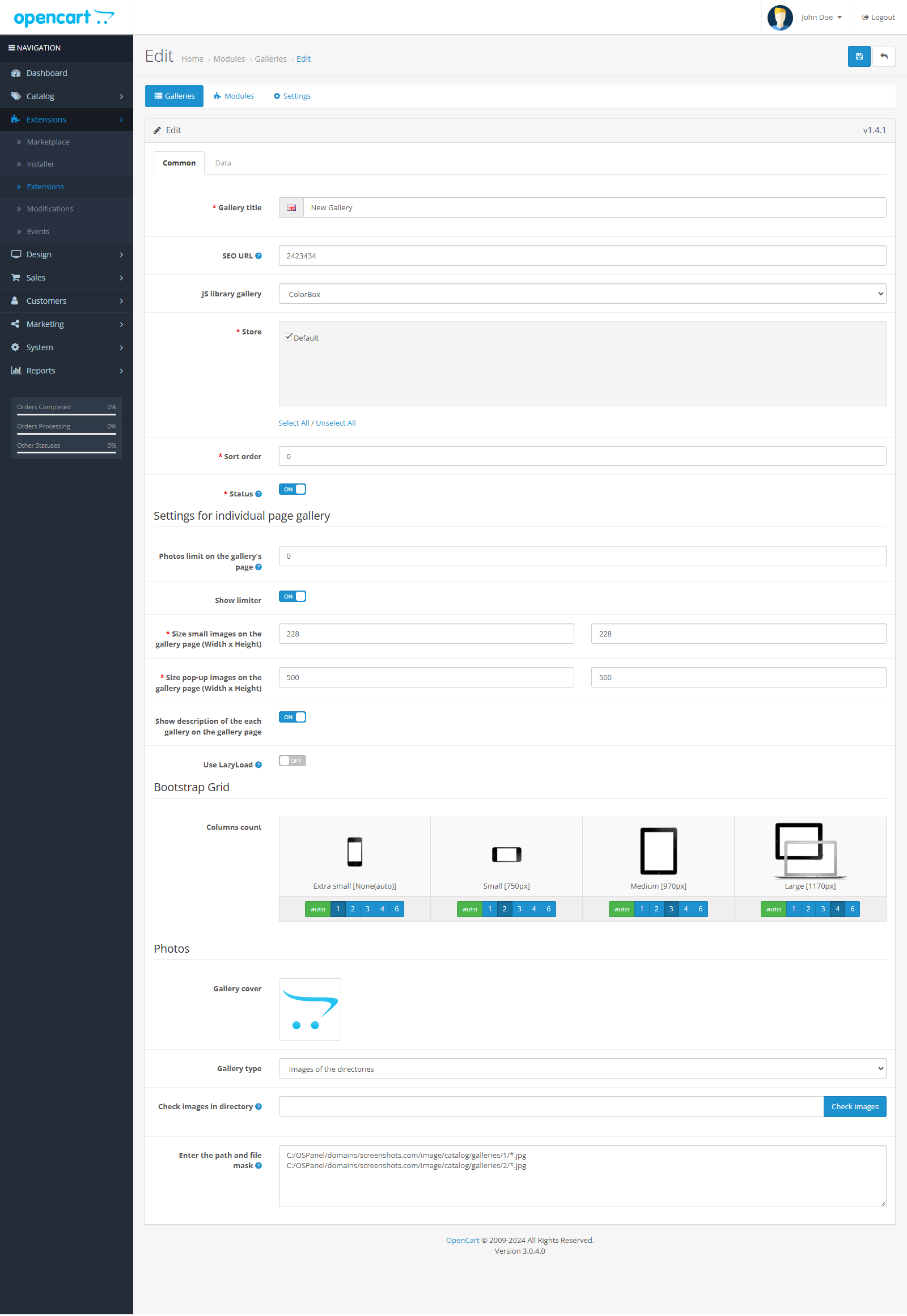
- Three types of galleries are available:
- Images of products from certain categories with/without additional images
- Images from specific directories by file mask
- Manually selected images (you can also download fromdirectory and select a name for each image)
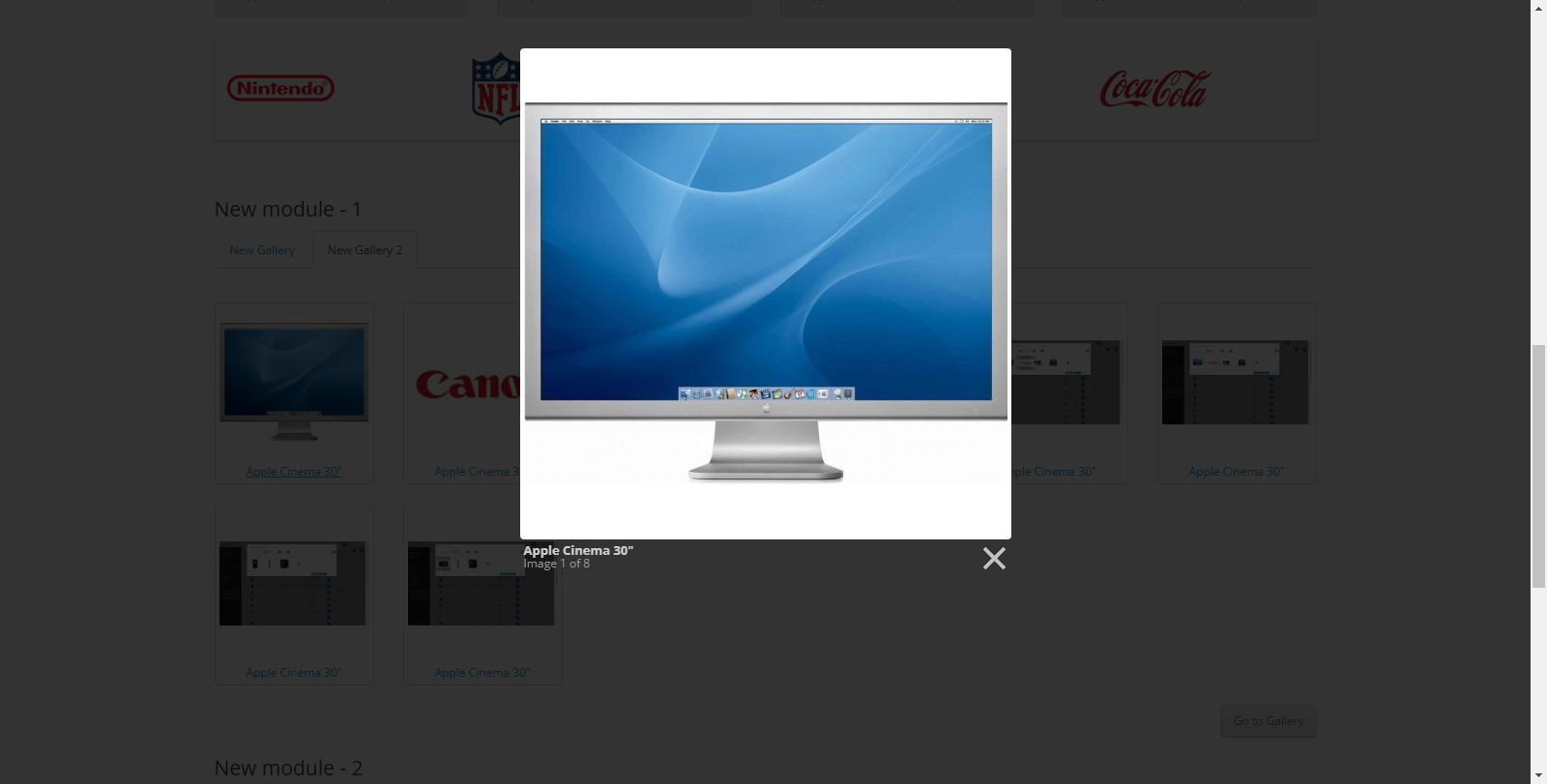
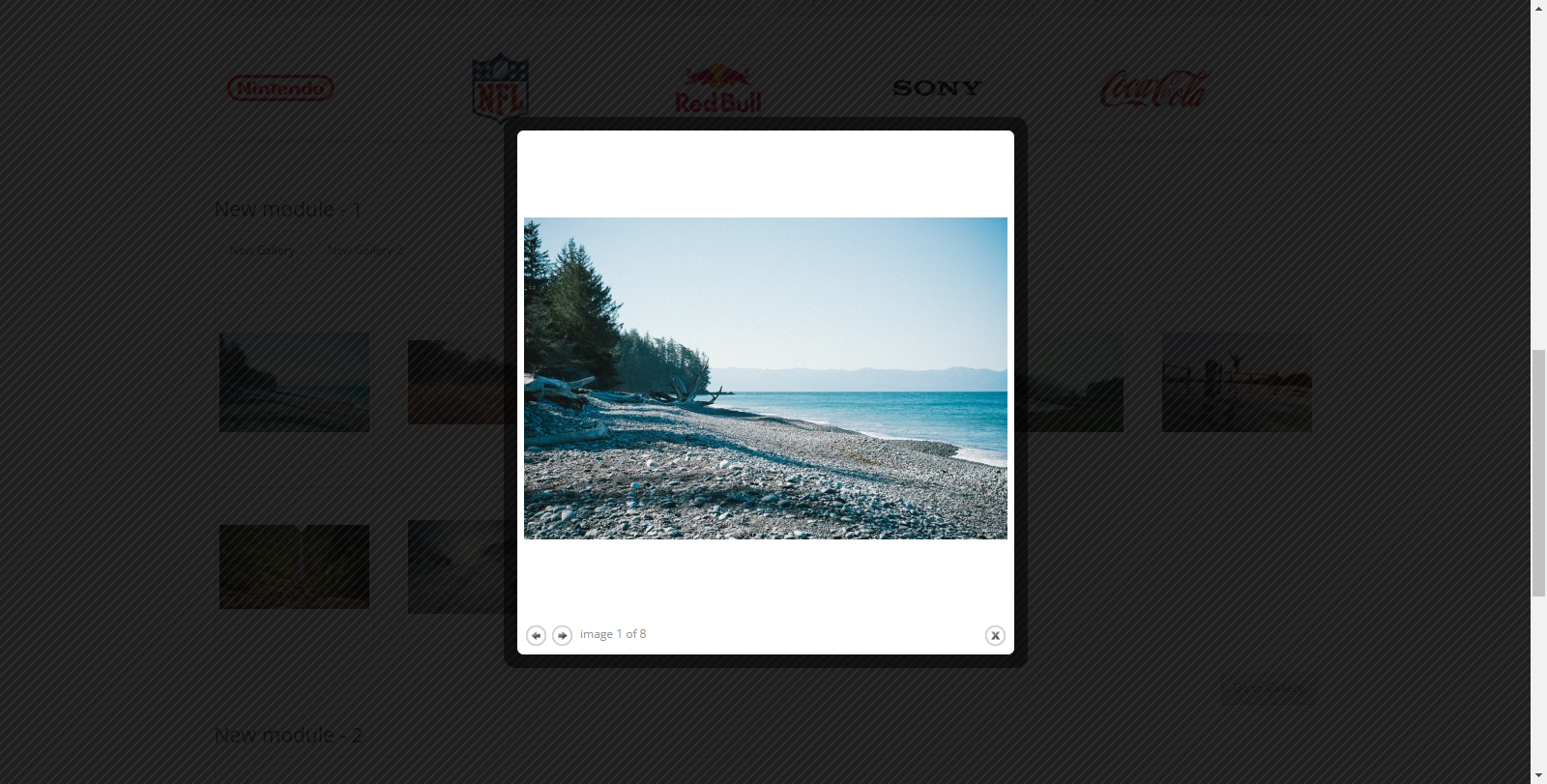
- Four types of libraries are available for viewing images:
- ColorBox
- LightBox (adaptive)
- FancyBox (adaptive)
- Magnific PopUp (adaptive, built into OpenCart 2)
- Two types of modules are available, with many settings for display galleries:
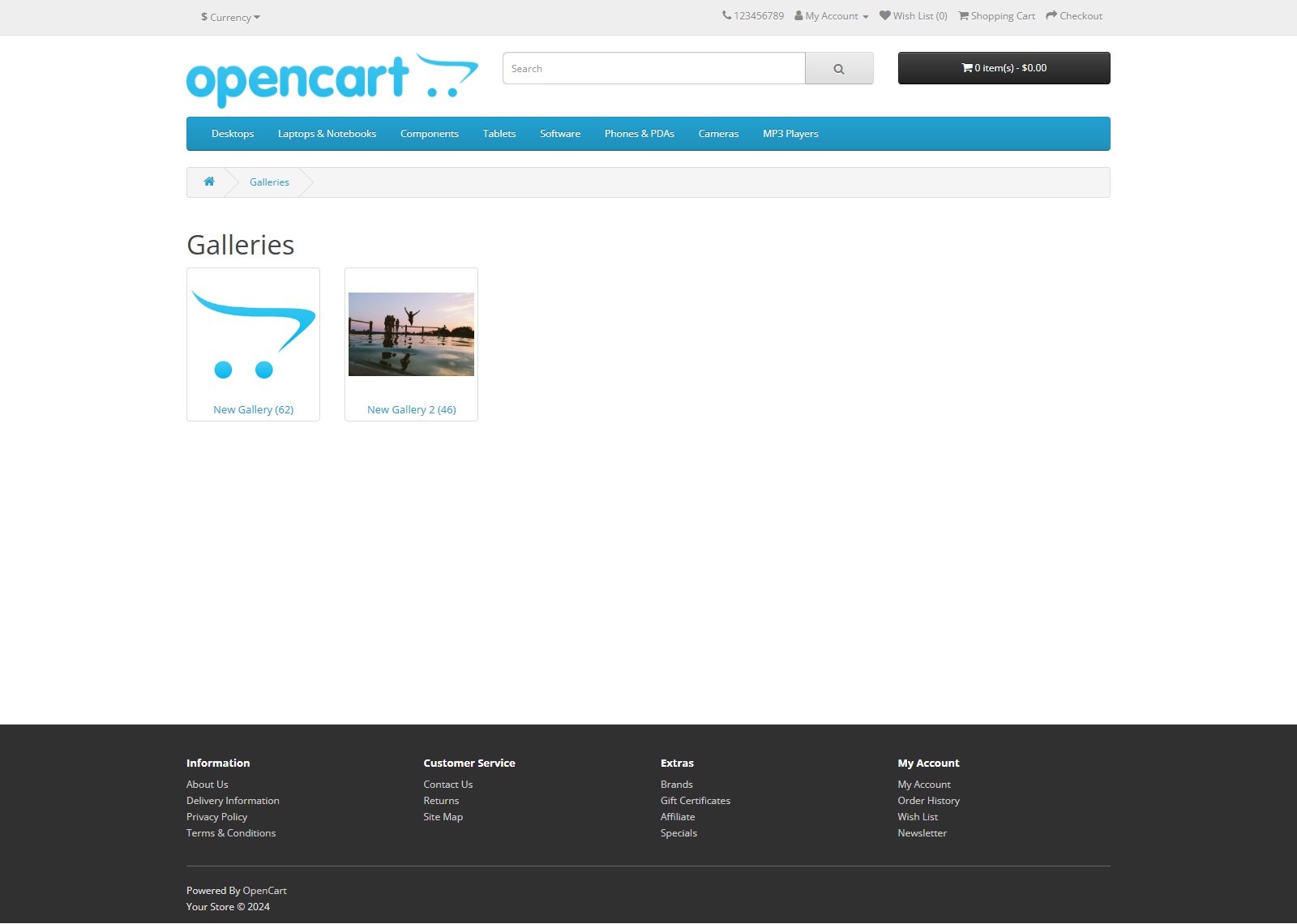
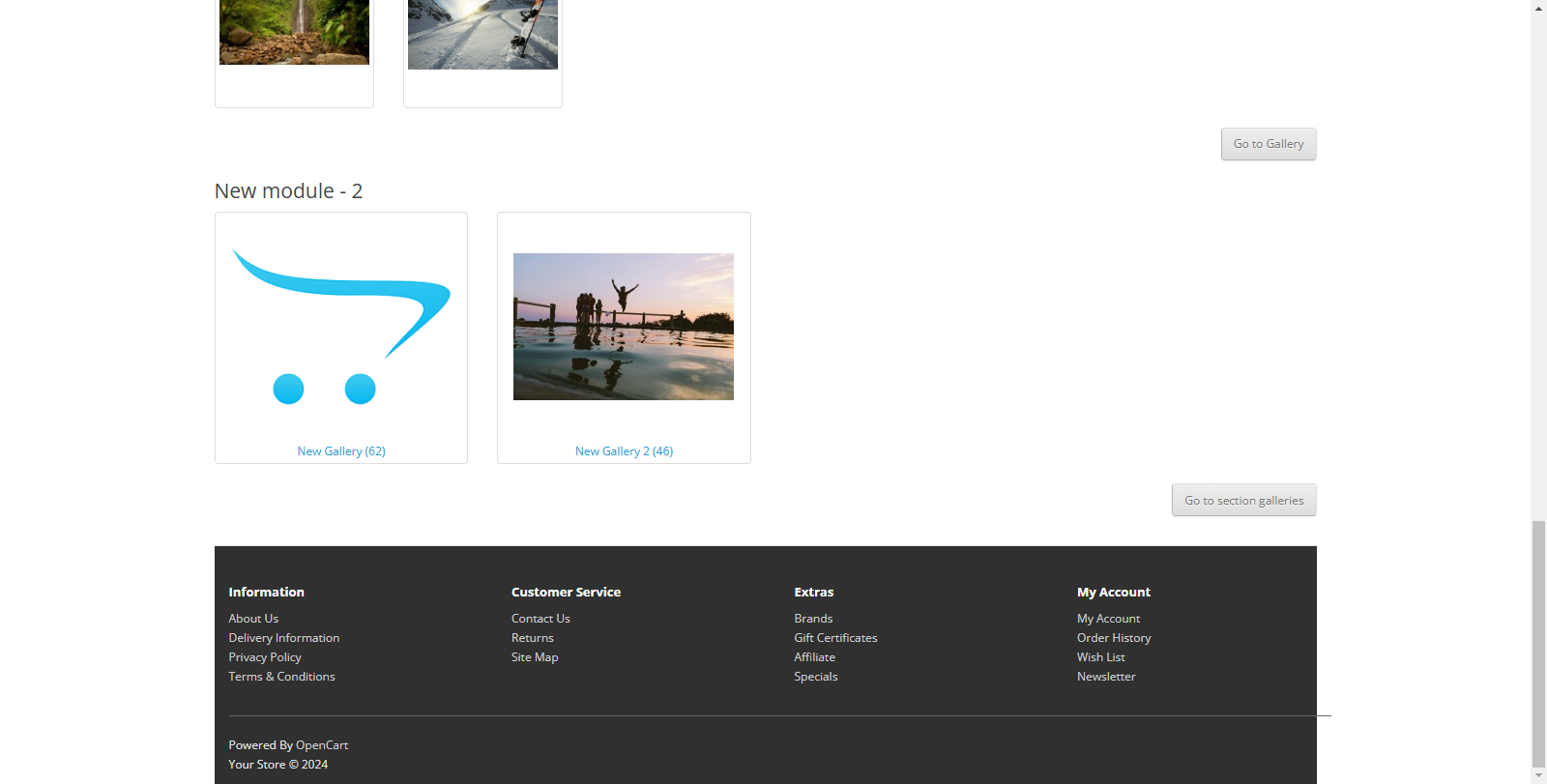
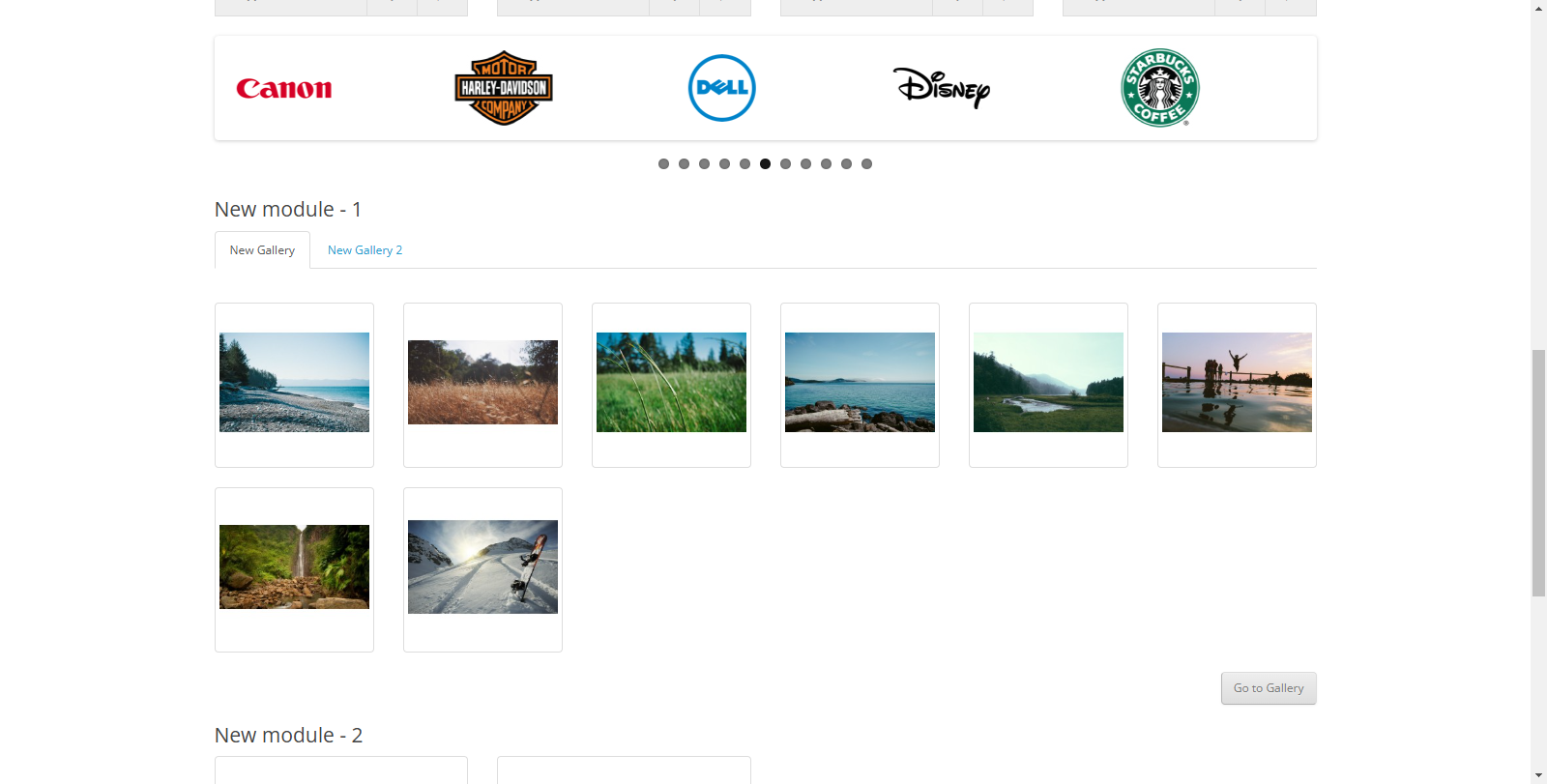
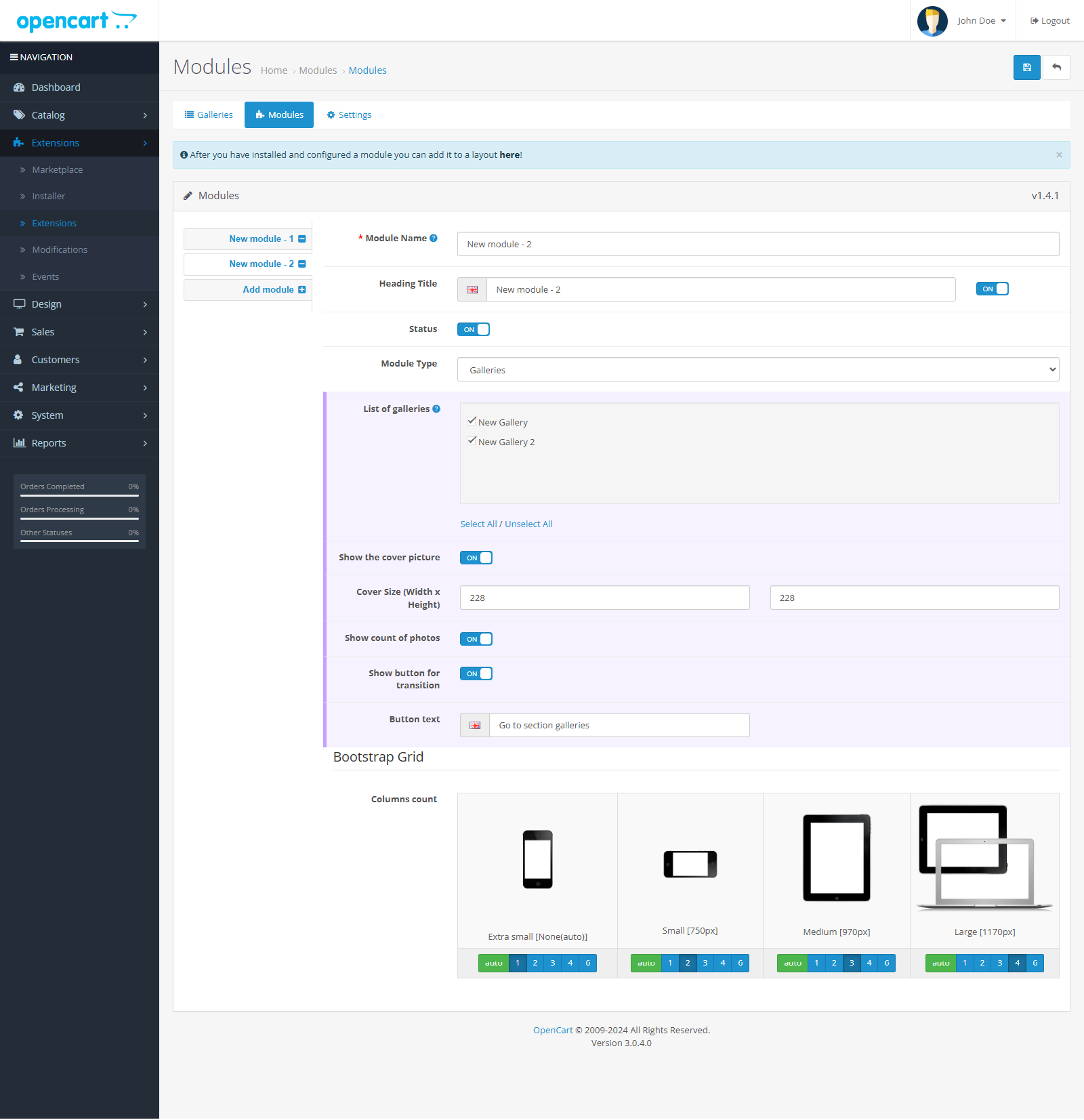
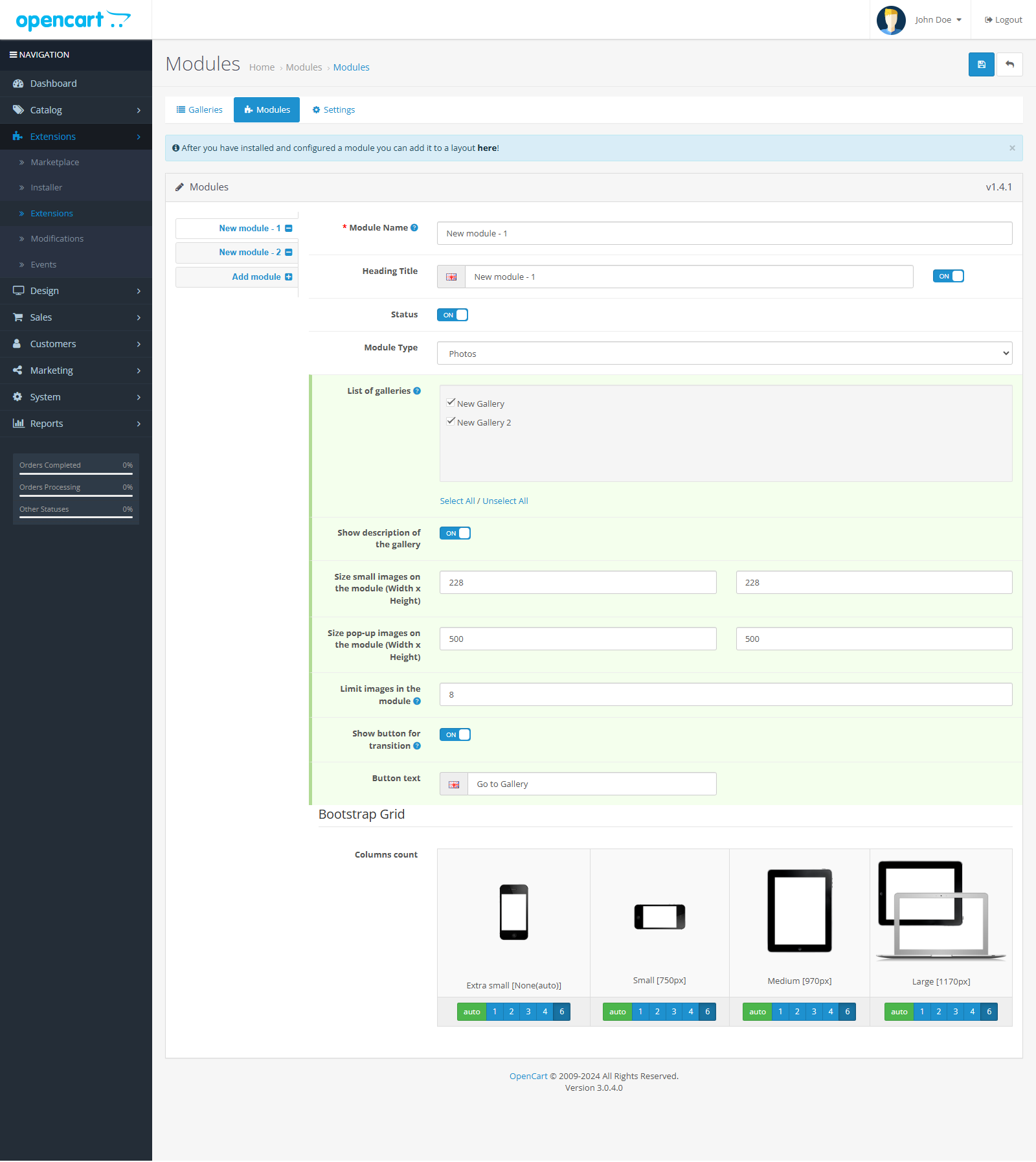
- Galleries (list of galleries with/without covers)
- Photos (if you select several albums, they will be placed in tabs)
- Sophisticated module caching system andgalleries
- LazyLoad is connected (lazy loading of images for large albums)
- Last-Modified headers are present for each album.
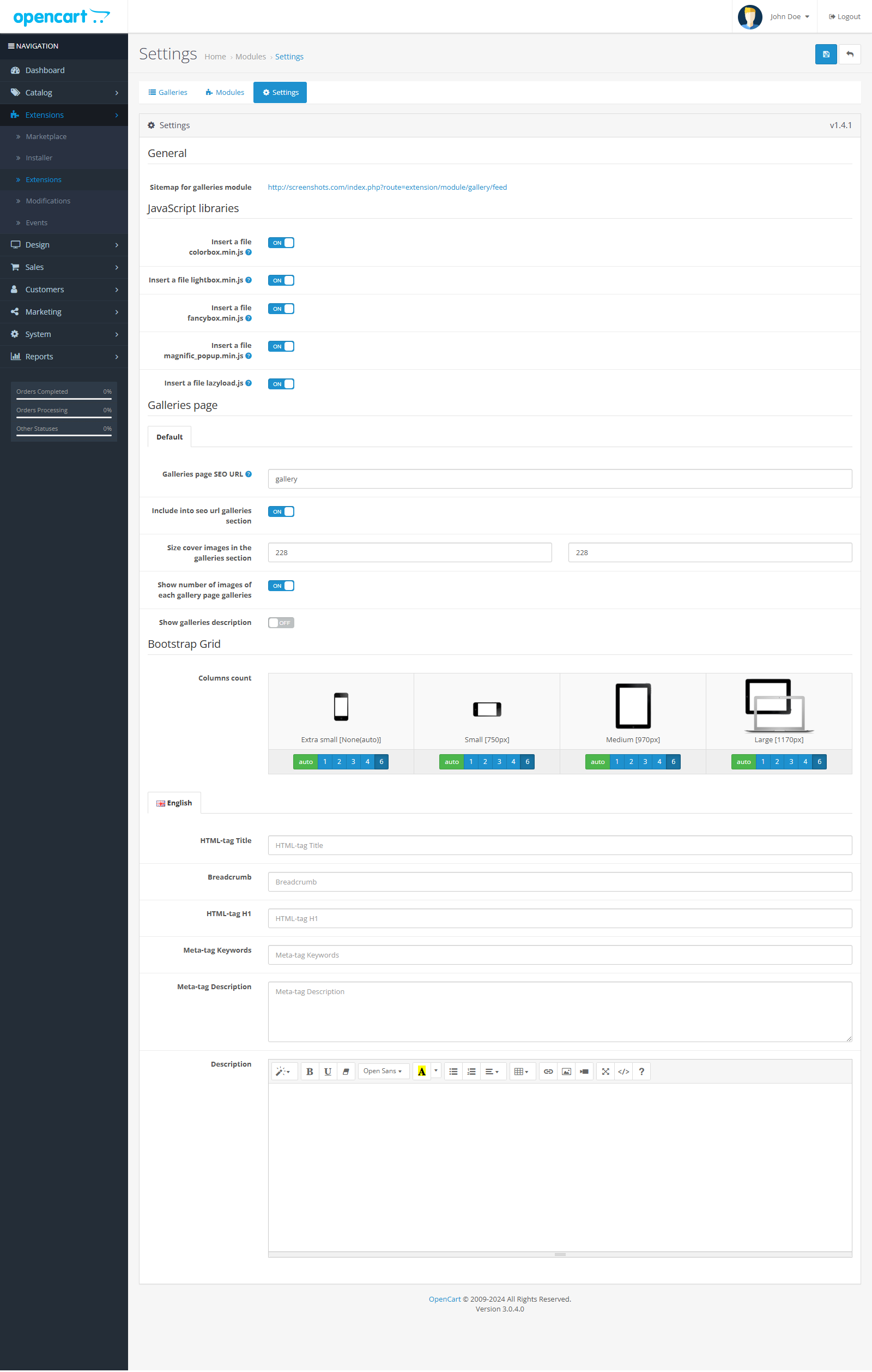
- There is a separate module site map module (xml file for adding to search engines systems)
- Individual settings for each gallery/module
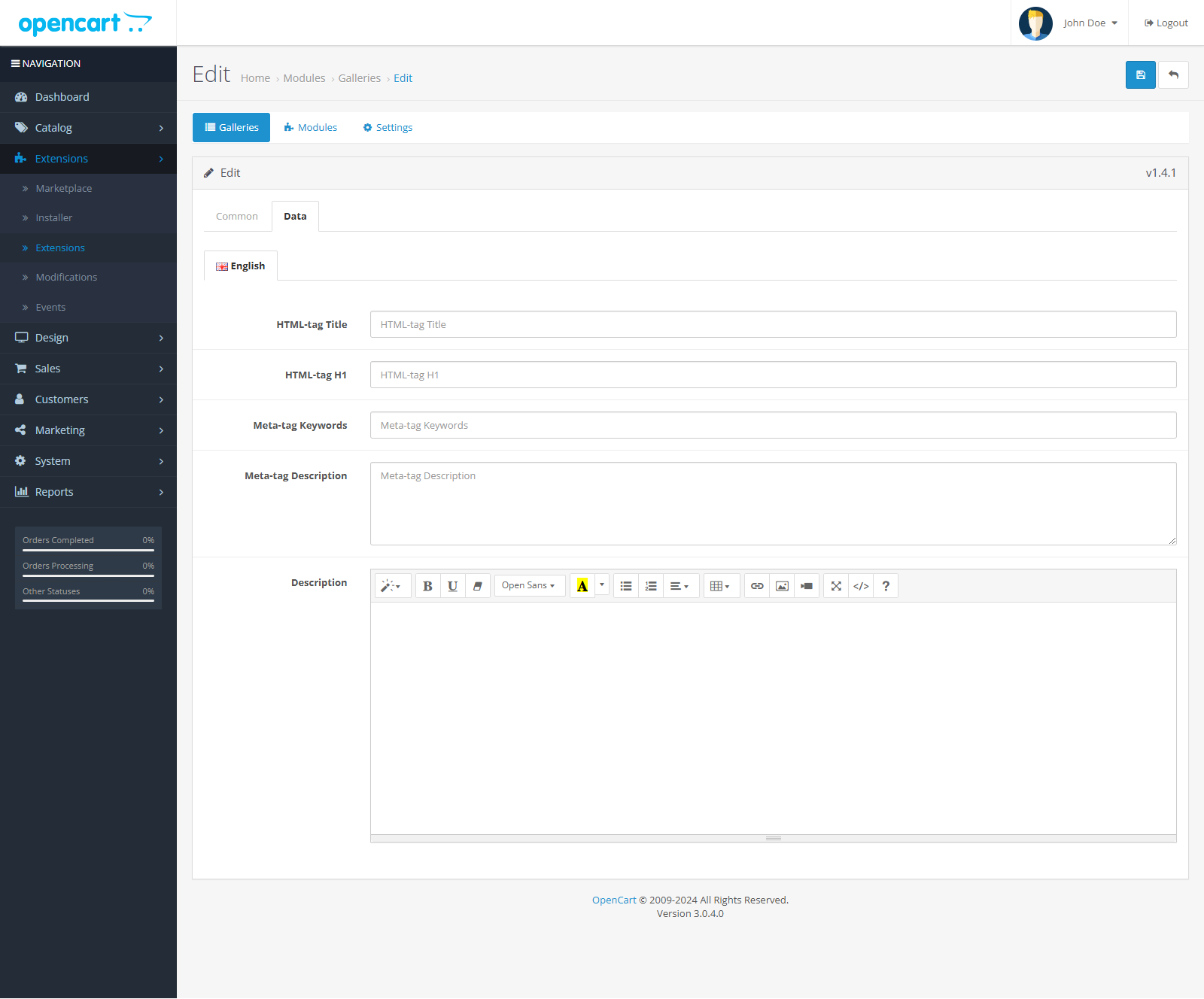
- Independent SEO controller based on fast seo_pro
- The ability to display a module not only on a specific scheme, but also on
- page of a certain category or product.
- Customizable number of columns (both for bootstrap and non-bootstrap templates)
- Supports adaptivetemplates.
- OpenCart 2.3, 3.x.
- Copy the files from the archive (from the upload folder) to the root directory of the site (you should copy without replacing the files)
- Go to the "Add-ons" > "Modules" section. Install the photo gallery module.
- After installing the module, 3 buttons (albums/modules/settings) will appear on the left, top, on all pages of the module.
- On the module settings page, select product schemes/categories/error pages. If the error page schema is missing, you need to add itthrough the "System/Design/Schemes" section, specifying the path error/not_found and selecting it in the module settings. You should not skip this step, it is necessary for the work of SEO and modules.
- Create at least one album.
- Go to the modules section, the SEO hook module will be created there, which is necessary for the work of SEO CNC links. This module will be placed on the site's error page. Then click "Save".
- You're done. You can add an XML feed to Google, Yandex or other search engines, the xml feed is located at http://site address/index.php?route=extension/module/gallery/feed
Guide
The module is simple, no manual required, everything is therein the description and tips.
If you have any questions, write to the support topic or private messages.
License
Thanks for using my addons!
I decided to make all my OpenCart add-ons free and open source so that they can benefit the community. Developing, maintaining, and updating these add-ons takes time and effort.
If my contributions have helped you with your project and you would like to support my work, I would appreciate any amount of donation.
Distribution method:
AllFree
Opencart version:
OpenCart 2.3OpenCart 3.*
Activation:
Not required
Protection system:
No
Uploaded:
18.12.2024
Updated:
18.12.2024
Viewed:
4138
Write a review
Your Name:Your Review: Note: HTML is not translated!
Rating: Bad Good
Enter the code in the box below:
To download this free product, you do not need to order it, just log in.
riply / 23 August 2026 22:30:59 #
Не работает, странно...
Войдите, чтобы ответить
softsistems_5 / 06 December 2025 21:31:57 #
dfgd
Войдите, чтобы ответить
softsistems_5 / 06 December 2025 21:31:49 #
rgerg
Войдите, чтобы ответить
Showing 1 to 3 of 3 (1 Pages)


