Your shopping cart is empty!

Where to buy - links to marketplaces and partners
5 sales
Price: 500 ₽
From 2 purchase of this product, the price is: 450 ₽
From 5 purchase of this product, the price is: 375 ₽
From 10 purchase of this product, the price is: 325 ₽

Additional from the author:
Author: SirGrey
Write to the author
Sales: 9 (Average rating 0 на основании 1 отзывов)
Need paid help? Contact the site administration
Opencart version:
Sales: 9 (Average rating 0 на основании 1 отзывов)
Need paid help? Contact the site administration
Opencart version:
LiveStore 3.*OCStore 3.*OpenCart 3.*
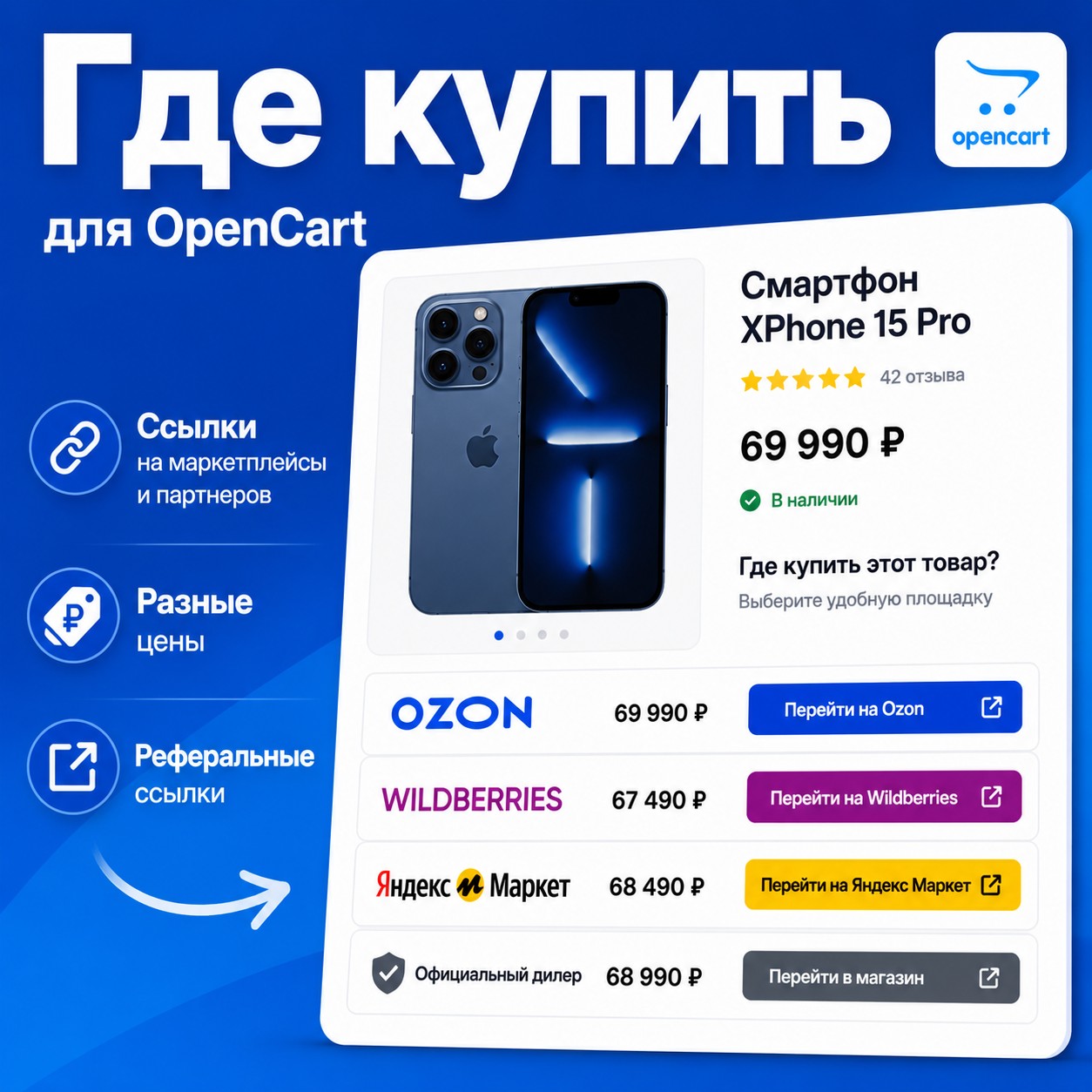
Module Where to buy - links to marketplaces and partners allows you to place links to products on external sites - marketplaces, partner stores and dealer networks. Ideal for manufacturers, distributors and brands that sell through multiple channels.
Features:
3 display styles on the product page:
Display in product listings:
Additional settings:
get comfortable)
Use cases:
Features:
- Unlimited number of partners (marketplaces, dealers, stores)
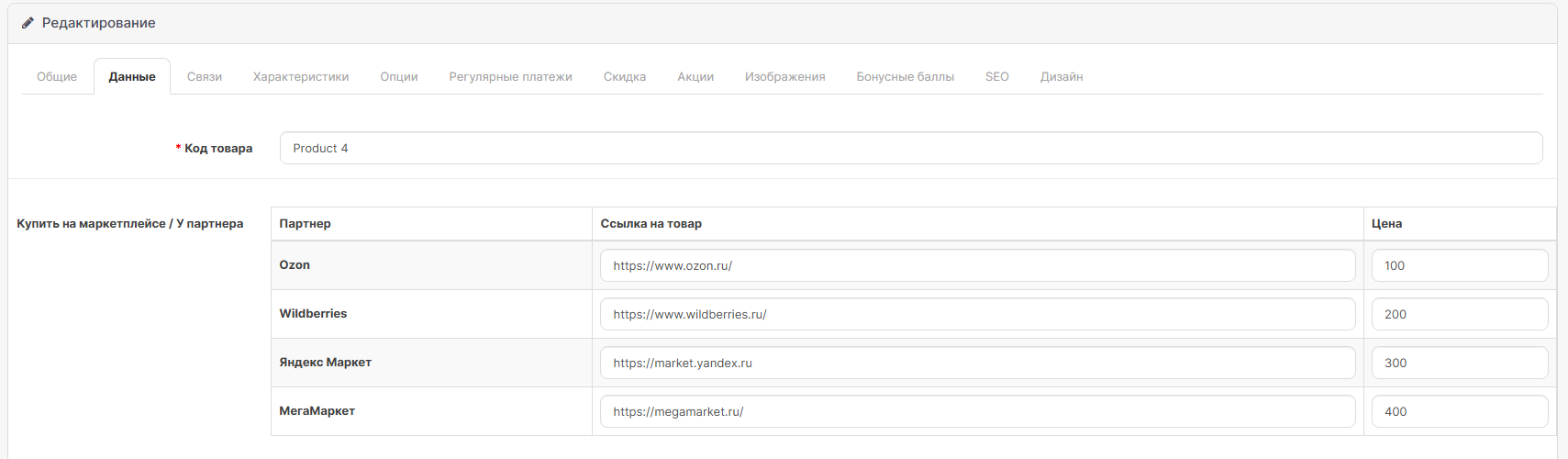
- Individual link and price for each partner in each product
- Partner logos in buttons
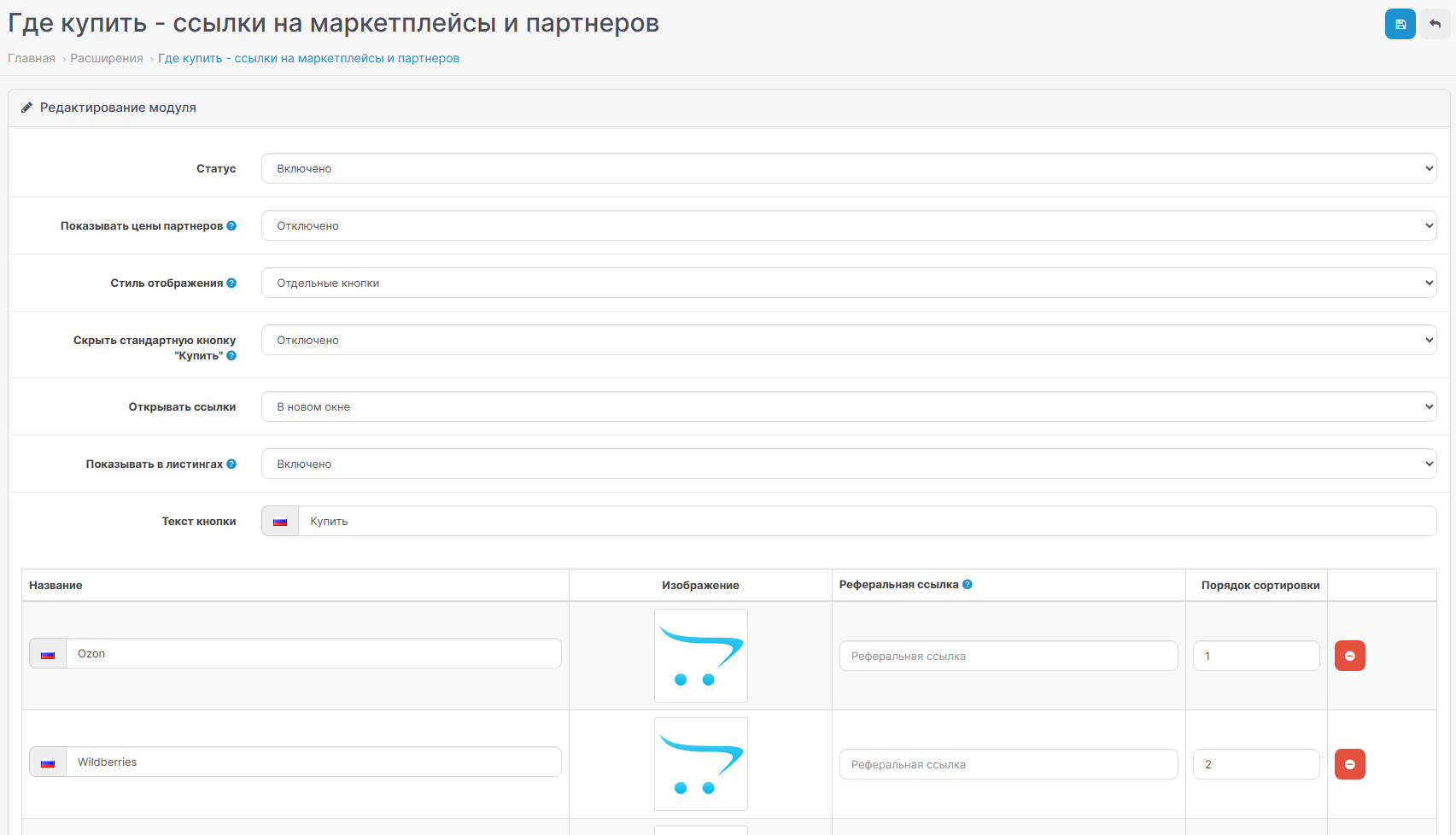
- Multilingual - partner names and button text in each store language
- Referral/affiliate links with automatic addition to product URL
- Optional display of partner prices
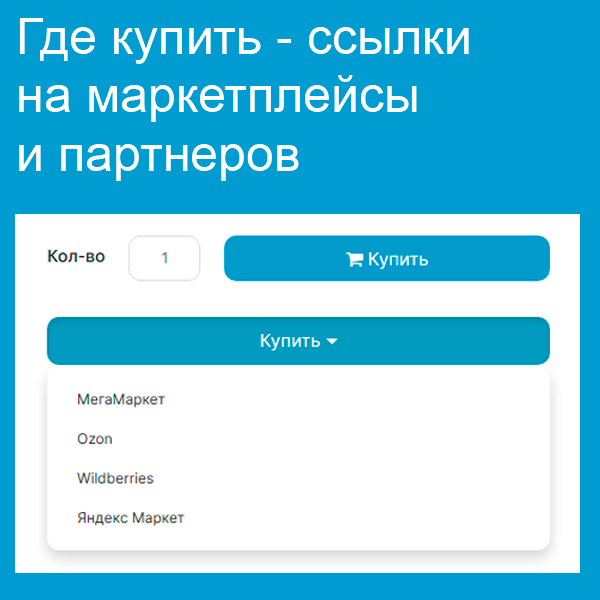
3 display styles on the product page:
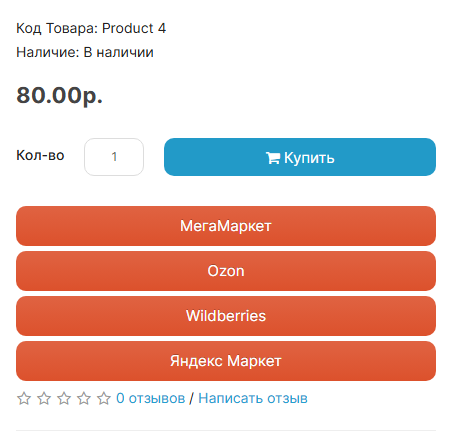
- Separate buttons - partners are displayed inline next to the "Buy" button
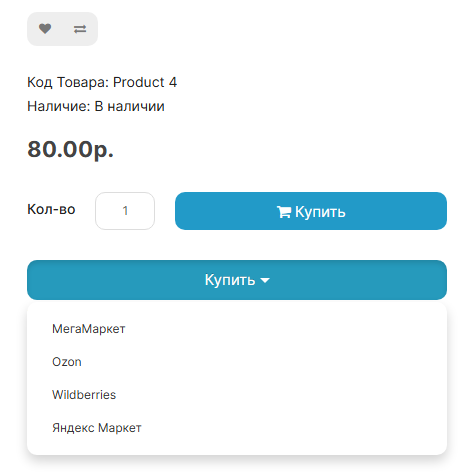
- Drop-down list - one button, when clicked, the list of partners opens
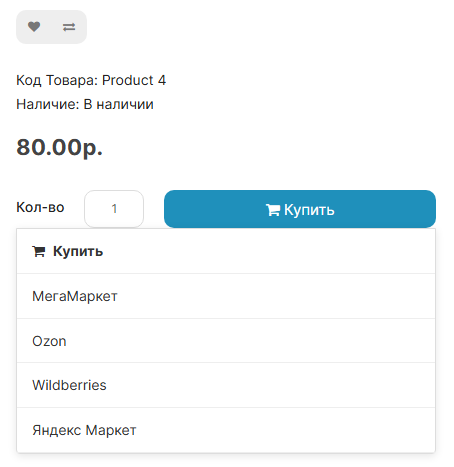
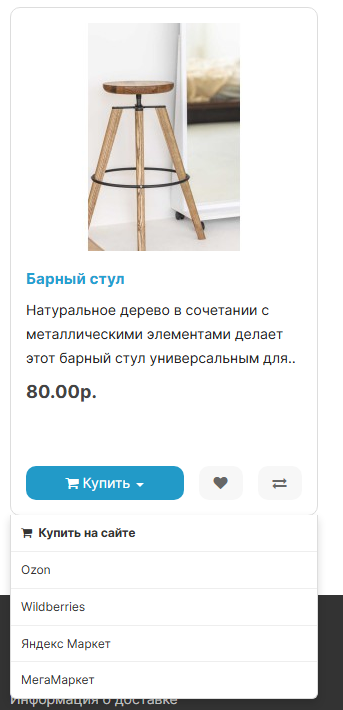
- Button "Buy" + list of partners - the "Buy" button when clicked shows the choice: buy on the website or from a partner
Display in product listings:
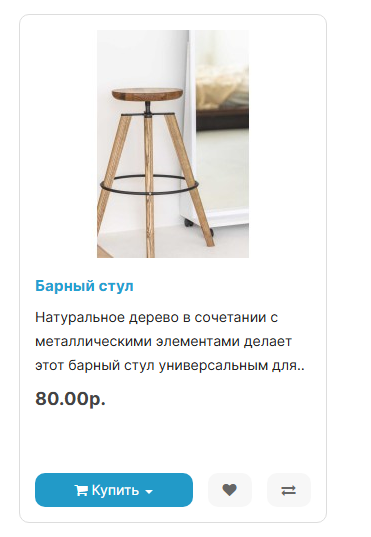
- The "Where to buy" button with a drop-down list is automatically added to all product cards
- Works on pages of categories, search, promotions, manufacturers and in modules (hits, new items, recommended, etc.)
Additional settings:
- Hide the standard "Buy" button (leave only affiliate links)
- Open links in a new window or current window
- Enable/disable display in listings separately from the product page
get comfortable)
Use cases:
- The manufacturer places links “Where to buy” to its dealers
- Online store shows price comparison on marketplaces
- Affiliate program with referral links
- Brand site with redirection to trading platforms
Distribution method:
Paid
Opencart version:
LiveStore 3.*OCStore 3.*OpenCart 3.*
PHP verision:
PHP 5.6PHP 7.0PHP 7.1PHP 7.2PHP 7.3PHP 7.4PHP 8.0PHP 8.1PHP 8.2PHP 8.3
Activation:
Not required
Getting files:
On author's site, after purchase
Protection system:
No
VQmod:
No
Ocmod:
Yes
Events:
No
Uploaded:
01.05.2026
Updated:
08.08.2026
Viewed:
1700
Sales:
9
Write a review
Your Name:Your Review: Note: HTML is not translated!
Rating: Bad Good
Enter the code in the box below:


Файлы будут доступны после покупки
Yaroslav / купил товар / 29 June 2026 20:46:16 #
Полезный модуль, если торгуете на маркетплейсах. Спасибо автору, очень оперативно помог с настройками
Войдите, чтобы ответить
Showing 1 to 1 of 1 (1 Pages)
Articles about the product
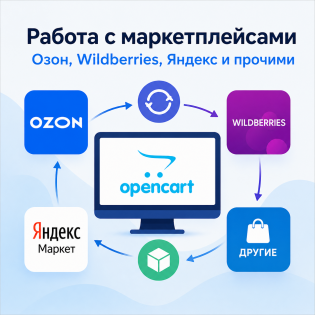
Working with marketplaces from OpenCart.


