Your shopping cart is empty!

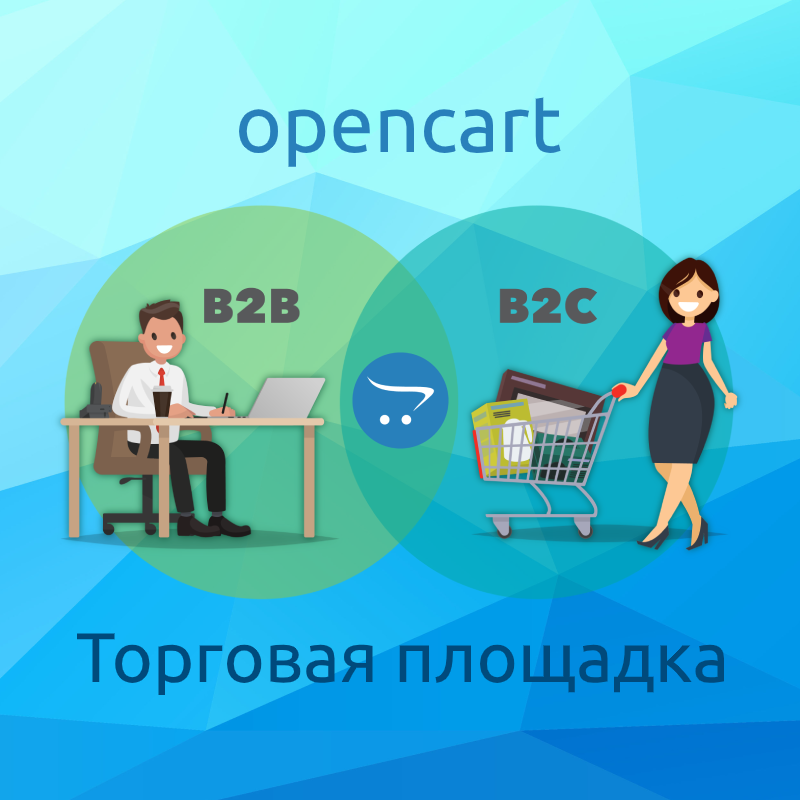
Marketplace | C2C B2C B2B Marketplace v4.0.2
50 sales

Price: 32 000 ₽
From 2 purchase of this product, the price is: 28 000 ₽

Additional from the author:
Author: МУРЗЕИН
Write to the author
Sales: 66 (Average rating 5 на основании 21 отзывов)
Need paid help? Contact the site administration
Opencart version:
Sales: 66 (Average rating 5 на основании 21 отзывов)
Need paid help? Contact the site administration
Opencart version:
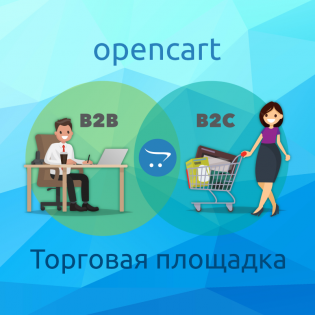
 Trading platform | C2C B2C B2B Marketplace
How the module works:
Detailed description is presented here:http://mmtrade.mazein.ru/faq/
Module key:
Here
Starting from version 4.0.2 you do not need to enter the key!
Add-on for the module - Marketplace | Tariffs for sellers
The xls file is uploaded seller_id and seller (name and title seller)
Import through the admin panel takes into account seller_id
It is possible to import goods without product_id (more details in readme.txt)
Export of goods by sellers in personalaccount
Import of new products through the seller’s personal account
Update goods through the seller’s personal account
Import through the scheduler
[/size]
Mode functionality Marketplace | C2C B2C B2B Marketplace
Additions
mmtrade_aop_2.3.ocmod.zip - adds seller selection when importing goods through the AOP module
mmtrade_attributes_options_2.3.ocmod.zip - selection of attributes and options for each seller
mmtrade_checkout_2.3.ocmod.zip - grouping of goods in the cart by seller with separate checkout (for the Simple module), changing the order status by the seller
seller_shipping_payment - OC2.3 only. Selection of payment and delivery methods for each seller
Module installation:
http://mmtrade.mazein.ru (UniShop2 template is used)
User with the ability to create products:
Login: ivanov@ivanov.ru
Password: ivanov
License conditions
License check
License verification is carried out by connecting to the developer's server. To make it possible to change the license (domain), the license is checked periodically. If the developer's server is unavailable, the module will continue to work, but it is necessary that the connection be made at least once. [b]By purchasing this software, you agree to these terms.[/b]
Services for adapting a module to the template
Adapted to the templates
Trading platform | C2C B2C B2B MarketplaceHow the module works:
Detailed description is presented here:http://mmtrade.mazein.ru/faq/
Module key:
Here
Starting from version 4.0.2 you do not need to enter the key!
Add-on for the module - Marketplace | Tariffs for sellers
- Tariffs are being introduced for sellers to place goods
- Tariffs, their quantity and parameters are specified administrator
- According to the tariffthe subscription fee is debited from the seller's internal account
- Unlimited number of files for each product
- Everyone has their own folder on the server seller
- The file is stored on the server with a changed name
- Direct downloading of the file is excluded link
- In the admin panel on the product page you can view and download files
- Files are availablefor downloading even after deleting the product
- [size=100]Selecting a seller to export goods in the admin panel
Mode functionality Marketplace | C2C B2C B2B Marketplace
- Enabling the ability to place goods in the admin panel for each registered buyer upon request in the personal account
- Each seller receives installedadministrator receives a percentage of sales of their goods
- Each seller has a personal account, funds from which he can spend in this store, or withdraw upon request
- The seller receives a notification if he purchases it products
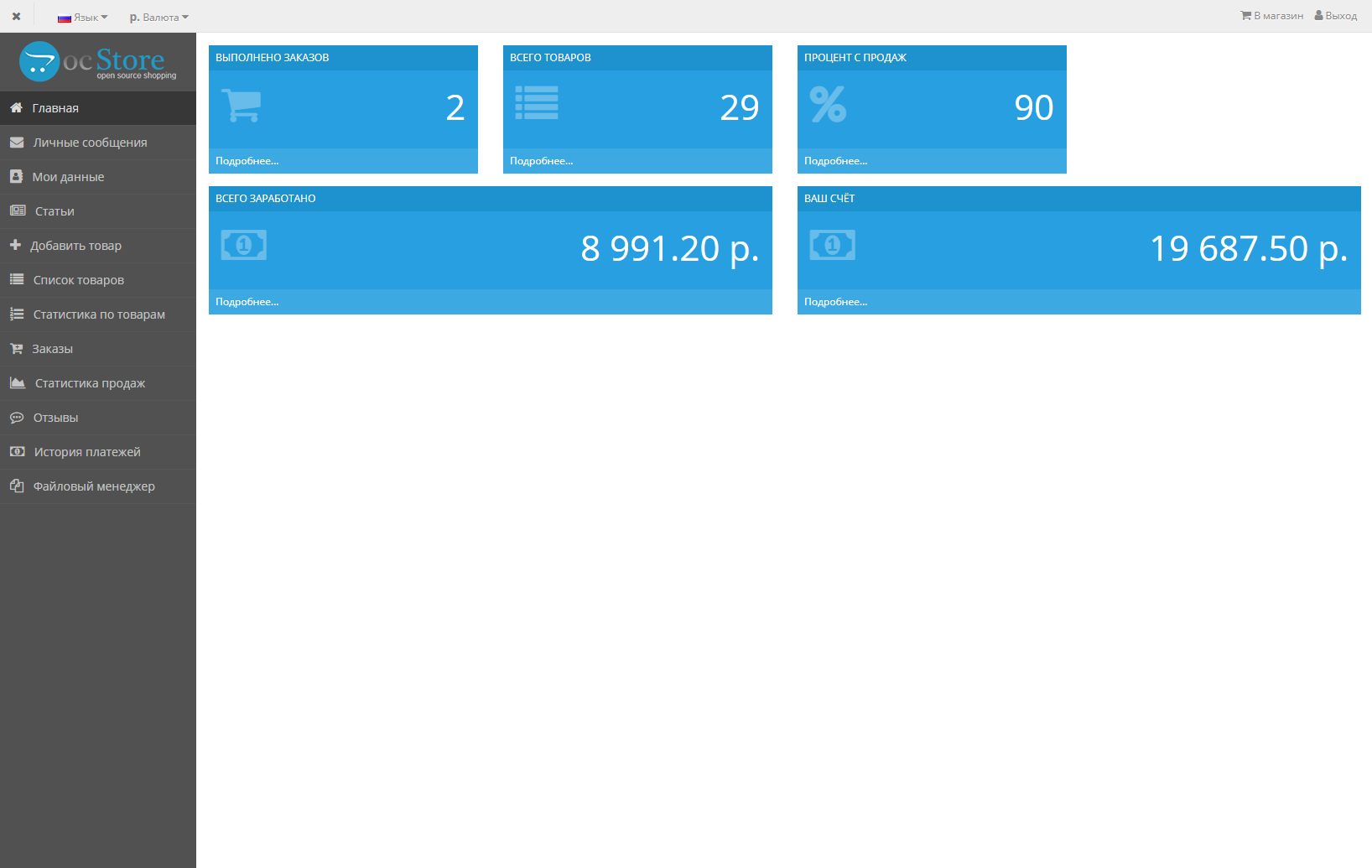
- The seller has a personal account
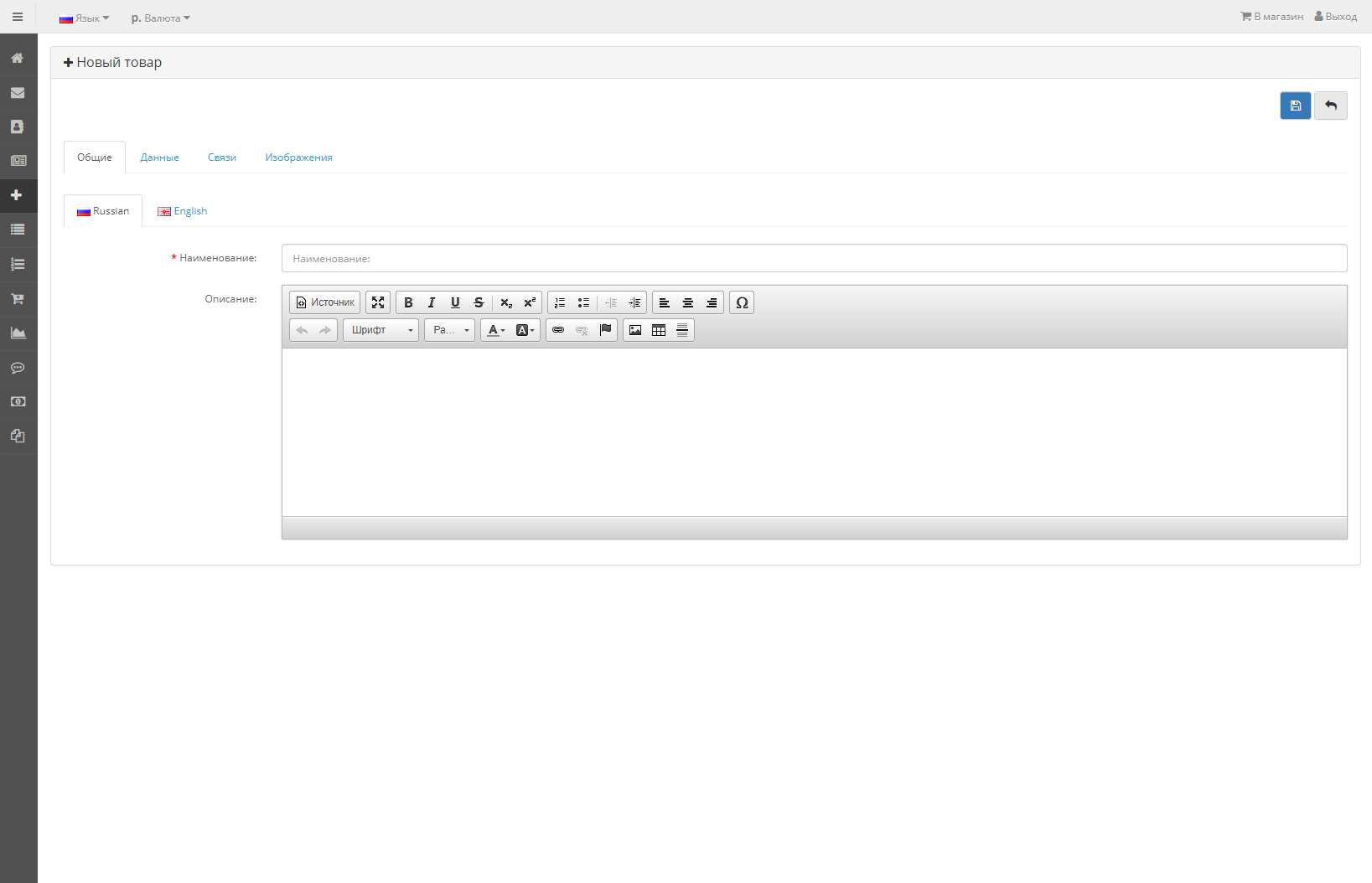
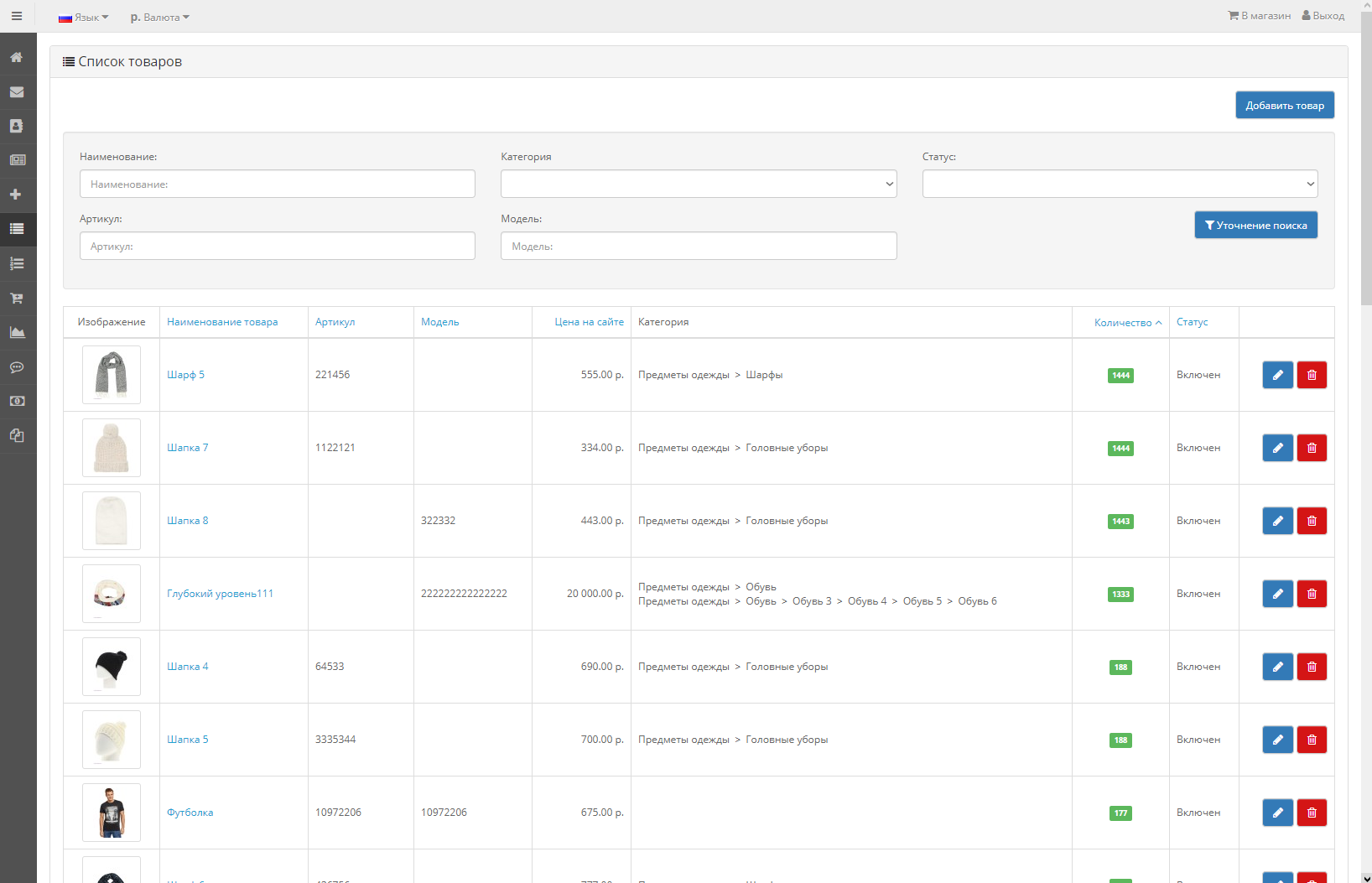
- The seller can add products, assign them attributes, options (setting options and attributes only by the store administrator), link them to categories and manufacturers
- Each product is added with the status “disabled”, it can be enabledadministrator
- Fields and tabs on the product adding page are managed through the admin panel (not all)
- Each seller can link products only to those specified in the admin panel categories
- When a product is added, the administrator is notified by letter
- For any seller, you can disable moderation of product placement
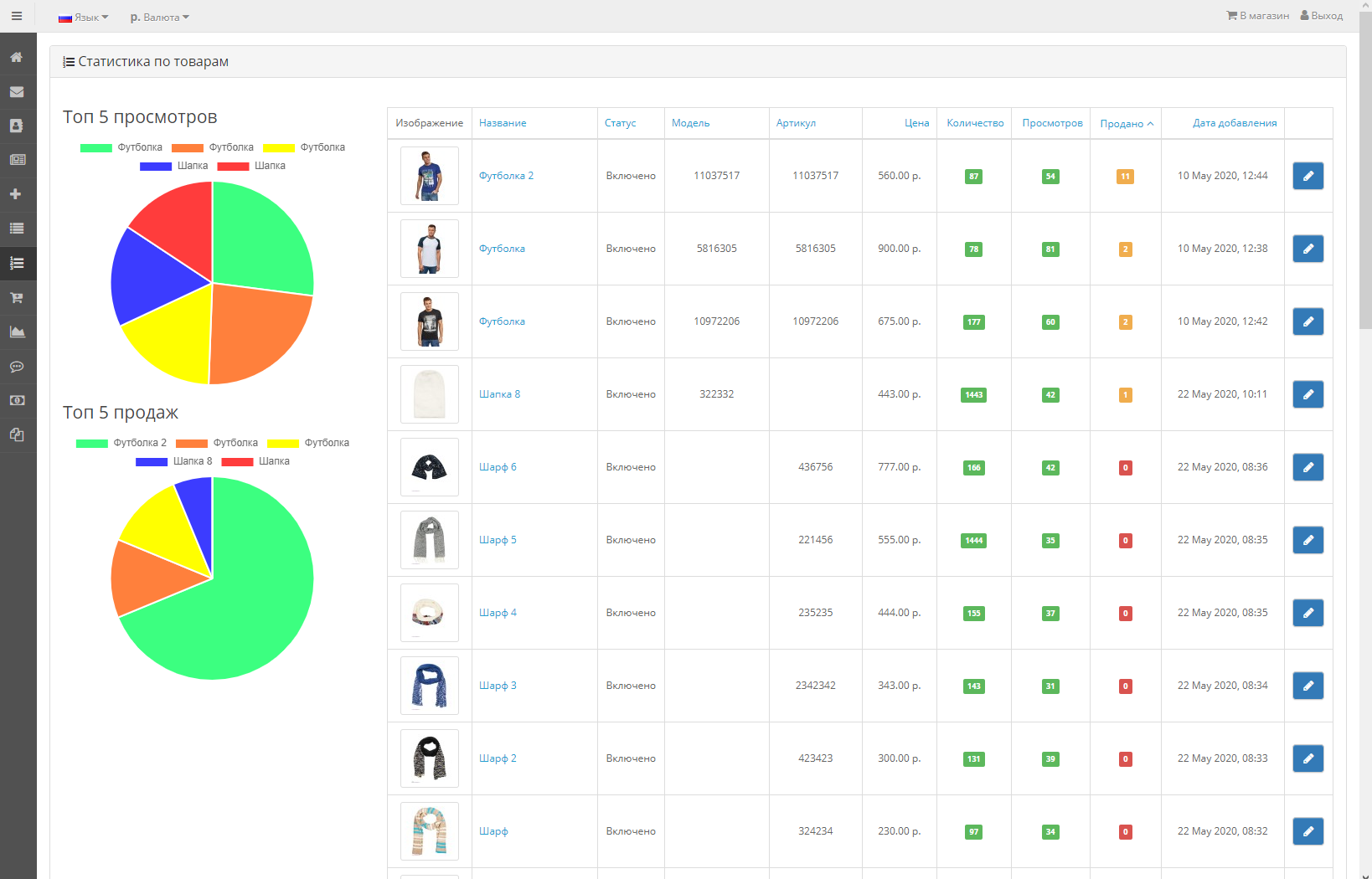
- In your personal account you can see the statistics of views and sales of each product
- In your personal account, the seller can see the order that contains his goods,leave a comment to the administrator
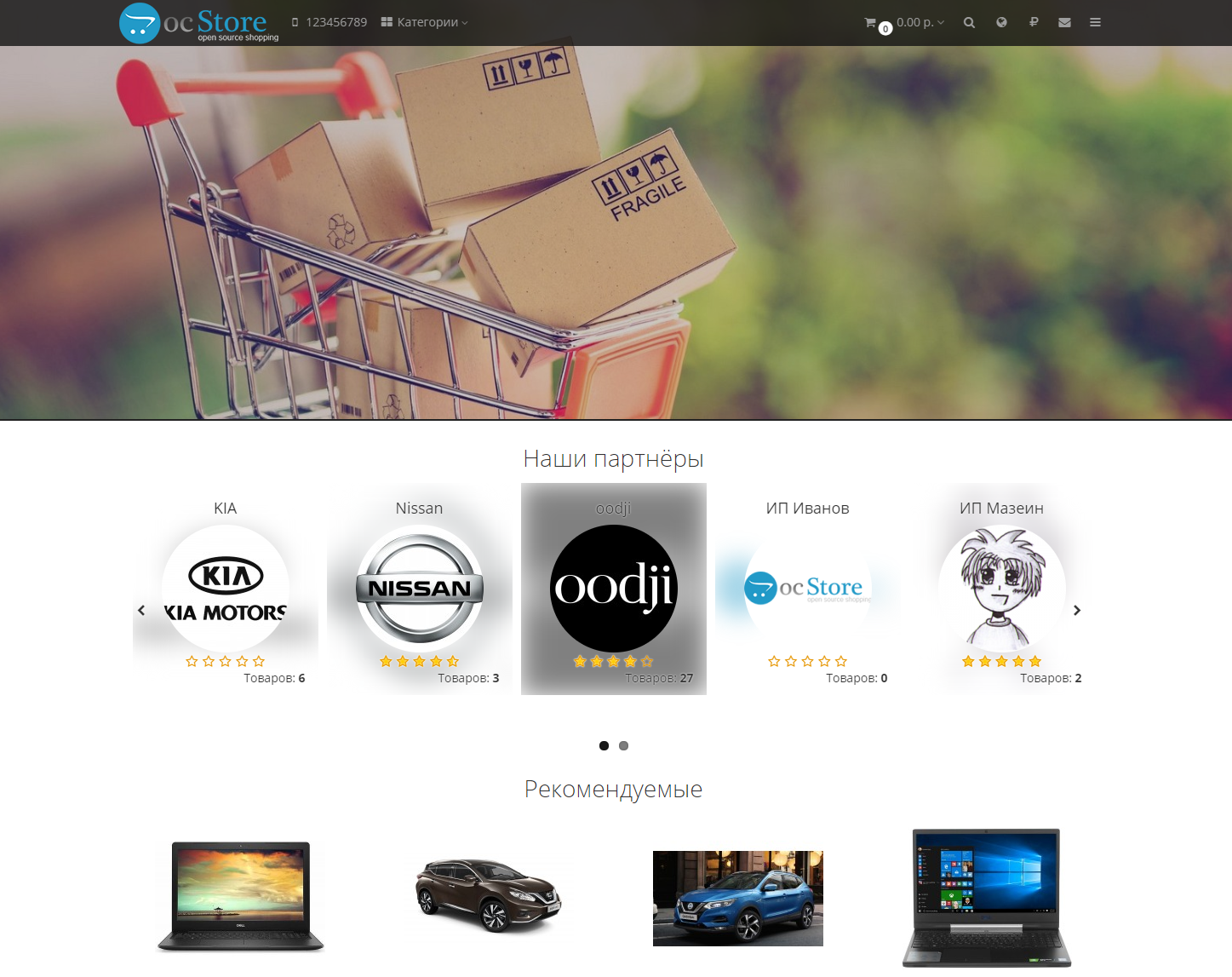
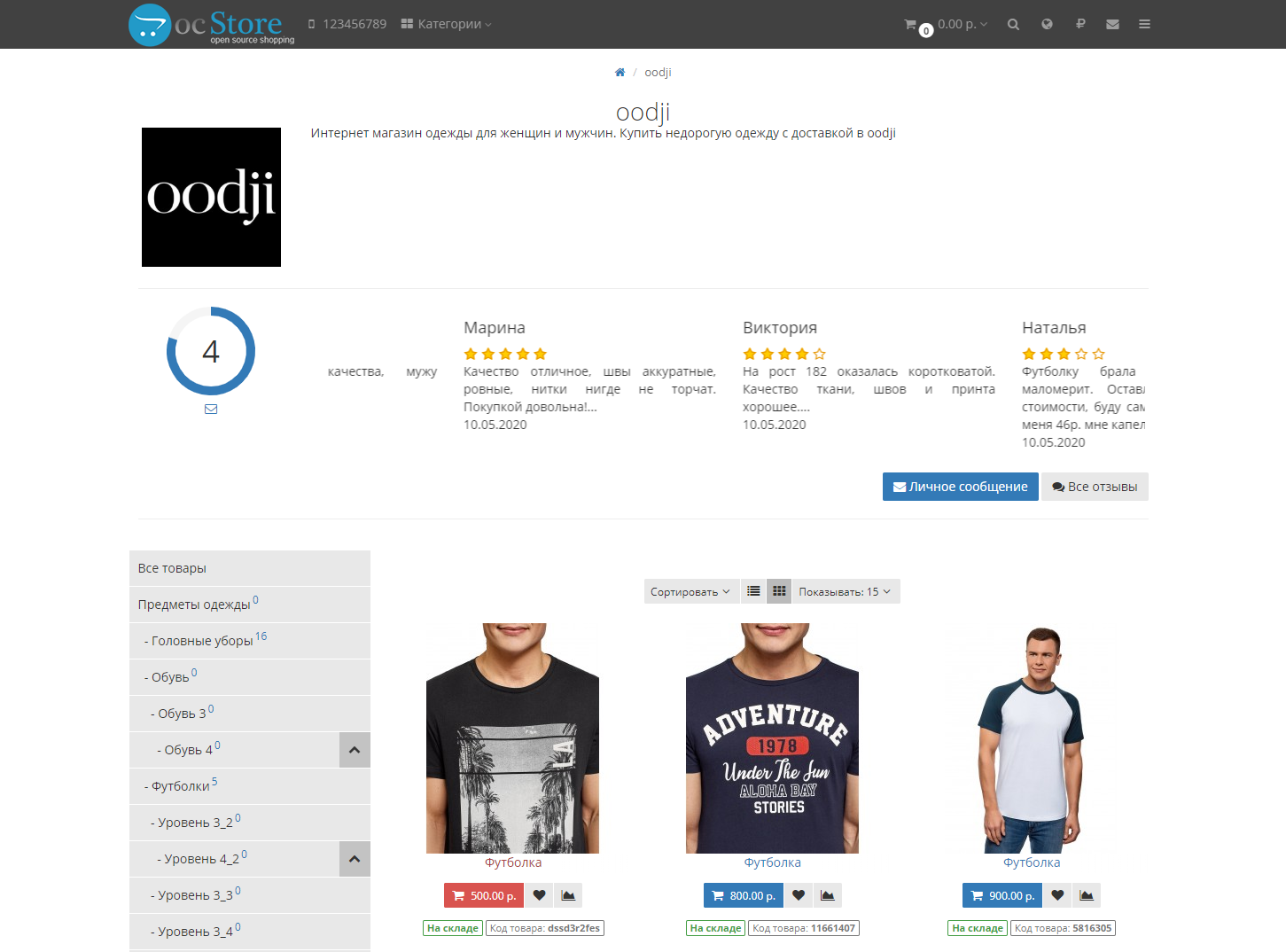
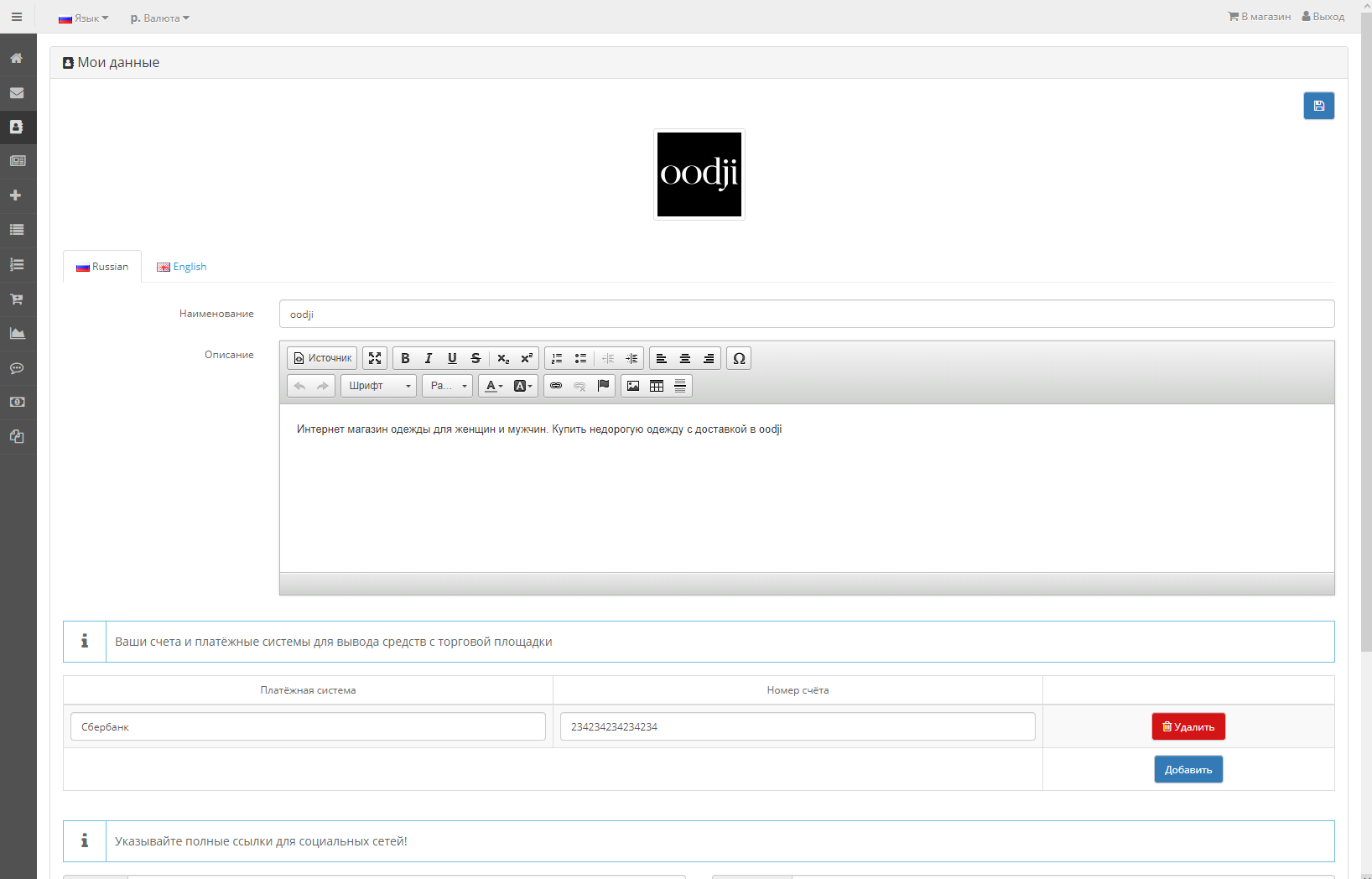
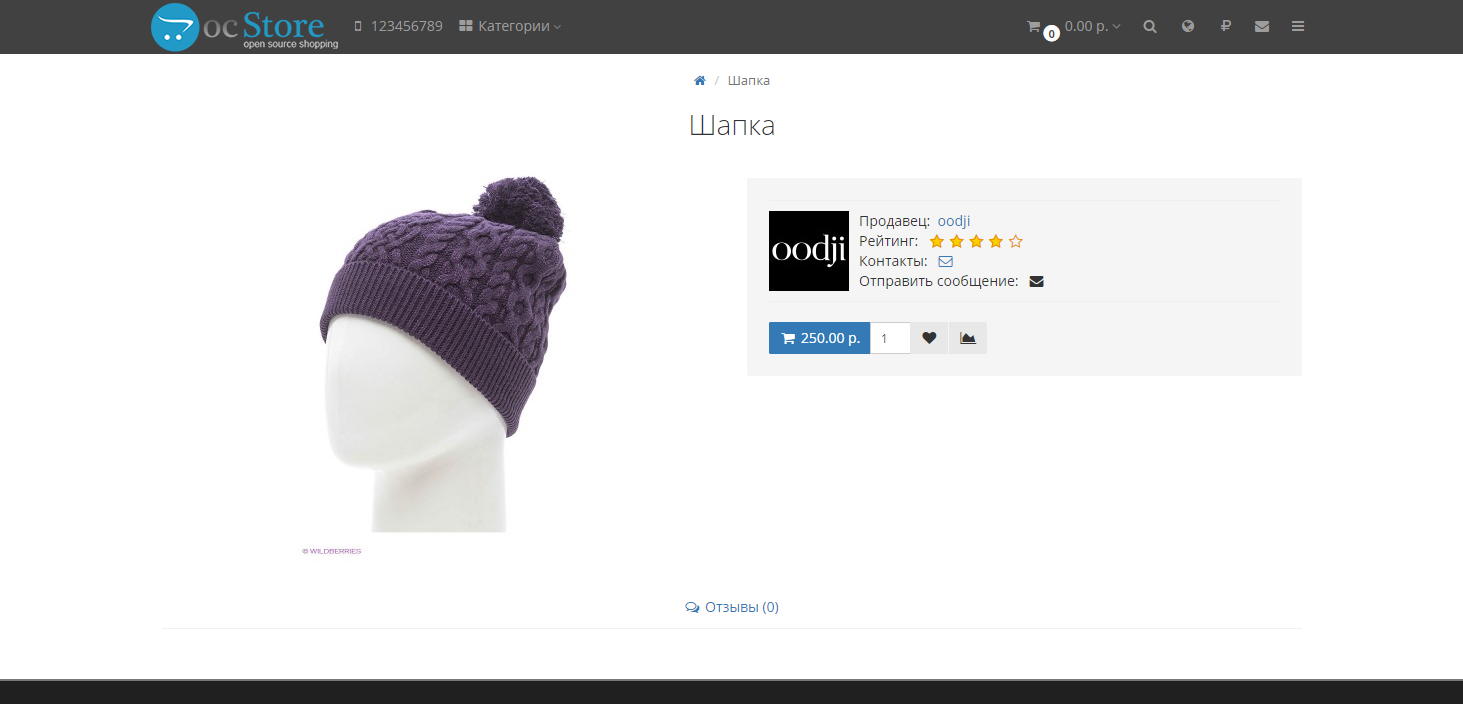
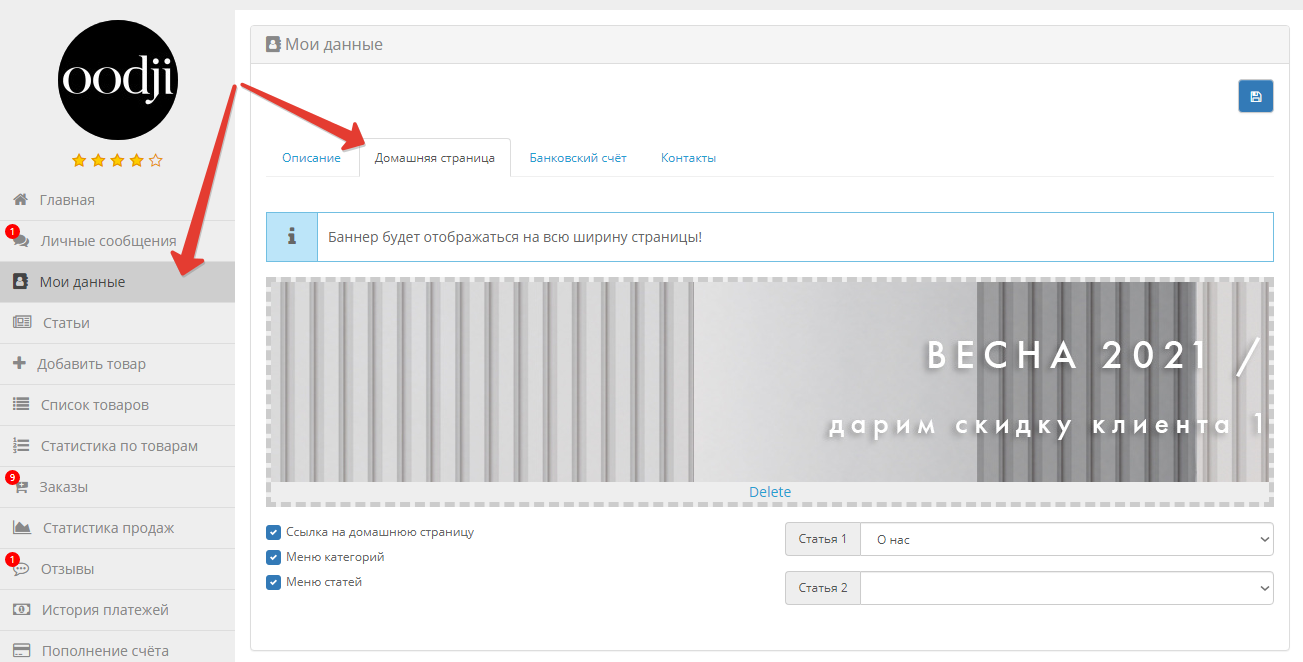
- Data about the seller - company name, description, logo
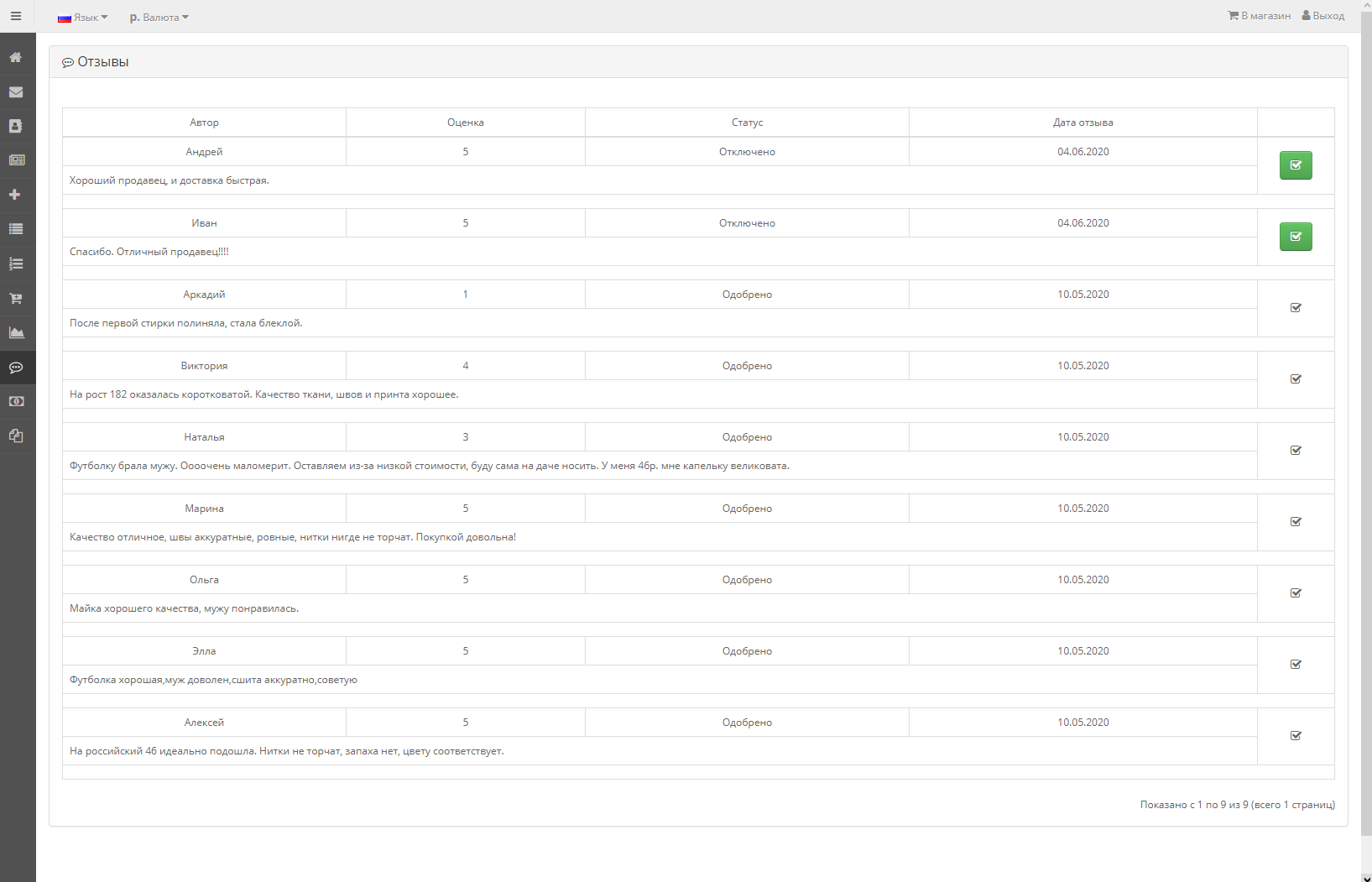
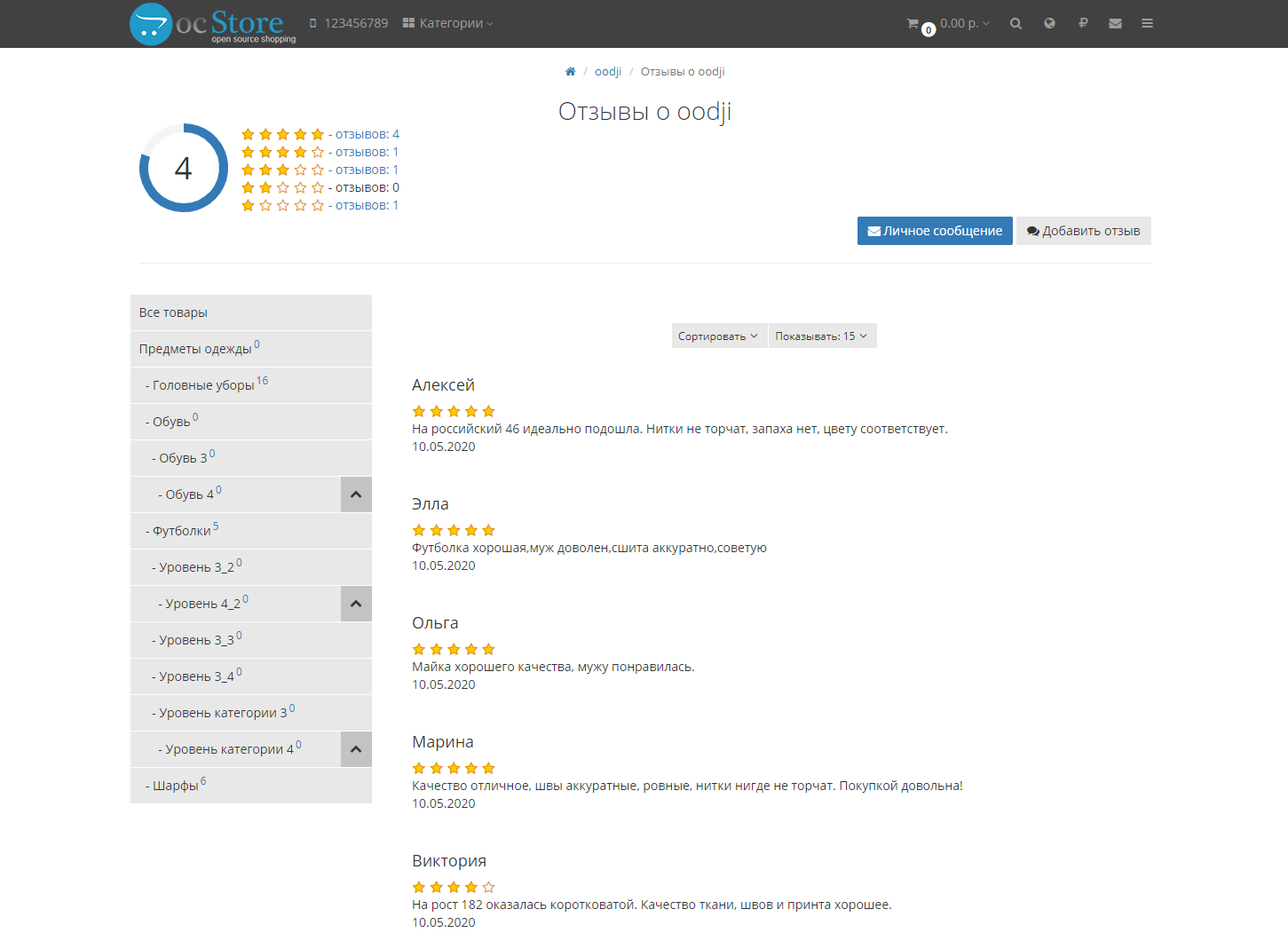
- It is possible to leave a review about the seller, give him rating
- The seller can approve reviews about himself, but cannot delete, edit, or disable them
- The store administrator can fully manage reviews and seller ratings
- Grouping of goods by seller in the cart, with the ability to place an order for goods from each sellerseparately
- Selecting delivery options for each seller
- File manager elFinder in the admin panel and in the seller’s personal account
- Sales statistics in the form of a graph in the seller’s account
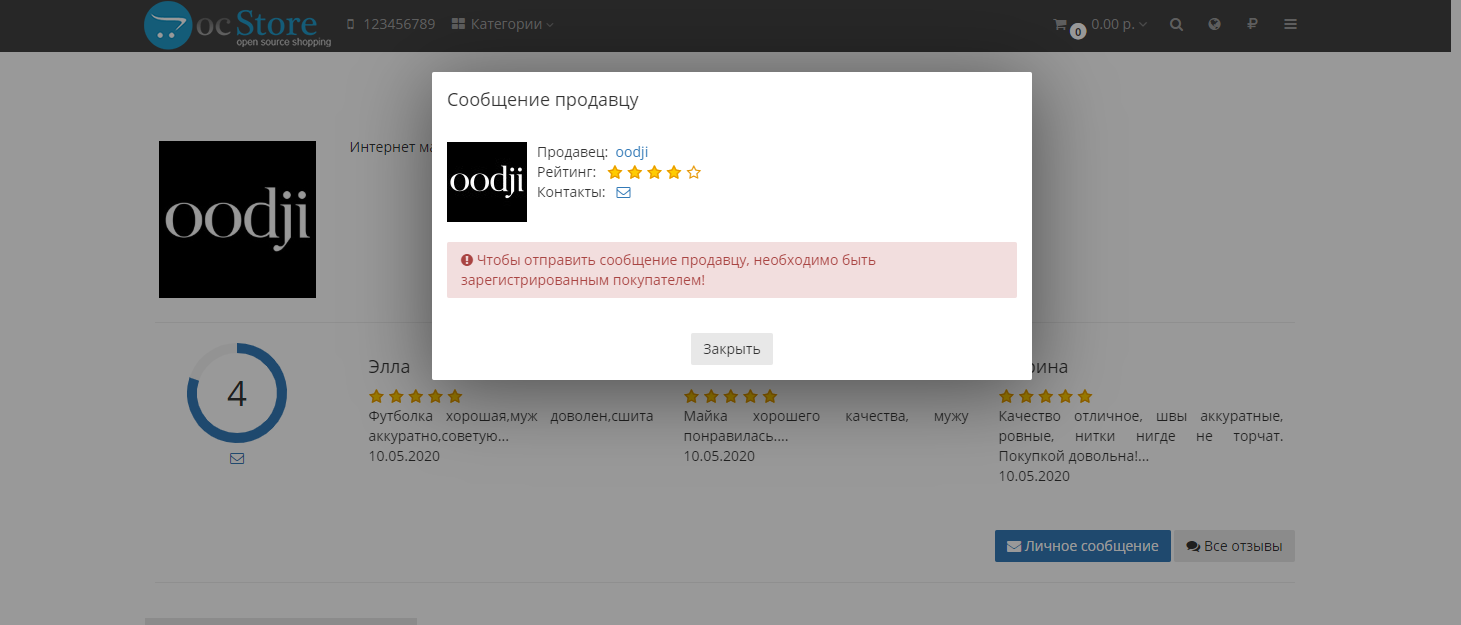
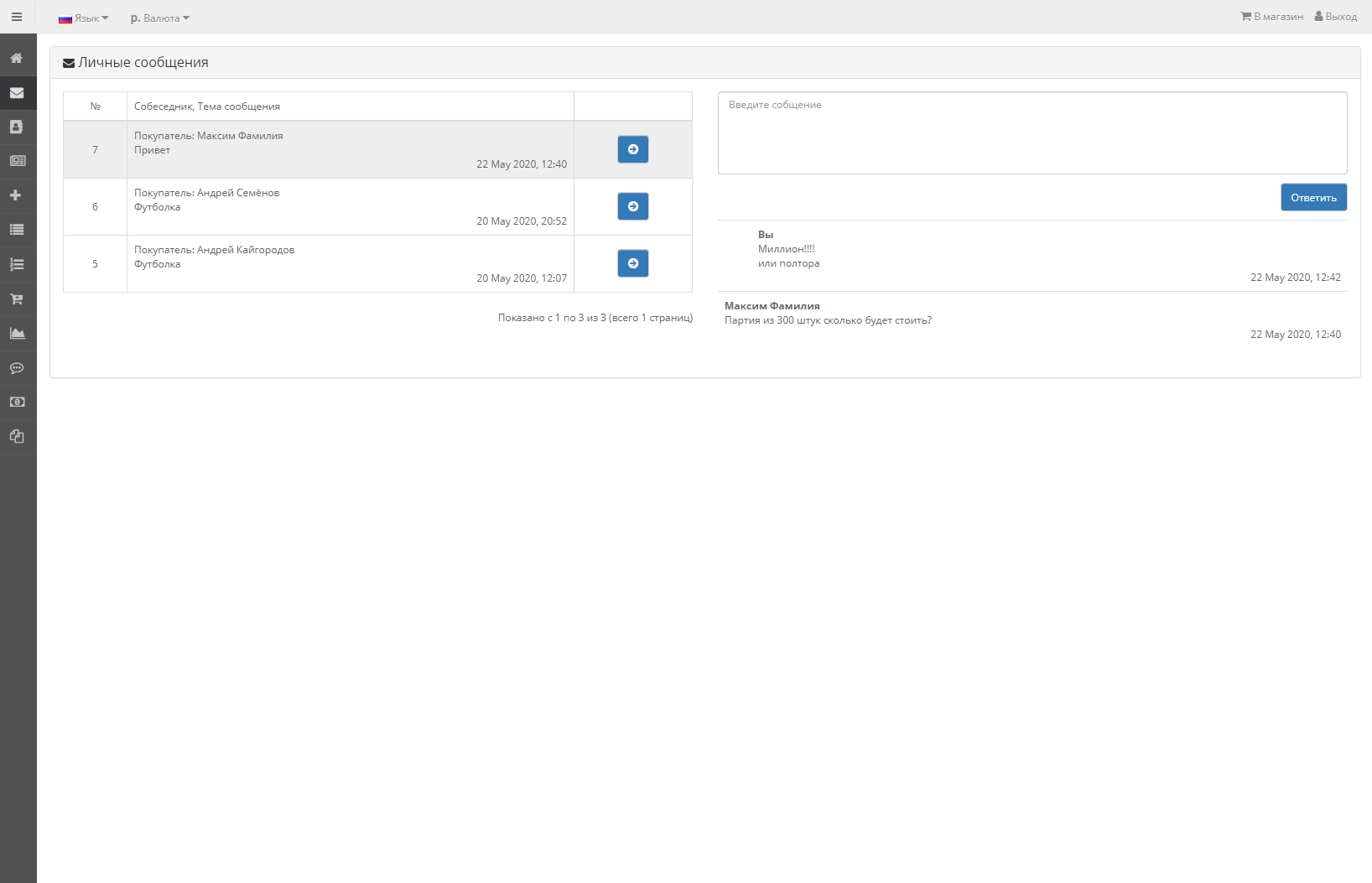
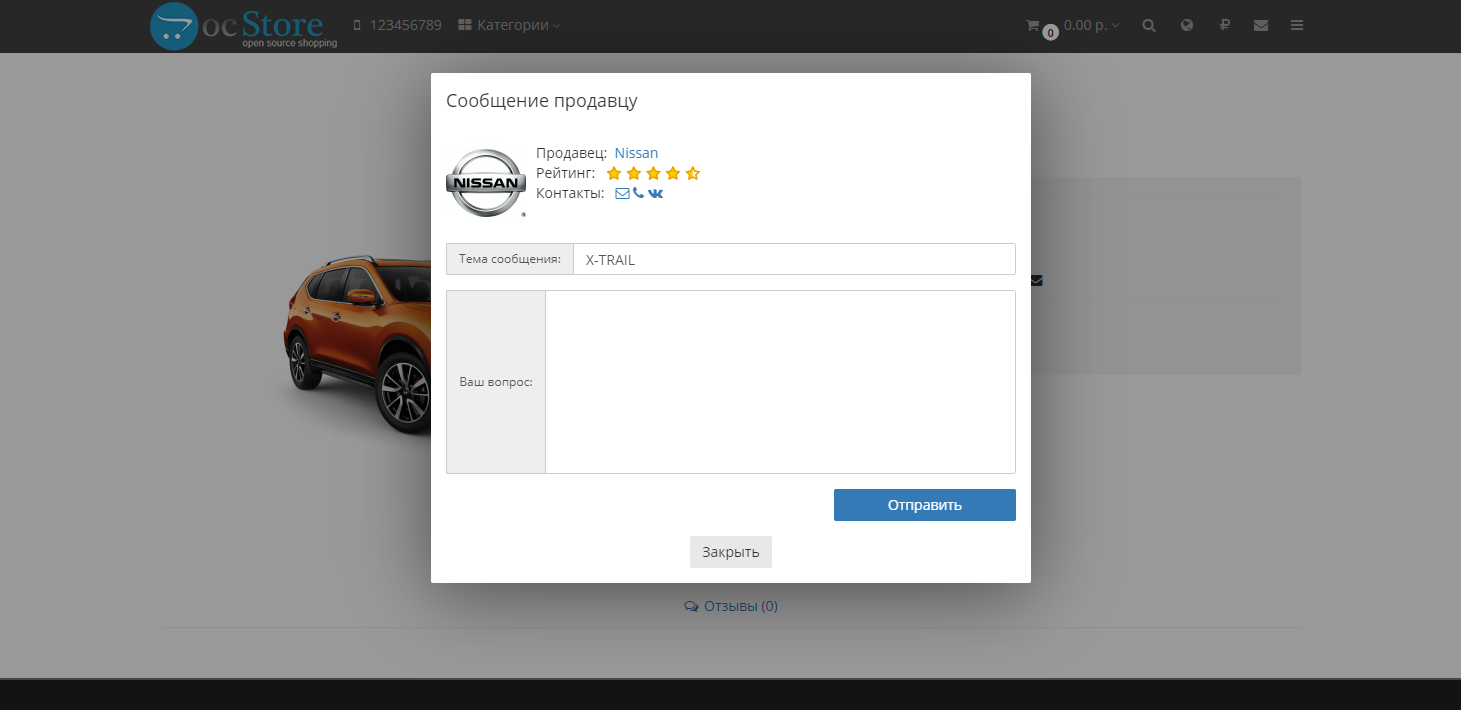
- Private messages between buyers and sellers, with the ability for the administrator to enter into a dialogue (in the admin panel)
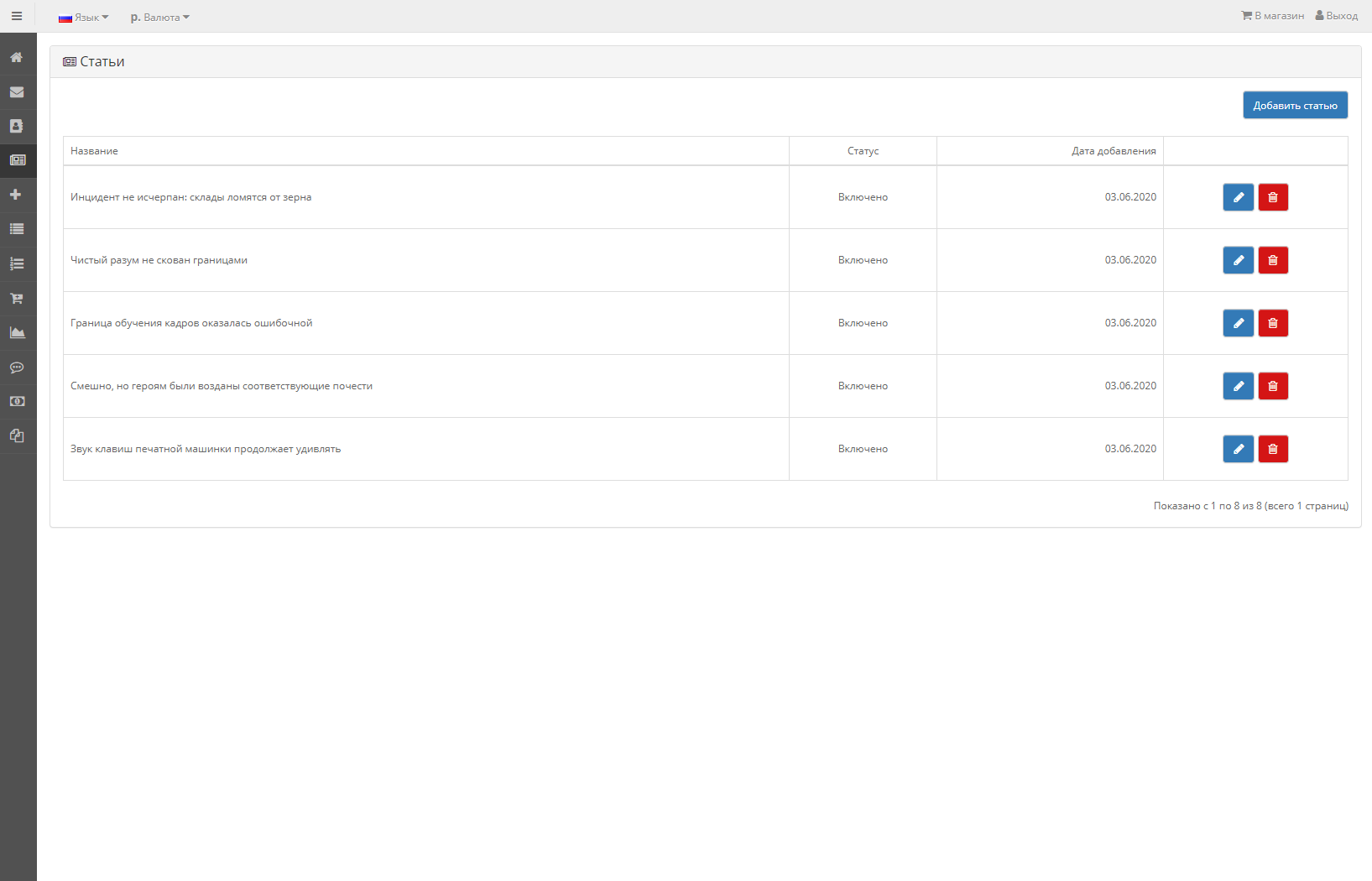
- Seller articles
- Selecting attributes and optionsfor each seller
- Ability to change order status (only for orders placed separately by seller)
- Template-independent personal account seller
- Uploading pictures to the seller’s account by dragging and dropping (dropzone.js)
- Outputting modules in the seller’s account through diagrams (layouts)
- Registration of a user as a seller when selecting a specific buyer group
- Setting up meta tags for pagesseller
- Notifying the seller when requesting to return goods
Additions
mmtrade_aop_2.3.ocmod.zip - adds seller selection when importing goods through the AOP module
mmtrade_attributes_options_2.3.ocmod.zip - selection of attributes and options for each seller
mmtrade_checkout_2.3.ocmod.zip - grouping of goods in the cart by seller with separate checkout (for the Simple module), changing the order status by the seller
seller_shipping_payment - OC2.3 only. Selection of payment and delivery methods for each seller
Module installation:
- Copy module files to the root of the site. No files will be replaced
- Install the module "Marketplace" through "add-ons" - "modules"
- Enter the key in this module
- Be sure to reset the cache modifiers
- In the admin panel, in the “System - Users - User Groups” section, allow access for the administrator group to:
mmtrade/filemanager
mmtrade/review
mmtrade/tickets
extension/module/mmtrade
extension/module/mmtrade_category
extension/module/mmtrade_sellers - You can enable the ability to place goods in editing the buyer
- Install the module "Trading platform - sellers" through "add-ons" - "modules", select the necessary sellers in it, and display this module through schemes to the desired page of the site
- Install the module "Trade platform - categories of sellers", create the "Seller" scheme, where you indicate the path "product/mmtrade_sellers/info", and display the module in the left column
- To be able to pay from the internal account, you need to install the module "Accountstore" in the "Take into account in the order" section. The standard "Store Credit" module does not work correctly, it should be disabled.
http://mmtrade.mazein.ru (UniShop2 template is used)
User with the ability to create products:
Login: ivanov@ivanov.ru
Password: ivanov
License conditions
- A license for the right to use the module is given upon purchase of for one domain. For testing, it is possible to issue a key for a test domain (upon purchase of the module). Test domain is a domain of at least the third level, like test.domain.com. A prerequisite for a test domain is a certain word,indicating that this domain is a test domain.
- Changing the license (domain) is possible (starting from version 4.0.2)!!! The cost of changing a license is 2000 rubles, paid through additional services. Domain change is available only to the buyer of the module. If you work with a contractor, purchase the module yourself!
- A separate license is purchased for an additional domain.
- When using a multi-store, one license is possible for all subdomains, provided that there is only one main domain, excluding regional second-level domains, for example msk.ru, ua.com, etc. If different second-level domains are used - the key is purchased for each domain separately separately.
- Starting from version 4.0.2, you do not need to enter the key
License check
License verification is carried out by connecting to the developer's server. To make it possible to change the license (domain), the license is checked periodically. If the developer's server is unavailable, the module will continue to work, but it is necessary that the connection be made at least once. [b]By purchasing this software, you agree to these terms.[/b]
Services for adapting a module to the template
- Adaptation to the template, in the amount of 3000 rubles. paidseparately, and is only possible when used in a template with bootstrap versions 3.5 - 4 (full-fledged, similar to the default template).
- I do not adapt templates without using bootstrap.
- Adaptation of non-standard template modules, additionally installed modules, and other additionally implemented functionality is paid separately.
- Functionality for grouping goods by seller, with separate design order, implemented only using the Simple module.
Adapted to the templates
- [size=100]default
- moneymaker2
- revolution__BBCODE_359 __
- techstore
- lightshop
- revolution
- feelmart__BBCOD E_379__
- technics
- ultrastore[/*]_ _BBCODE_388__oct_remarket
- unishop2[/*]__BBCO DE_396__fractal
- stroimarket
- Template purchased legally! The latest version of the template has been installed.
- The template is designed using the Bootstrap versionno older than 3.5
- The paid service implies adaptation of only the current version of the module at the time of payment. Updating the adaptation when updating the template is paid.
- The author of the module is not obliged to adapt the module to the template.
- The author of the module has the right to refuse adaptation to a template that uses scripts that make changes to the operation of the module, as well as containing methods that replace standard methods engine.
- In case of refusal to adapt the module to the template, the amount paid for this service will be returned taking into account the site commission.
- Adaptation to the template does not include the ordering page included in the template. Usesimple.
- I don’t work with these templates: journal
4.0.2 (11.01.23)
2.7.2
2.7.1
2.7
2.6
2.5
2.4
2.3
- Change to license verification. Displaying the release of a new version and changes in the admin panel. Possibility of replacing the license with another domain (paid)
- Combining the module for ocStore and Opencart
- Ability to work with seo_pro on Opencart
- The calculation of the buyer's rating has been changed. Previously, only reviews about the seller were used for evaluation, now - the average rating of reviews about the seller, and reviews about the seller’s products
- The “Seller” field has been added to product returns. In the admin panel, in the “returns” section, a sorting of returns by seller and a “Seller” field have been added. When a return is created, the selected seller is notifiedby letter
- Visual changes in the module admin panel
- Alert letters about personal messages have been made more attractive
- Setting up meta tags for pages seller
- The "Seller Categories" module is loaded with Ajax so that search engines do not index it
- Catalogue pages in the seller section return 404 so that they are not indexed
- Independent of template for the seller's personal account
- Private messages from users in the pop-up window
- Fixed the moment of charging the seller for a completed order
- Management from the admin panel of all fields for creating/editing a product
- Ability for sellers to add products to several stores (multi-store)
- Fixed calculation of the number of goods sold in sales statistics
2.7.2
- Added module for OcStore 3.0.x
2.7.1
- Selecting attributes and options for each seller
- Order statuses for sellers
2.7
- Tariffs for sellers (additional module)
2.6
- Seller articles
2.5
- Personal messages betweenbuyers and sellers, with the ability for the administrator to enter into dialogue (in the admin panel)
2.4
- Possibility of posting goods without moderation
- File manager in the seller’s personal account
2.3
- Managing fields and tabs from the admin panel that are located in the seller’s personal account on the product adding page
- Selecting categories for each seller to which he can link a product
- Selecting a store for each seller to which he can link product
- Multi-store - adapted for multi-store
- Separate ordering for differentsellers
- Different delivery options for sellers (only for Simple)
- Added ratings and reviews for sellers
- CNC default and seo_pro
- Seller status request page
- Seller contact information
- For sales of goods, the seller receives funds to an internal account (transactions)
- Added notification to the admin panel about new products from sellers
- Added a separate version for standard opencart 2.3
- Release
Paid?:
Opencart version:
Getting files:
Protection:
VQmod:
Ocmod:
Events:
Uploaded:
03.05.2020
Updated:
23.01.2026
Viewed:
24184
Sales:
66
Write a review
Your Name:Your Review: Note: HTML is not translated!
Rating: Bad Good
Enter the code in the box below:

Articles about the product

Why Your Online Store on OpenCart is Better Than a Marketplace.


Всё было сделано быстро, качественно. На все вопросы быстрые ответы. Автора однозначно рекомендую!
Да, с помощью модуля АОП, адаптация в архиве с модулем.
https://liveopencart.ru/opencart-moduli-shablony/moduli/obmen-dannyimi/avtomaticheskaya-obrabotka-prays-listov
я бы взял
В составе есть дополнительный модуль для группировки товаров по продавцам в корзине, и отдельному оформлению заказов по каждому продавцу. В этом случае могу добавить возможность смены статуса заказа продавцом. Остальное - либо создаётся новый заказ, либо изменения вносит админ.